
Employee Handbook
Docs + Word21 pages
Free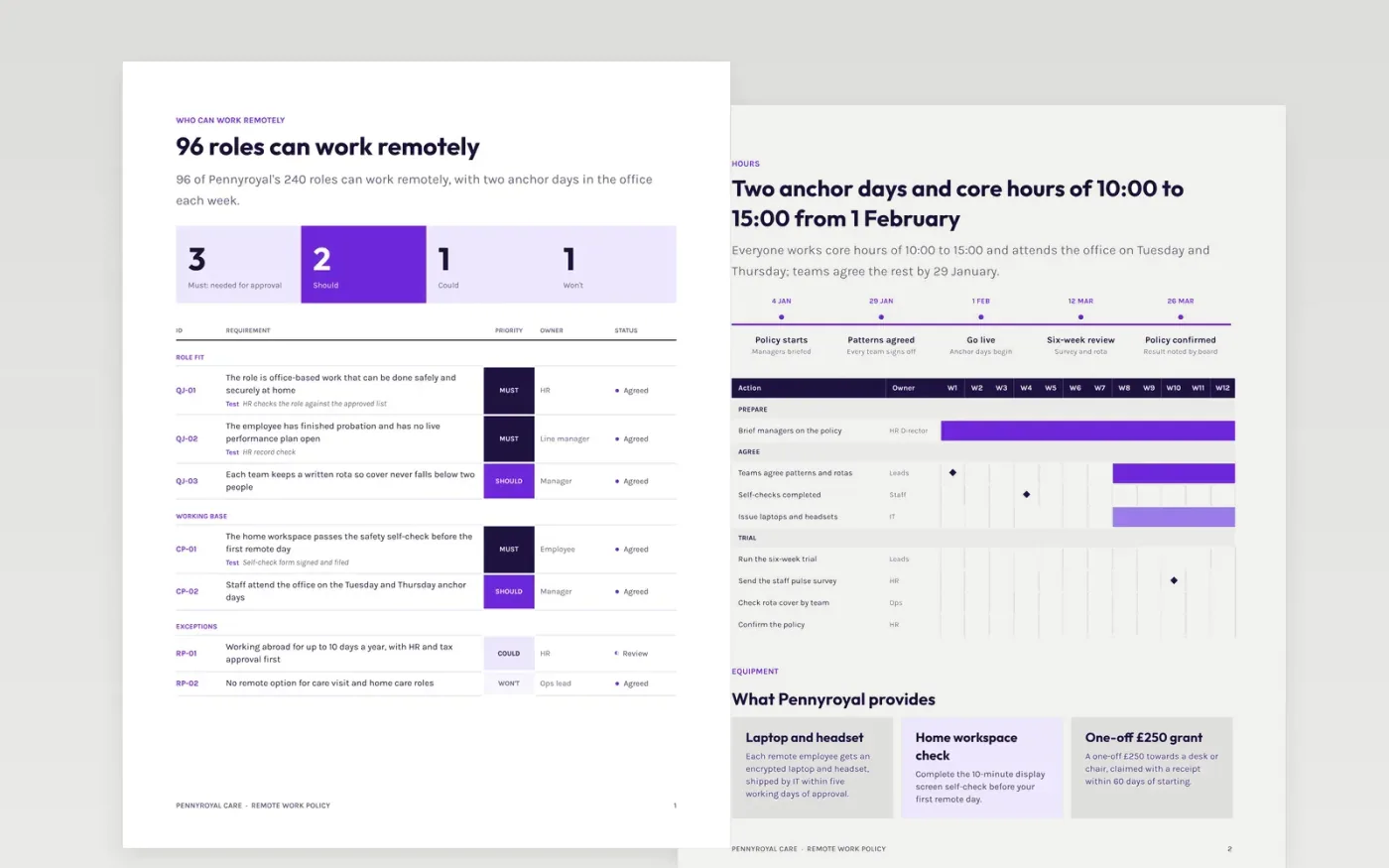
A remote work policy has to answer the questions staff ask first: can I work from home, which days must I be in, what equipment will I get and what is paid for. This template answers them in order, with eligibility and priorities, a rollout plan for hours, equipment, numbered security rules, an expense budget and a review.
The sample is a policy from Pennyroyal Care, where 96 of 240 roles are eligible, two anchor days are set, core hours run from 10:00 to 15:00 and year-one costs total £96,000. Replace the roles, days, allowances and costs with your own, and keep the review dates so the policy stays fair as it is used.
Click Make a copy in Google Docs, then confirm on the Google page. The copy is saved to your own Google Drive.
Replace the eligible roles, anchor days and core hours with your own, and set an owner and status against each requirement.
Update the equipment provided, the security rules and the allowance amounts, and check them with IT and finance.
Set your rollout dates and review dates, then share the draft with managers so each team can agree a written pattern.
Delete the Make it yours guide page, then share the policy with staff or present it.
It helps to set a default, such as two anchor days, and let teams agree changes in writing. A default keeps teams together and gives managers a fair starting point for requests.
Review it after a six-week trial, again at mid-year, and then every year. Use a staff survey, rota cover and security incidents as the measures, so changes rest on evidence.
No. Pennyroyal Care, its people, email addresses and every figure are fictional sample content. Replace all of it with your own details and check allowances and tax rules with an adviser.
Docs + Word21 pages
Free
Docs + Word7 pages
Free
Slides + PowerPoint16 slides
Free
Docs + Word7 pages
Free
Docs + Word7 pages
Free








