Remote Work Policy
Docs + Word7 pages
Free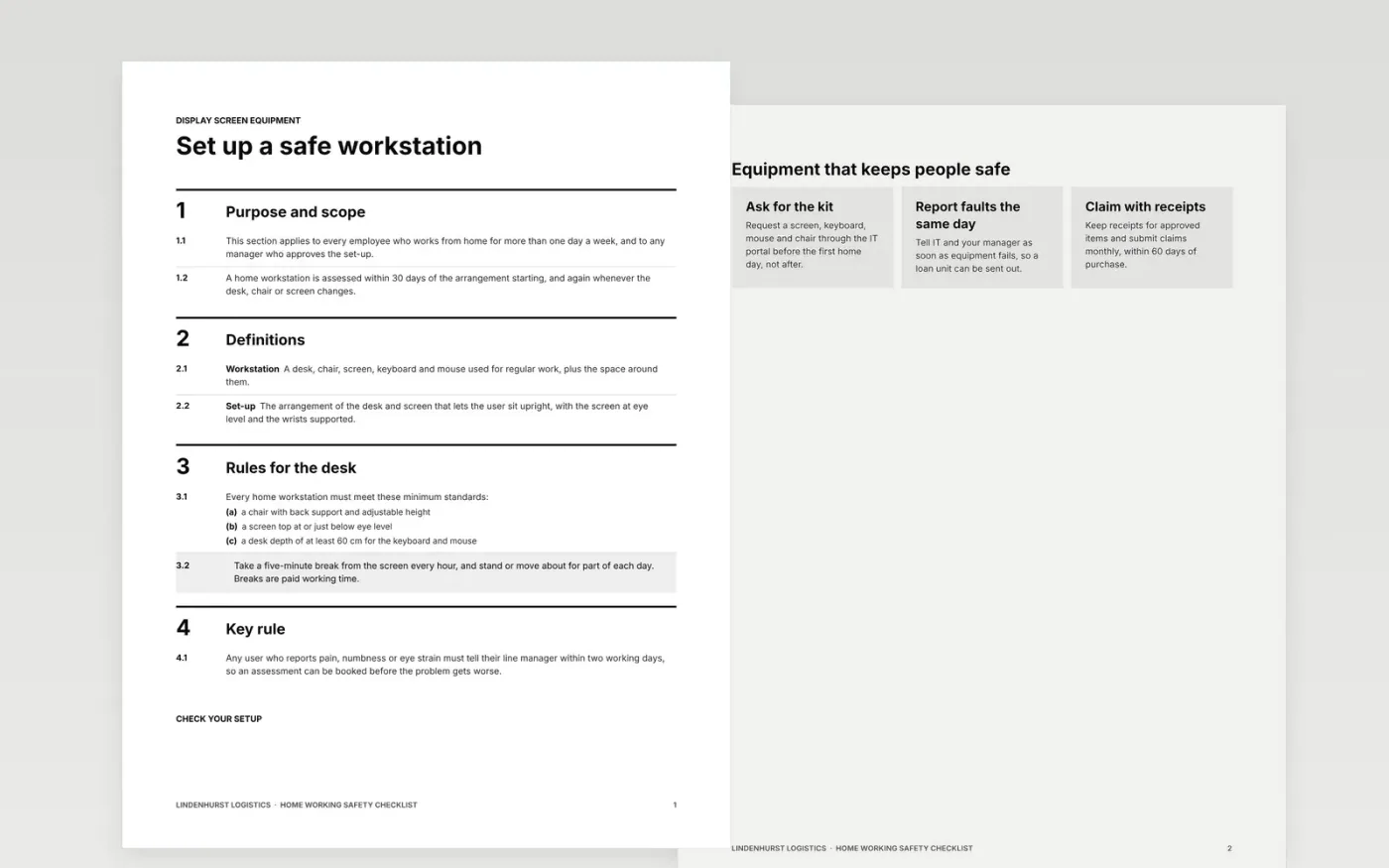
Home workers need the same safety standard as office staff, but many of the risks sit in spaces the employer does not control. This checklist sets the assessment out in the order it is done: the workstation, the equipment, the home environment, wellbeing, and a sign-off that records the actions and a review date. Each section gives the questions to ask, the answer to record and the owner for any fix.
The sample is an assessment for a dispatch planner at Lindenhurst Logistics who works from home three days a week. It shows the workstation rules, a layered view of the home environment and network, a wellbeing article and a sign-off with the agreed terms. Every name and figure is fictional. Replace the policy wording, the allowance and the contacts, then check the arrangement with occupational health or your health and safety adviser.
Click Make a copy in Google Docs, then confirm on the Google page. The copy is saved to your own Google Drive.
Replace the employer name, the policy owner and the contact details on the sign-off pages.
Set the equipment list and the home office allowance, and name who approves any exception.
Record each action with an owner and a date, then agree the review date with the employee.
Delete the Make it yours guide page, then share the checklist with managers and staff or present it.
Yes. Lindenhurst Logistics, its staff, the email addresses and every figure in the sample are fictional. Replace them with your organisation's own details before you issue the checklist to anyone.
No. It records the checks for one person's home workstation. Your general risk assessment for remote working still applies, and it should be reviewed when someone starts, moves or changes equipment.
Set this in your policy. In this sample the employer supplies the screen, keyboard, mouse and chair, and staff can claim a one-off £300 for set-up plus £25 a month for the broadband and heating used for work.
Docs + Word7 pages
Free
Docs + Word7 pages
Free
Docs + Word7 pages
Free










