
Bank Quarterly Results Deck
Slides + PowerPoint10 slides
Free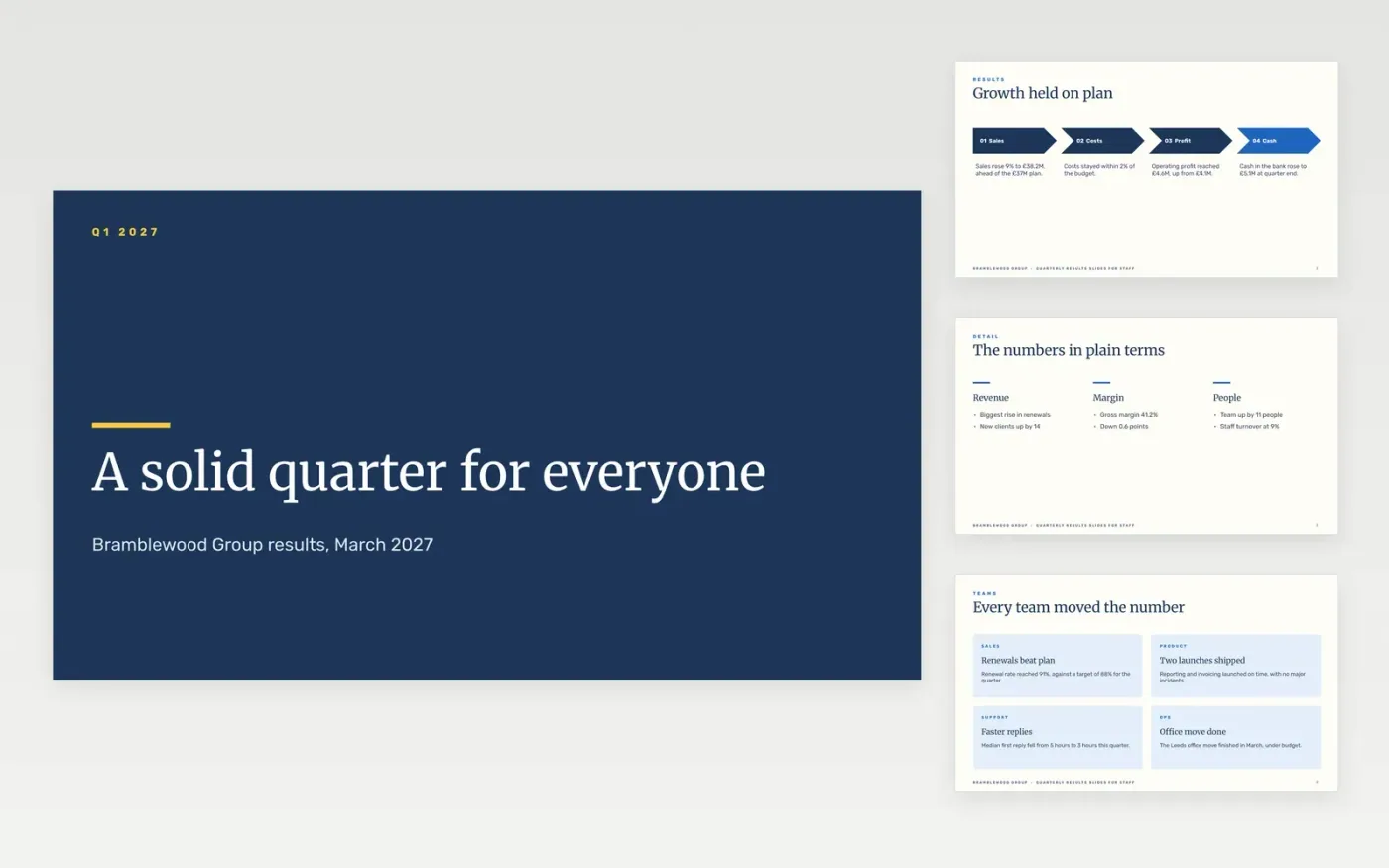
Companies that share results internally need a version a colleague can follow without a finance background. This deck explains the quarter in four steps: how it went, what drove it, what it means for each person and what comes next. Each slide uses one headline number and one plain sentence, so the talk can stay on what changes for the team rather than on accounting terms.
The sample is for Bramblewood Group, a fictional services company, and every figure, team story and date is sample data. It shows revenue of £38.2M, up 9%, operating profit of £4.6M and a pay review in April. Replace the headline numbers with your own, write each step in words a colleague can check, and swap the team examples for real wins from your departments before you share the deck.
Click Make a copy in Google Slides, then confirm on the Google page. The copy is saved to your own Google Drive.
Replace the headline figures with the quarter's revenue, profit and cash before you share the deck.
Write each step in plain words, with one number a colleague can check against the accounts.
Swap the sample team stories for real wins from your own departments, and name the team leads.
Delete the guide slide, then share the deck with staff or present it at the all-hands meeting.
No. Bramblewood Group, its staff and every figure, team story and date in this deck are fictional sample data, included so you can see a finished staff results deck.
Enough to see how the quarter went and what it means for them, but not every ledger line. Use one headline number per slide, and point to the full accounts for anyone who wants the detail.
Say so on the first slide, explain the cause in plain words, and show what the company will do about it. Staff trust a plain miss more than a result that sounds too good to be true.
Slides + PowerPoint10 slides
Free
Slides + PowerPoint11 slides
Free
Slides + PowerPoint10 slides
Free
Slides + PowerPoint10 slides
Free
Slides + PowerPoint11 slides
Free
Docs + Word7 pages
Free
Docs + Word8 pages
Free










