
Sales Kickoff Deck
Slides + PowerPoint12 slides
Free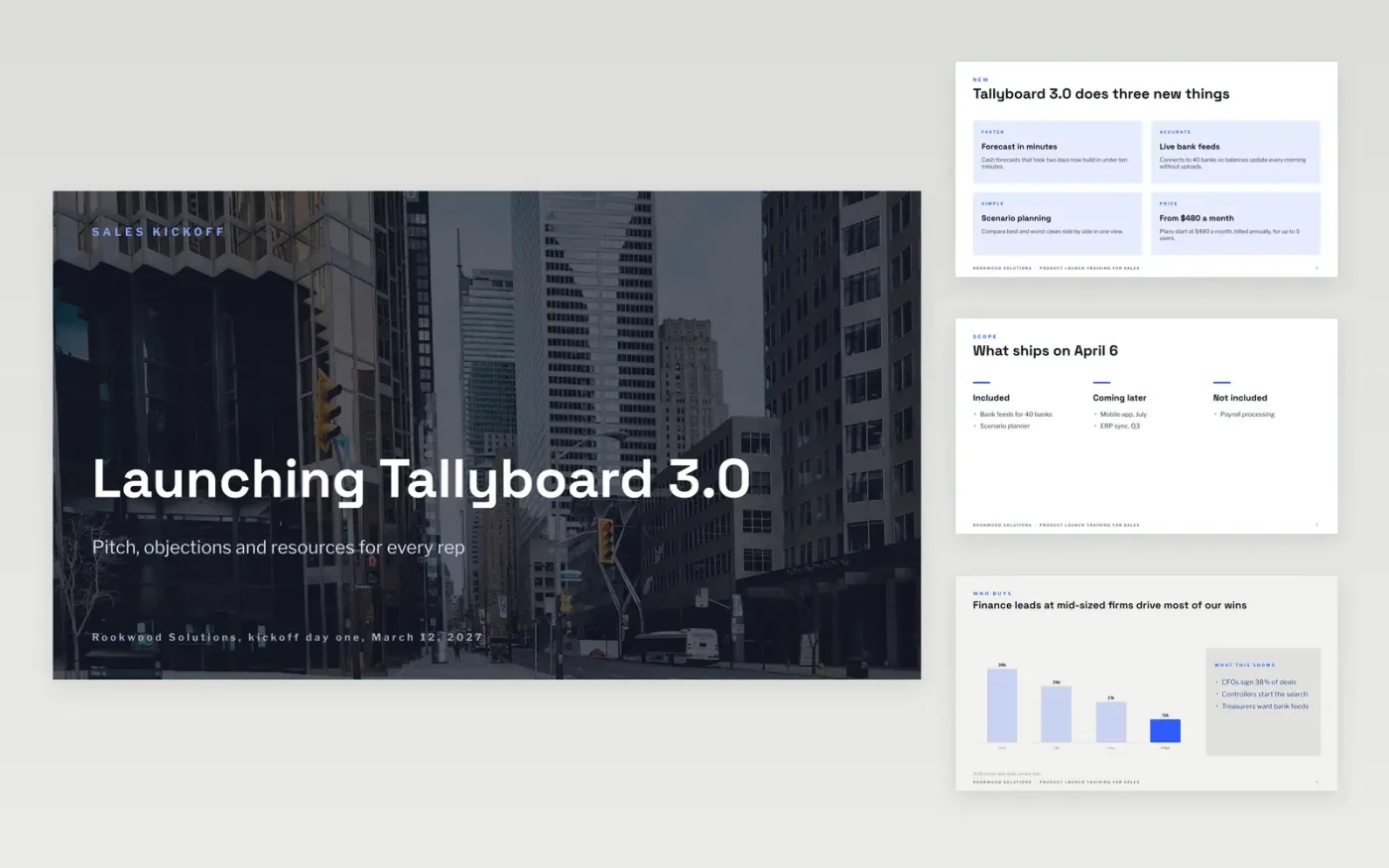
Reps forget a launch briefing within a week unless it gives them something to say. This deck trains the team in the order they will use it: what is new, who buys and why, a three-step pitch, short replies to the five objections they will hear first, and where to find the tools afterwards.
The sample follows Rookwood Solutions, a fictional company launching Tallyboard 3.0, a cash forecasting product for mid-sized finance teams. It shows three headline benefits, a buyer chart, deal figures and a table of replies. Replace the product, data, prices and contacts with your own, then delete the guide slide.
Click Make a copy in Google Slides, then confirm on the Google page. The copy is saved to your own Google Drive.
Replace the product name, the three benefits and the price on the first two content slides with your own.
Update the buyer chart and deal figures with closed-won data from your CRM, and change the source line.
Rewrite the pitch and the objection replies in your reps' own words, and list your real resources and contacts.
Delete the guide slide, then present the deck or share it with the team.
Yes. It is a free Google Slides template. Make a copy to your own Drive, edit every slide and present it at your own sales kickoff.
No. Rookwood Solutions, Tallyboard, the people and every figure are fictional sample content. Replace all of it with your own product and data before you present.
Yes. Change the price card to a positioning statement or a launch date, and edit the objections table to match the concerns you expect from buyers.
Slides + PowerPoint12 slides
Free
n8n
Free
Slides + PowerPoint12 slides
Free









