Sprint Review Deck
Slides + PowerPoint10 slides
Free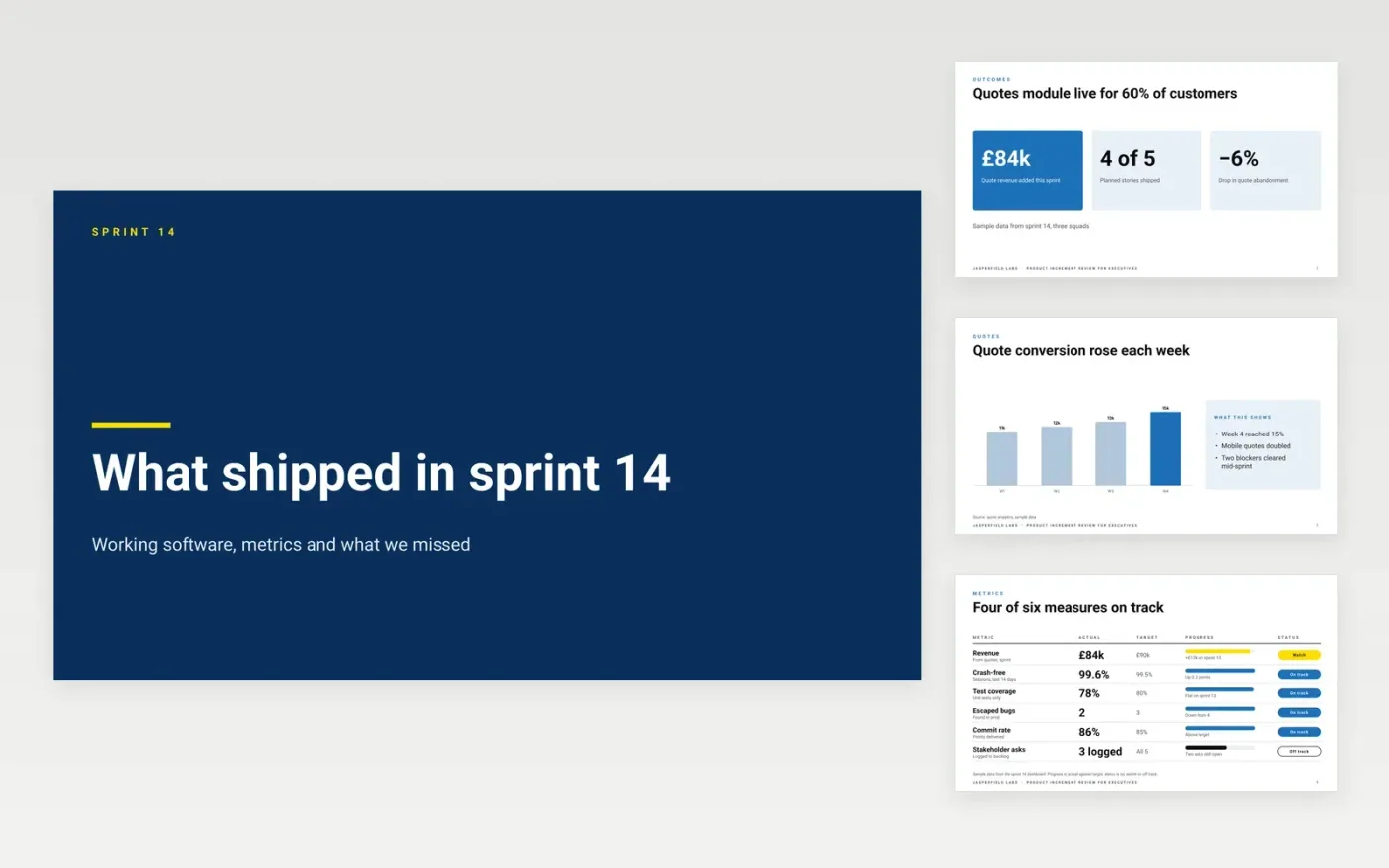
A sprint review that walks through tickets tells executives little about whether anything improved. This deck starts with the outcome, moves to the measures, the feedback customers gave and the risks, and closes with the next sprint. Every slide is built to make a decision easier, and every miss is reported next to the wins.
The sample is for Jasperfield Labs, a software company building quotes for trade customers, reviewing sprint 14 with four of five planned stories shipped, a 6% drop in quote abandonment and one open risk on payments. Every name, metric and date is fictional. Replace the outcomes, metrics and risks with your own results, and record each request as a backlog item before the meeting ends.
Click Make a copy in Google Slides, then confirm on the Google page. The copy is saved to your own Google Drive.
Replace the sprint goal and mark it achieved, partly achieved or missed before the meeting.
List only the items that meet the definition of done, and give the rest a reason.
Swap the demo placeholders for screenshots or short clips of the real features.
Delete the guide slide, then share the deck with stakeholders and log each request as a backlog item.
Yes. Jasperfield Labs, Priya Nair, the customers, the quotes module and every metric and date in this deck are fictional. Replace them with your own sprint results before you present them to anyone.
Yes, in the same breath as the wins. A review that hides a missed goal behind a long list of small successes teaches the room that bad news is not welcome, and the next sprint pays for it.
Record each request as a backlog item with an owner before the meeting ends. Feedback that has no owner or visible change to the backlog is usually forgotten by the following review.
More Google Slides templatesMore developer workflows templates
Slides + PowerPoint10 slides
Free
Slides + PowerPoint11 slides
Free
Docs + Word7 pages
Free









