
Engineering Demo Day Deck
Slides + PowerPoint11 slides
Free3 templates
Slides + PowerPoint11 slides
Free
Slides + PowerPoint10 slides
Free
Slides + PowerPoint10 slides
Free Engineering Demo Day Deck | 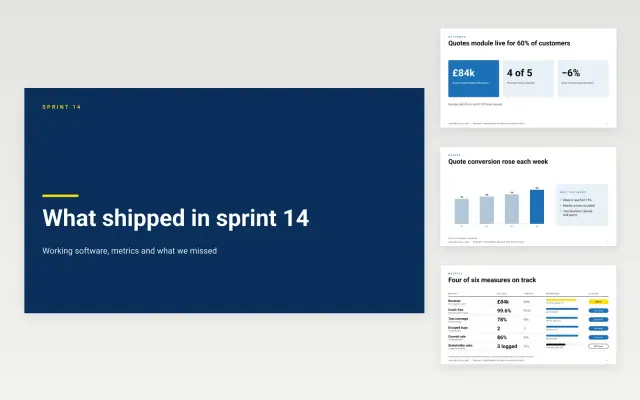 Product Increment Review for Executives | 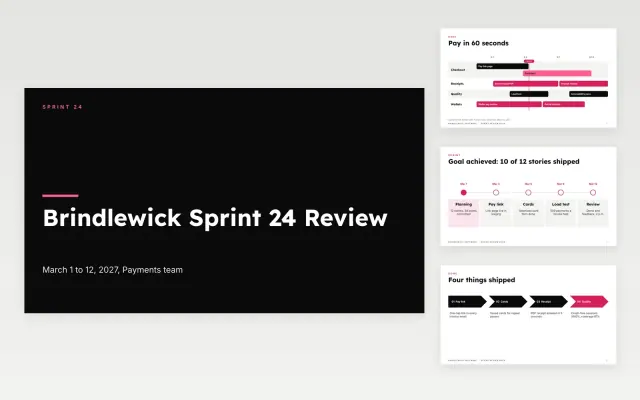 Sprint Review Deck | |
|---|---|---|---|
| Format | Presentation | Presentation | Presentation |
| Works in | Google Slides and PowerPoint | Google Slides and PowerPoint | Google Slides and PowerPoint |
| Length | 11 slides | 10 slides | 10 slides |
| Style | Modern | Corporate | Bold |
A sprint review deck shows stakeholders what a team finished in a sprint and gathers their feedback.
Cover the sprint goal, completed work, a demo, unfinished work, metrics, and next priorities.
Show working software wherever you can, since a live demo gets better feedback than slides.
Compare Engineering Demo Day Deck, Product Increment Review for Executives, and Sprint Review Deck, all 10 to 11 pages long, then pick the closest match and replace the sample text with your own.
A sprint review deck shows stakeholders what a team finished in a sprint and gathers their feedback.
Include the sprint goal, completed work, a demo, unfinished work, metrics, and next priorities. Show working software wherever you can, since a live demo gets better feedback than slides.
Start with Engineering Demo Day Deck: Run a demo day where every team gets two slides, a live demo and the same set of numbers. If that is not the right fit, compare it with Product Increment Review for Executives.
The templates here are 10 to 11 pages long. Cut any section you do not need; each template explains what its sections are for.
Yes. These sprint review deck templates work in Google Slides and Microsoft PowerPoint. All 3 templates are free, with no account or email needed.