Nonprofit Partnership MOU
Docs + Word7 pages
Free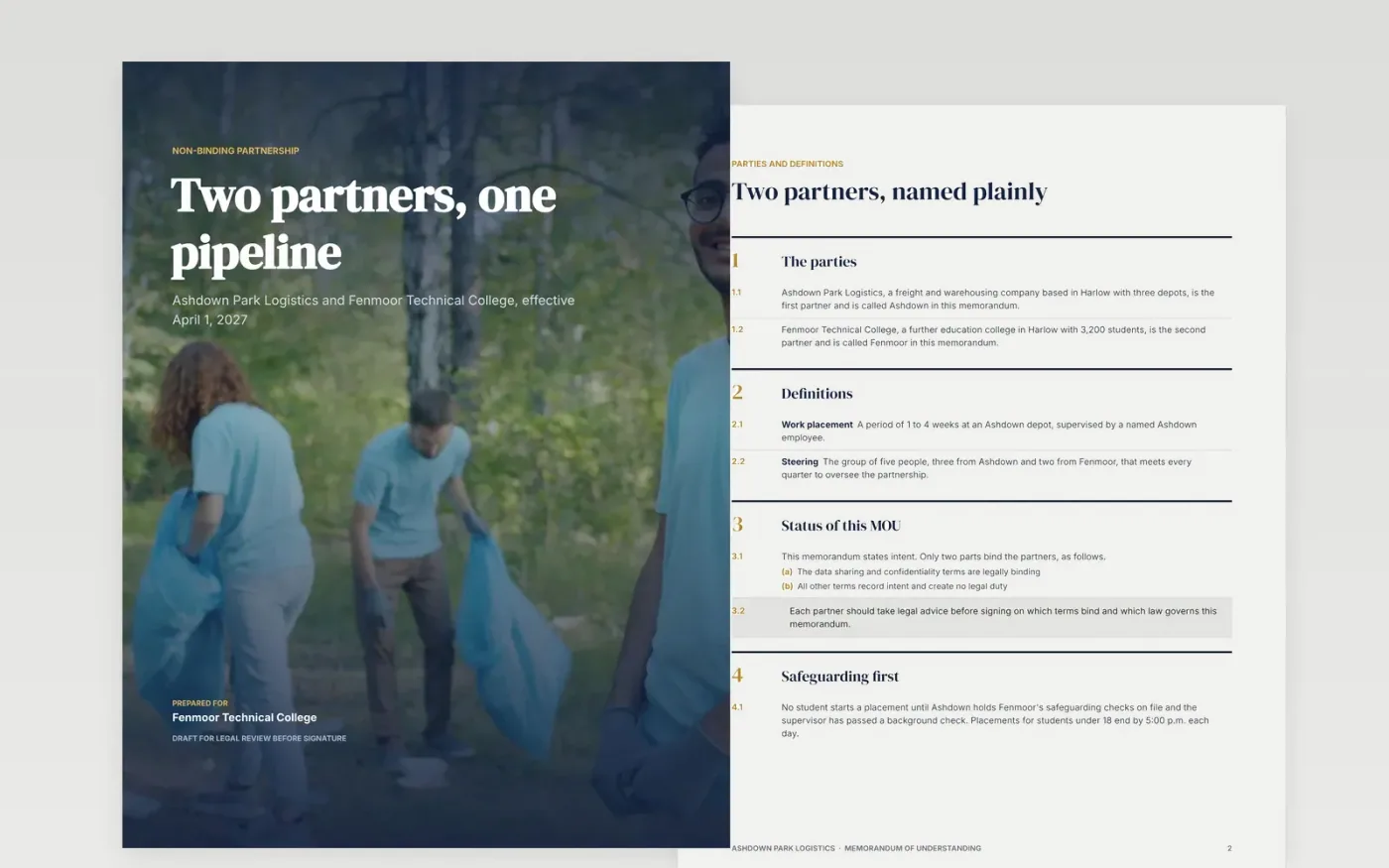
Partnerships drift when the aims are vague and nobody wrote down who does what. This nine-page memorandum puts the parties, purpose, roles, resources, term, review and signatures in one clear draft, and says which parts bind the partners and which only record intent.
The sample is a fictional partnership between Ashdown Park Logistics and Fenmoor Technical College: 40 work placements a year, $30,000 a year in cash, a two-year term and quarterly steering meetings. Replace the parties, figures and dates with your own, and have a lawyer review it before signing.
Click Make a copy in Google Docs, then confirm on the Google page. The copy is saved to your own Google Drive.
Replace the parties, signatory names and titles, and rewrite the purpose and the three shared aims.
Set the roles, the RACI table, each partner's contribution, the term, the milestones and the notice period.
Remove clauses that do not apply, and ask a lawyer which terms should bind and which law governs.
Delete the Make it yours guide page, then share the draft with both organizations for signature.
Usually only the parts you say are binding, such as confidentiality. This template is a draft to adapt, not legal advice, so ask a lawyer which terms bind and which law governs.
Yes. Add the partner on the Parties page, add a column to the RACI table and a signature block, and list their contribution on the Resources page.
No. Ashdown Park Logistics, Fenmoor Technical College, the people named, the email addresses and every figure are fictional. Replace them with your own details.
More Google Docs templatesMore business operations templates
Docs + Word7 pages
Free
Docs + Word7 pages
Free
Docs + Word7 pages
Free










