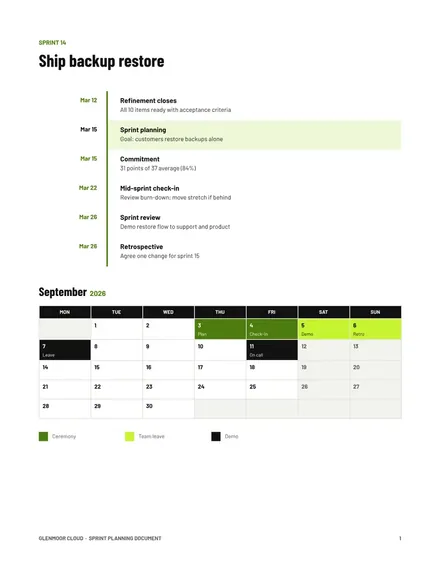
Sprint Planning Document
Docs + Word3 pages
Free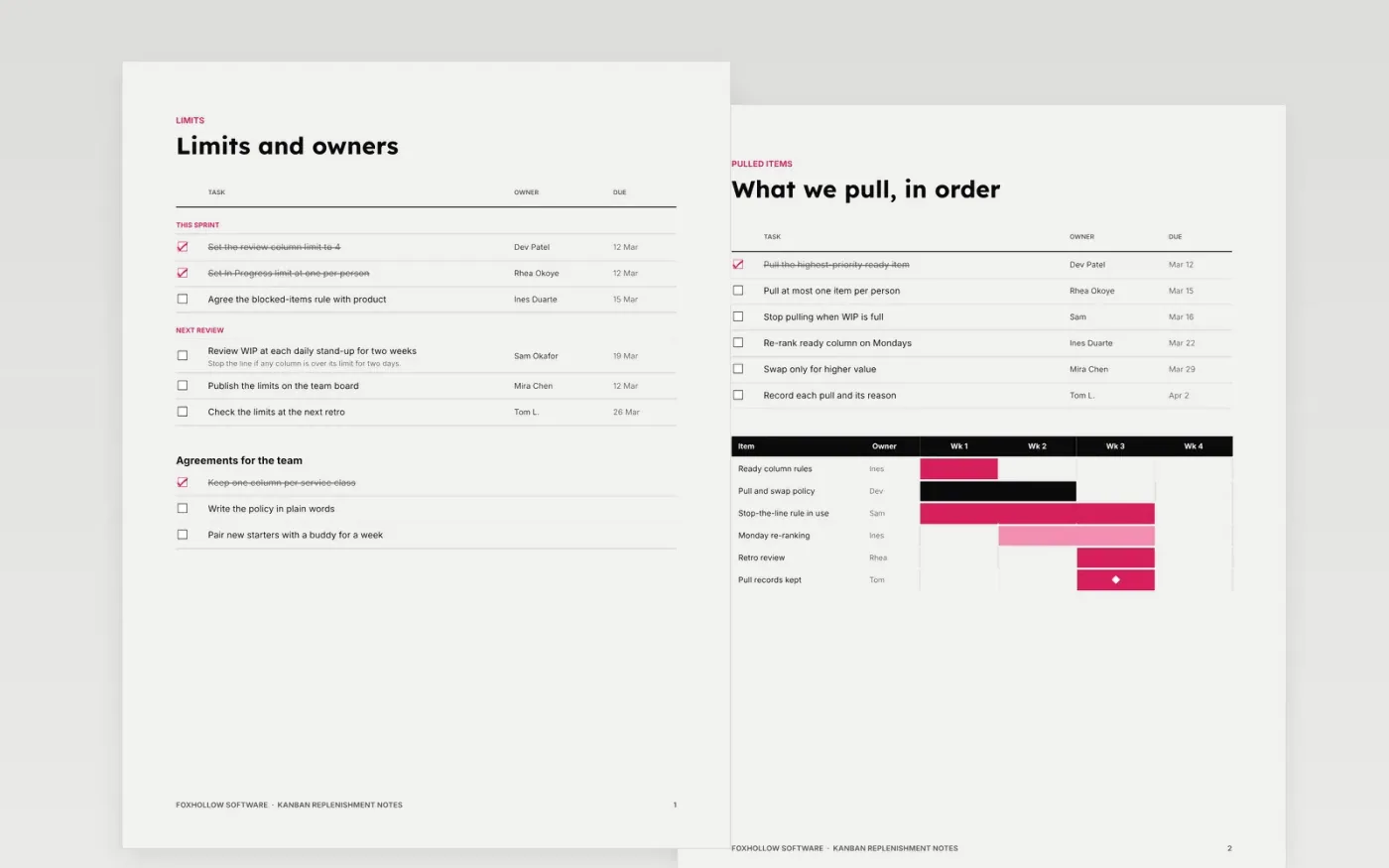
Sprint commitments often overfill the board and leave the team guessing what to start next. Kanban replaces the commitment with limits on work in progress and a simple rule for pulling the next item. This template writes those limits, the pull and swap rules, the blocked items, the service classes and a glossary into one page the whole team can read.
The sample is for Foxhollow Software, a team of seven building a web product, with limits of four in review and one in progress per person, two blocked items and three service classes. Every name, limit and date is fictional. Replace the limits and owners with your own, and agree them with the team before you change the board.
Click Make a copy in Google Docs, then confirm on the Google page. The copy is saved to your own Google Drive.
Set each column's limit from the current average throughput, then review it after two weeks.
Write the ready rules and the service classes in plain words, and post them on the team board.
Replace the blocked items and owners with your own, with a clear-by date for each.
Delete the guide page, then share the notes with the team and review them at the next retrospective.
Yes. Foxhollow Software, its team members, the limits, the blocked items and every date in these notes are fictional. Replace them with your own team's board, limits and owners before you use them.
It can, but it does not have to. Many teams keep a regular planning rhythm while pulling work continuously. What matters is that limits on work in progress are set and reviewed.
Review them at each retrospective, and change one rule at a time, so you can tell which change helped. A limit that never changes is probably not being used.
More Google Docs templatesMore developer workflows templates
Docs + Word3 pages
Free
Docs + Word7 pages
Free
Slides + PowerPoint11 slides
Free









