Crowdfunding Backer Update
Docs + Word6 pages
Free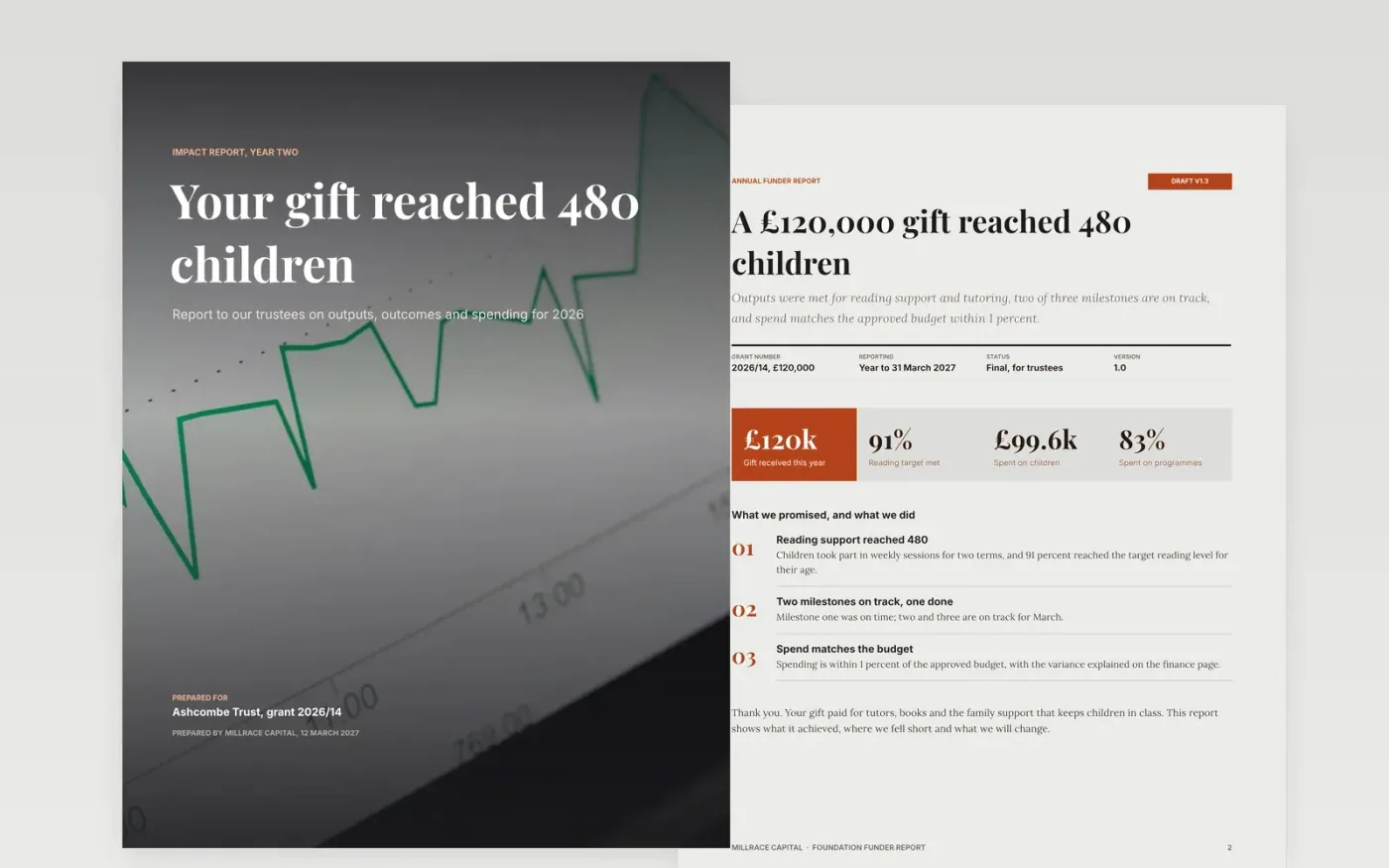
Trusts and foundations renew grants when a report shows what their money did, and they lose confidence when it hides a missed target or an unexplained variance. This template runs in the order a funder reads: a summary with a short thank you, outputs against the plan, outcomes with their targets, the financial statement and an honest page on learning. Each figure sits beside its target, so the reader can check the result without writing back to ask.
The sample reports a £120,000 gift that reached 480 children, with 91 percent meeting the reading target, two of three milestones on track and spend within 1 percent of the approved budget. Replace the trust, the gift and each output with the figures in your own agreement, and match every budget line to the approved version. Keep the learning page, since an honest account of what fell short is what earns the next grant.
Click Make a copy in Google Docs, then confirm on the Google page. The copy is saved to your own Google Drive.
Replace the donor name, gift amount and agreed outcomes in the opening box.
Enter outputs and outcomes against the targets in your grant agreement.
Match the budget lines to the approved budget and explain any variance over 10 percent.
Delete the guide page, then share the report with the trust or present it to the board.
No. Millrace Capital, the trust, the children, the figures and the staff named in the report are fictional sample data. Replace each one with your own grant records before the report is sent.
Yes. Funders trust reports that name a missed target and explain the fix, and they notice when a report is silent about problems. Put the honest account on the learning page and link it to an action.
Send it by the date in your grant agreement, usually within three months of the year end. An early report earns goodwill, and a late one can delay the next instalment of the grant.
Docs + Word6 pages
Free
Docs + Word6 pages
Free
Docs + Word7 pages
Free
Slides + PowerPoint12 slides
Free
Slides + PowerPoint11 slides
Free
Docs + Word7 pages
Free
Slides + PowerPoint12 slides
Free
Slides + PowerPoint11 slides
Free










