
Annual Report
Docs + Word6 pages
Free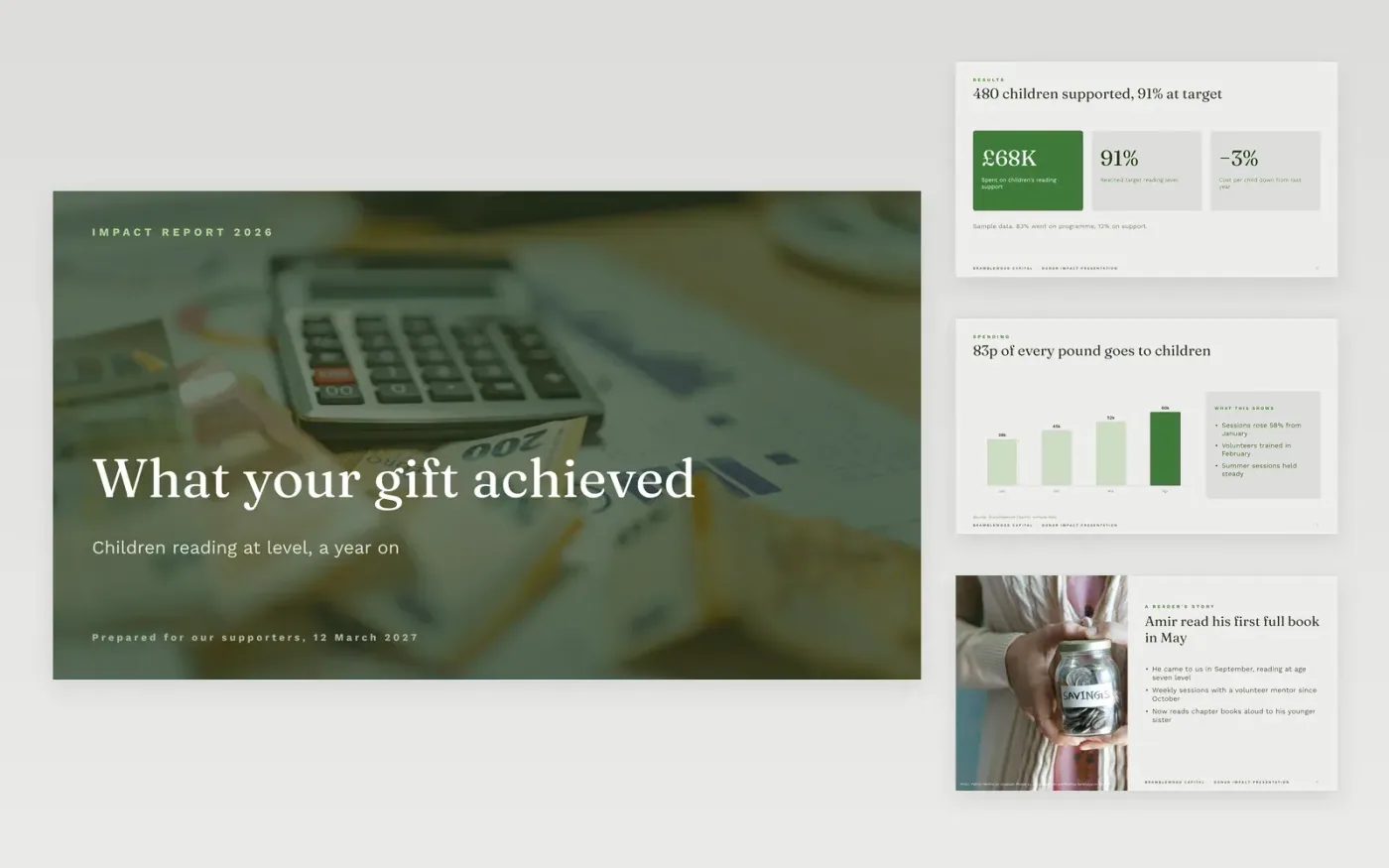
Donors renew when they can see what their money did, in numbers and in a story, and when the spending is clear. This template gives a fundraiser a visual deck for a thank-you visit or a report: headline results, a chart of activity, a case story, the spending summary, the next need and a clear ask. It keeps gratitude short and the evidence exact.
The sample is for Bramblewood Capital, a fictional charity that supports 480 children with reading, with 91 percent reaching their target reading level. Its results, spend split and story are sample data. Replace the figures, story and ask with your own, and check the financial lines against your approved budget before you present.
Click Make a copy in Google Slides, then confirm on the Google page. The copy is saved to your own Google Drive.
Replace the donor name, gift amount and agreed outcomes on the first slide.
Enter outputs and outcomes against the targets in your grant agreement.
Match the financial lines to the approved budget, and explain any variance above 10%.
Delete the guide slide, choose one consented story, then share the deck or present it.
Yes. Make a copy in Google Slides and the deck is saved to your Drive without cost, ready for each donor.
No. Bramblewood Capital, its children, figures and story are fictional sample data. Replace every number and quote with verified results before sharing with a donor.
Yes. Donors and funders expect a clear account of how their money was spent, including any underspend or missed target, explained in plain words.
Docs + Word6 pages
Free
Excel
Free
Sheets + Excel4 slides
Free
Docs + Word6 pages
Free
Docs + Word6 pages
Free








