
Annual Report
Docs + Word6 pages
Free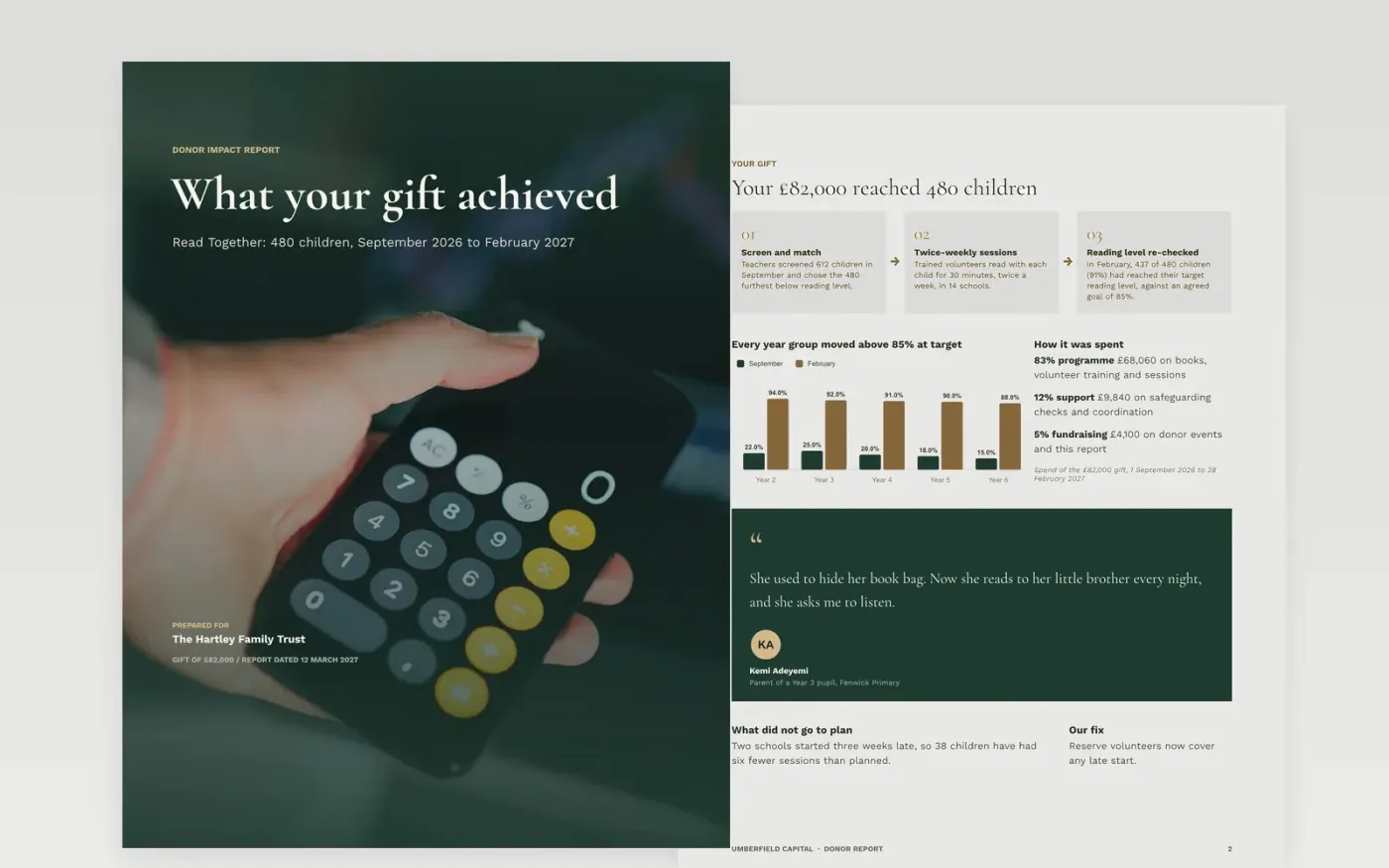
Major donors and trusts do not want a list of activities; they want to know what changed for people and whether their money was spent as agreed. This donor report template is organised the way they read: a thank-you cover, what the gift did, the stories behind the numbers, the figures and the financial statement, then a specific next step.
The sample is an interim report from Umberfield Capital, a fictional charity, on an £82,000 reading programme: 480 children supported, 91% reaching their target reading level, 83% of the gift spent on the programme, and one grant milestone met with two on track. It includes an honest note on a late start. Replace the donor, gift, targets and spending lines with your own, and keep one story you have consent for.
Click Make a copy in Google Docs, then confirm on the Google page. The copy is saved to your own Google Drive.
Replace the donor name, gift amount and agreed outcomes on the cover and in the opening figures.
Enter your outputs and outcomes against the targets in your grant agreement, and match the spending lines to the approved budget.
Choose one story you have consent for, add a photo, and write a specific ask or renewal date on the last page.
Delete the Make it yours page, then share the report with your donor.
Yes. The figures page tracks milestones against the agreement and the financial statement lists spend against budget, so it suits trusts and foundations as well as individual donors.
No. The organisation, the people, the email addresses and every figure are fictional sample content. Replace them with your own results and spend.
Yes. The sample explains a late start and the fix. Donors renew when they trust the numbers, and an honest paragraph on a miss builds more trust than a clean sheet.
Docs + Word6 pages
Free
Docs + Word17 pages
Free
Excel
Free
Slides + PowerPoint11 slides
Free
Docs + Word6 pages
Free








