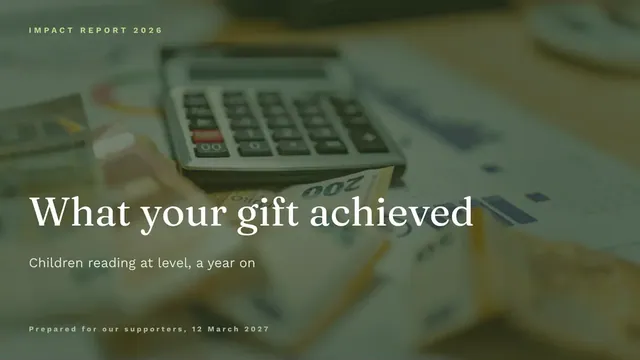
Donor Impact Presentation
Slides + PowerPoint11 slides
Free
Supporters renew when they see results, not just gratitude. This deck thanks them once and then shows the evidence: headline numbers, a clear split of how funds were spent, honest notes on what did not work, a story told with consent, and the next steps, ending with a specific invitation.
The sample follows Gorsefield Holdings, a fictional literacy charity that supported 480 children at $142 each from $68,160 in gifts, with 83% spent on programs. Replace the figures with your own, match the spending lines to your approved budget, and keep one story you have consent for.
Click Make a copy in Google Slides, then confirm on the Google page. The copy is saved to your own Google Drive.
Replace the gift total, the number of people helped and the agreed outcomes with your own figures.
Match the spending split to your approved budget and explain any variance over 10%.
Keep one story you have written consent for, add its photo and delete the others, then write a specific ask or renewal date.
Delete the guide slide, then share the deck or present it.
Yes. Make a copy in Google Slides and it is saved to your own Google Drive, where you can edit, share and present it without paying anything.
No. Gorsefield Holdings, the people named, the stories and every figure are fictional sample content, written to show what a good thank-you looks like. Replace all of it with your own.
Yes. Use the milestone slide for outputs against the grant agreement, show the spending split against the approved budget, and say plainly what did not work.
Slides + PowerPoint11 slides
Free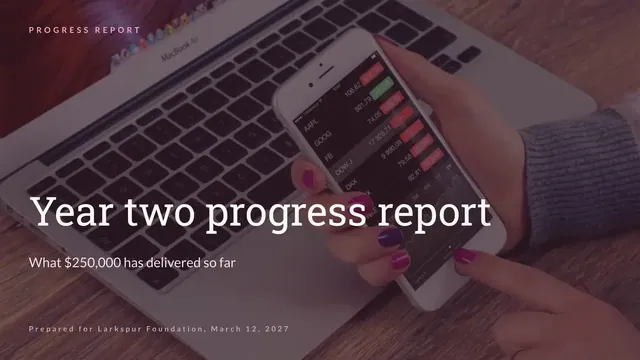
Slides + PowerPoint12 slides
Free
Slides + PowerPoint11 slides
Free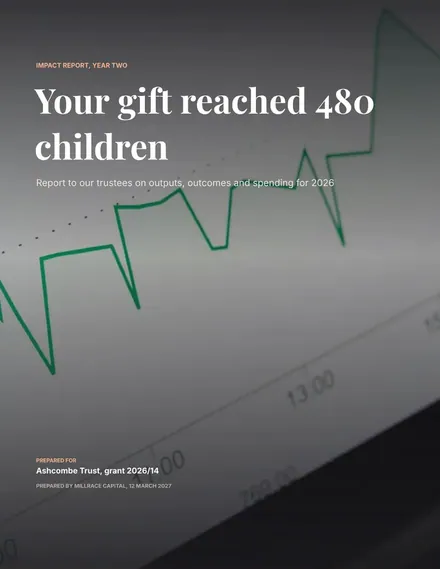
Docs + Word8 pages
Free
Docs + Word7 pages
Free
Docs + Word7 pages
Free
Docs + Word6 pages
Free
Docs + Word6 pages
Free










