Volunteer Handbook
Docs + Word9 pages
Free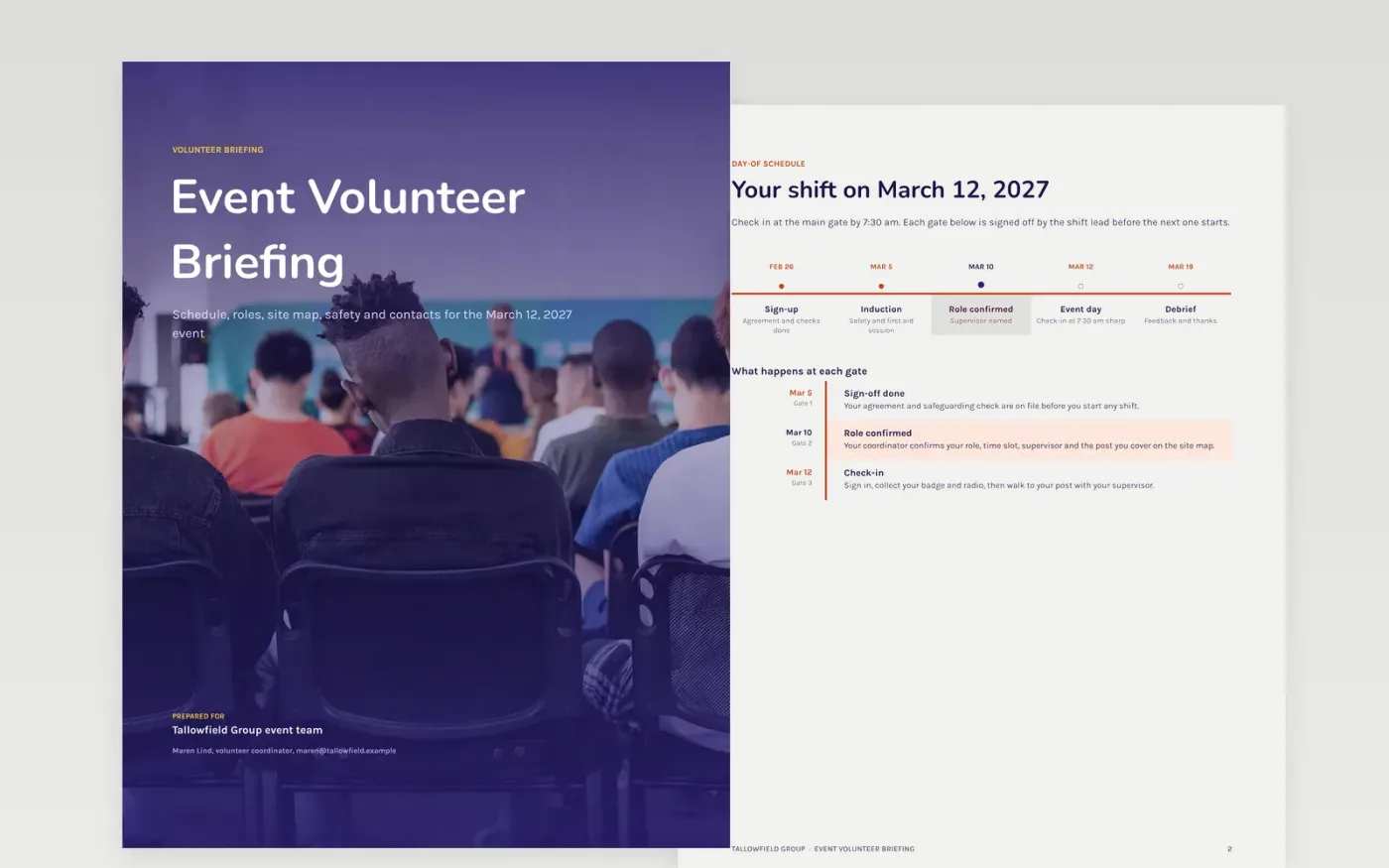
Event volunteers arrive with mixed expectations, and a missing safety rule or an unclear post costs time on the day. This six-page Google Docs briefing gives every volunteer one document covering the schedule, roles, site map, safety rules and contacts. It is organized as a day-of pack, with the timeline first and the people to call last, so a volunteer can find the answer without asking a shift lead.
The sample shows Tallowfield Group preparing 344 volunteers for a March 12, 2027 community event, with a RACI table of who decides what, a share-of-shifts chart and a safety policy. Replace the welcome and the photos with your own, rewrite each role with its time commitment and supervisor, and add your safeguarding lead's contact details before you share it.
Click Make a copy in Google Docs, then confirm on the Google page. The copy is saved to your own Google Drive.
Replace the welcome, the mission and the photos with your own words and real volunteers.
Rewrite each role with its time commitment, supervisor and the post it covers.
Insert your safeguarding lead's contact details, expense limits and claim process.
Have your legal adviser check the agreement, then delete the guide page and share or present the pack.
No. Volunteering is not employment, and the agreement must not read like an employment contract. Ask your legal adviser to confirm the status of each role before you share the pack.
No. Tallowfield Group, its people, email addresses and every figure in the pack are fictional sample data. Replace them with your own details before you use the template.
Edit the dates and the roles table in your copy as plans change, then send the updated pack to each volunteer. Keep the version date on the cover so people can see which copy is current.
Docs + Word9 pages
Free
Docs + Word8 pages
Free
Docs + Word7 pages
Free










