Sprint Review Deck
Slides + PowerPoint10 slides
Free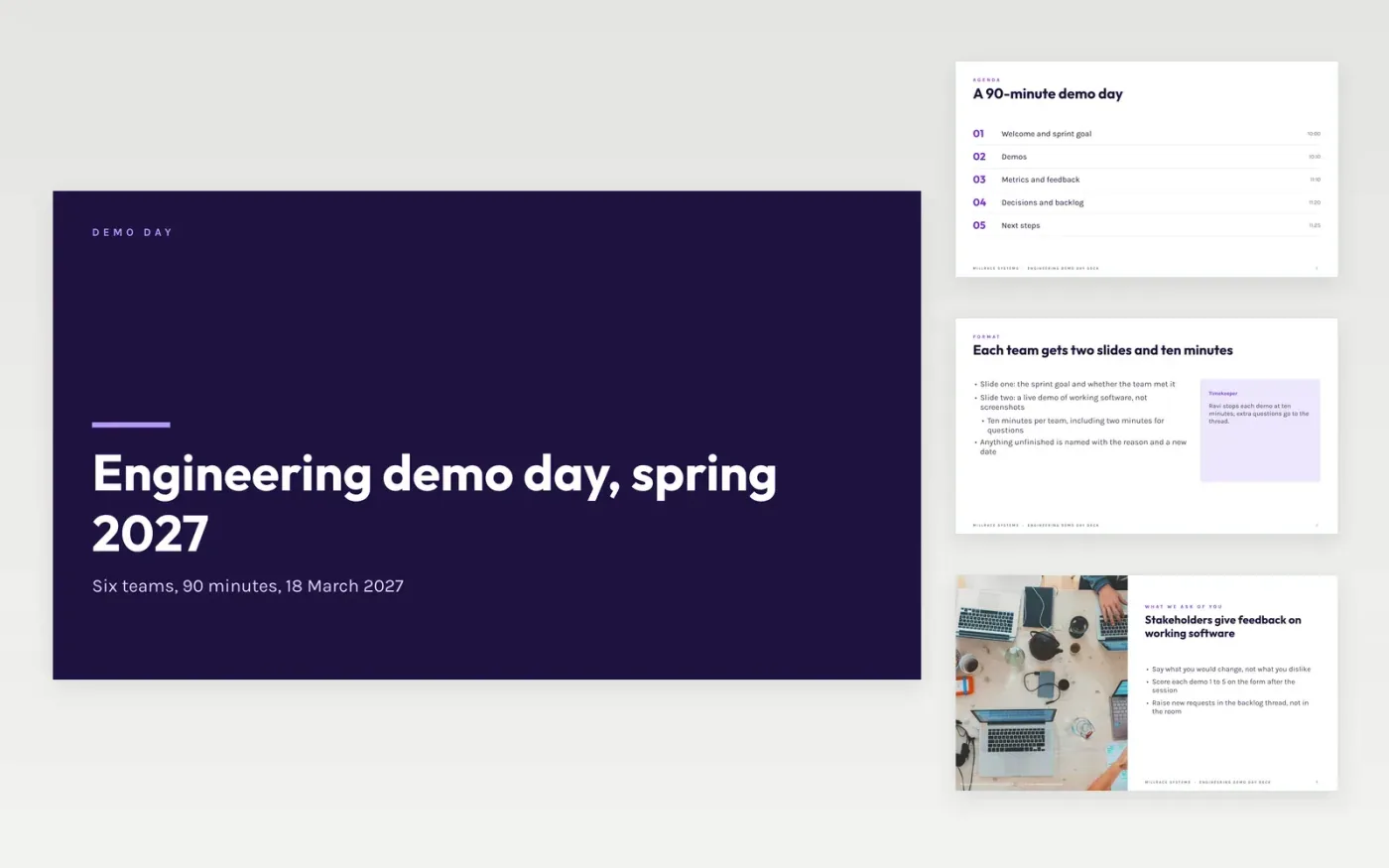
When many teams demo in one session, the deck usually turns into twelve different formats. This template fixes that: a cover, a timed agenda, ground rules, a feedback slide, a team slide, demo cards, headline metrics and a scorecard, so each team fills in the same two slides.
The sample follows Millrace Systems through a 90-minute demo day on 18 March 2027 with six teams, instant refunds, passkey sign-in and a 53% faster search. Replace the teams, demos and figures with your own, then trim the cards to the teams that are presenting.
Click Make a copy in Google Slides, then confirm on the Google page. The copy is saved to your own Google Drive.
Replace Millrace Systems, the date and the agenda times with your own demo day.
Give each team the same two slides: the sprint goal and outcome, then the live demo card.
Enter your own metrics and scorecard values, and set targets you can defend in the room.
Delete the guide slide, then share or present the deck.
No. Millrace Systems, every person named and every figure are fictional sample data. Replace them with your own teams and numbers before you present.
The sample gives each of six teams ten minutes, including two minutes of questions. That fits a 90-minute session with time left for metrics and decisions.
Yes. Delete the people and cards you do not need, shorten the agenda times and keep the metrics and scorecard slides to anchor the session.
More Google Slides templatesMore developer workflows templates
Slides + PowerPoint10 slides
Free
Slides + PowerPoint11 slides
Free
Docs + Word7 pages
Free









