Charity Event Fundraising Slides
Slides + PowerPoint12 slides
Free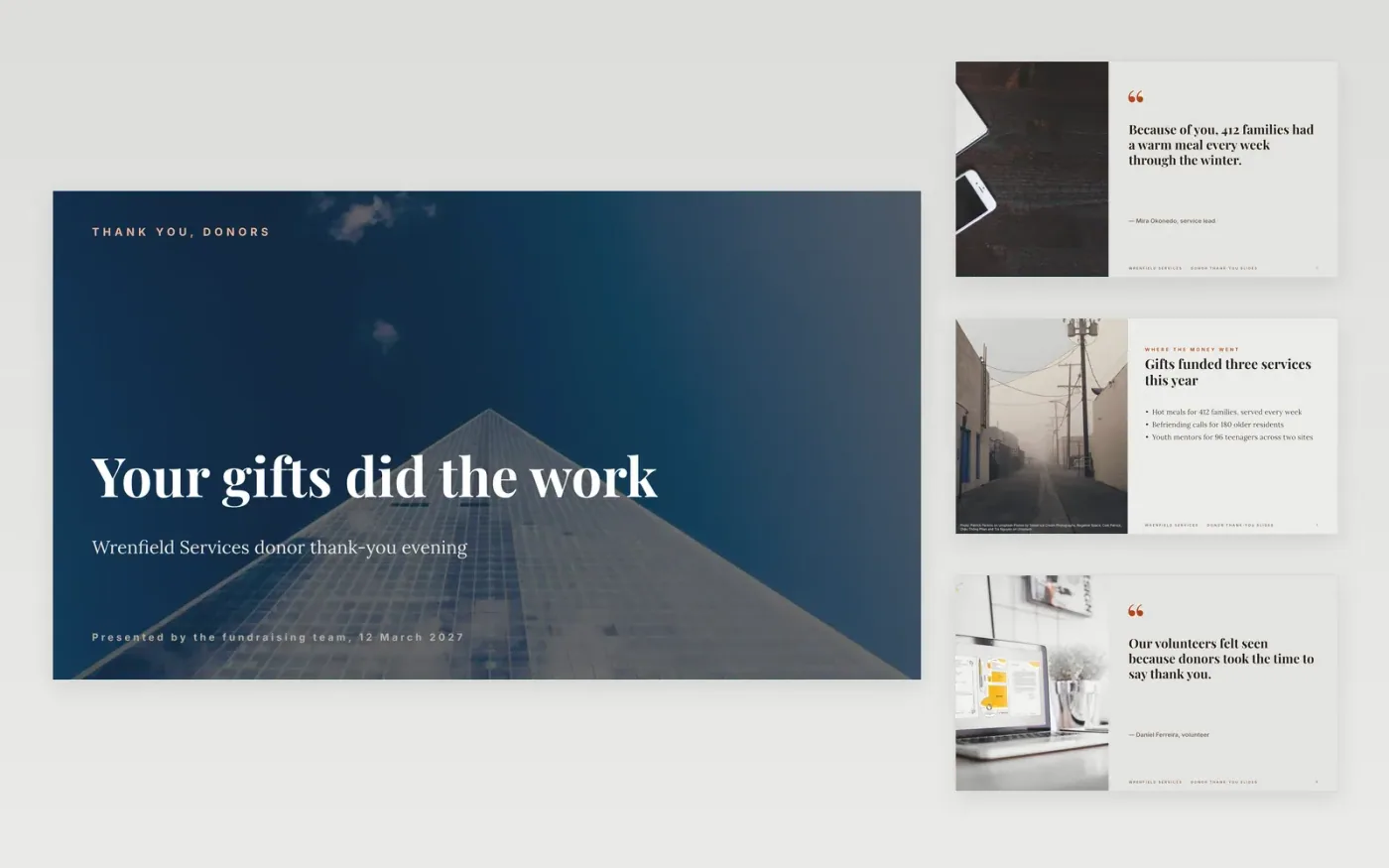
Charities hold donor events to say thank you, but the evening often ends with a plea rather than proof of what the gifts achieved. These slides lead with gratitude and impact, then show the stories behind the numbers, and finish with the next goal and how it will be reached. Trustees and finance leads can see the income split, while donors can see their gifts at work.
The sample is for Wrenfield Services, with two quotes, three stories, a spending split and a £540k target divided by income stream, from individual giving to legacies. Each figure ties back to the others. Replace last year's total with your own income figures, check the cost of each stream against the £1 raised, and fill the calendar with real dates before the event.
Click Make a copy in Google Slides, then confirm on the Google page. The copy is saved to your own Google Drive.
Replace last year's total and this year's target with your income figures, split by stream.
For each stream, list the activities, expected income, cost and a named owner.
Fill the calendar with real dates, and allow two weeks of preparation before each event.
Delete the guide slide, then share the deck with trustees or present it at the event.
Yes. Replace the income split with the campaign's lead gifts and pledges, and set the target as the capital figure. Secure lead gifts of 20 to 30% before the public launch, and say so on the goal slide.
No. The organisation, people, stories, quotes, income figures and calendar are fictional sample material. Replace every one with your own records and donor permissions before the evening.
Within 48 hours is the standard in the sample, by phone or handwritten note, followed by an impact report twice a year. Thank first-time donors personally, since they are the group most likely to lapse.
More Google Slides templatesMore business operations templates
Slides + PowerPoint12 slides
Free
Slides + PowerPoint10 slides
Free
Slides + PowerPoint11 slides
Free
Slides + PowerPoint10 slides
Free
Docs + Word6 pages
Free
Docs + Word7 pages
Free
Docs + Word7 pages
Free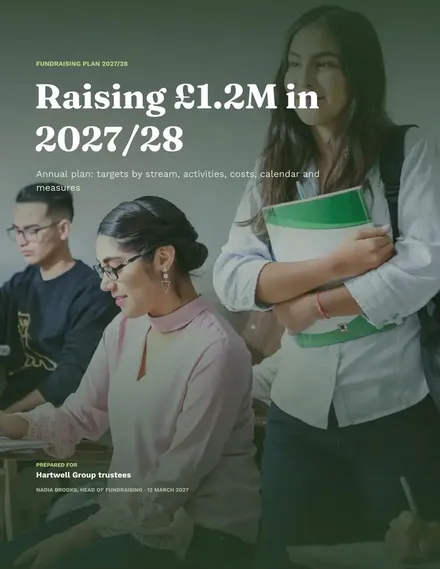
Docs + Word8 pages
Free










