Fundraising Plan
Docs + Word8 pages
Free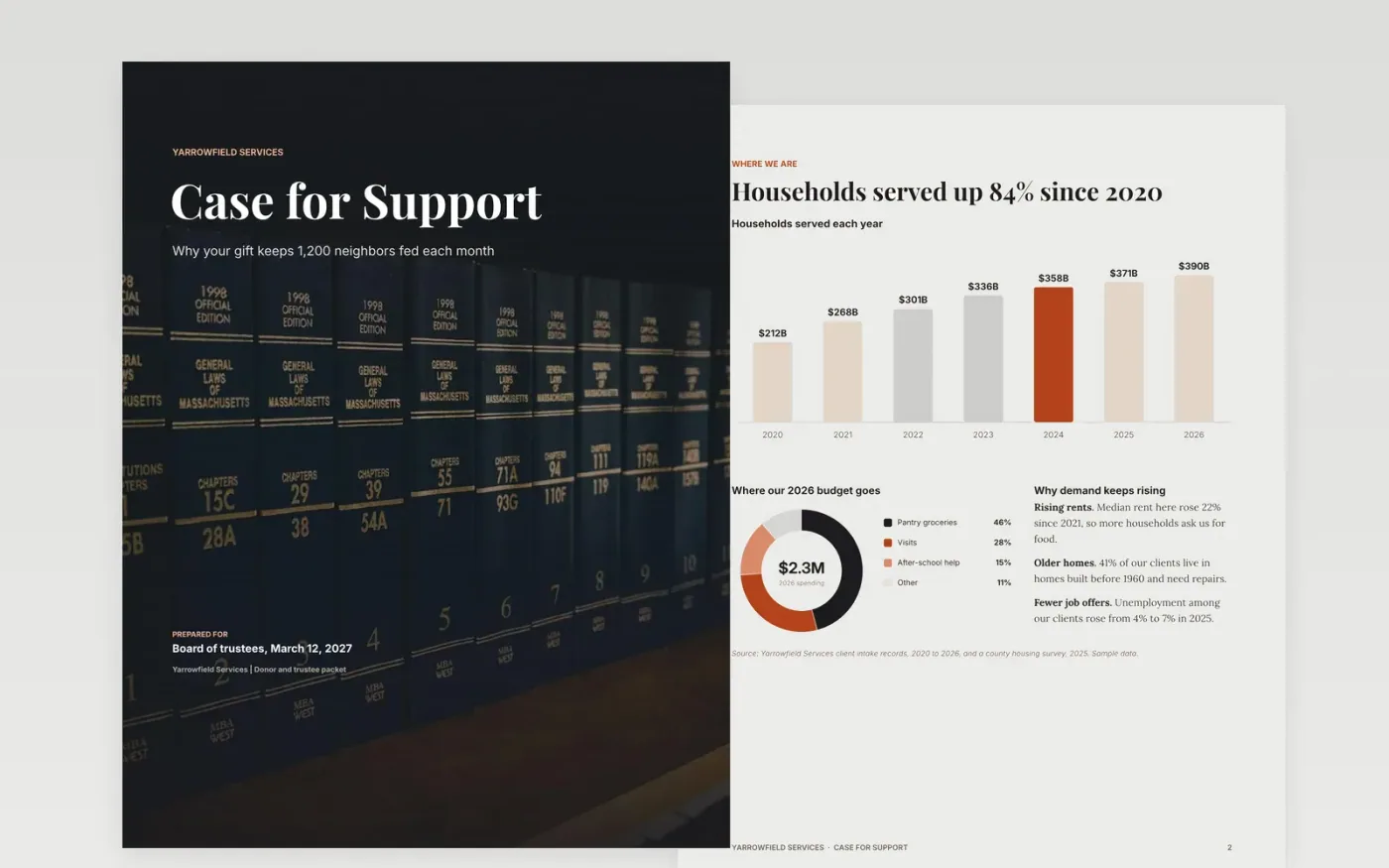
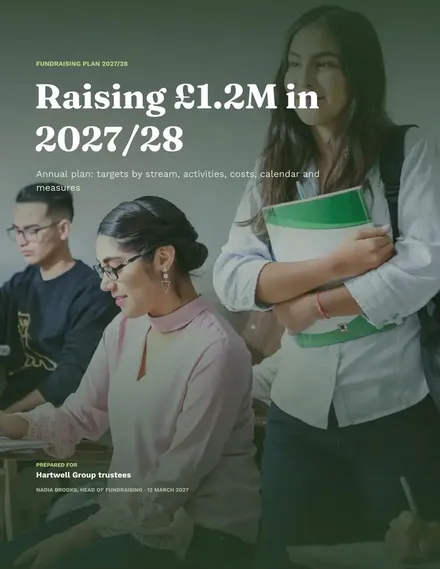
Charities often ask for money without showing why a gift matters, so donors give less than they could. This Google Docs fundraising plan template sets out a case for support in five parts: the need, our response, the impact we measured, what a gift pays for and how to give. Each part sits on its own designed page, so readers can scan it, and a capital campaign can reuse the same layout.
The sample describes Yarrowfield Services, a fictional food pantry and home-visit charity in Millbrook Valley, and every figure in it is made up. Its pages show households served rising to 390 in 2026, a $2.3M budget split by program and a 58.4% donor renewal rate. Replace these with your own counts, keep the pages that fit and delete the rest, or adapt the giving page into a sponsorship package template for events.
Click Make a copy in Google Docs, then confirm on the Google page. The copy is saved to your own Google Drive.
Replace Yarrowfield Services and the cover details with your organization's name, audience and date.
Swap in your own households, budget split and renewal figures on the need and impact pages.
Rewrite the response timeline and the giving options so they match what you actually offer.
Remove the final guide page, then send the file to donors or present it in person.
No. Make a copy in Google Docs and it is saved to your own Google Drive, with no fee and no sign-up on this page.
Yes. Click a chart in Google Docs, choose Edit chart, and update the values. Keep the donut shares adding up to 100 so the slices stay accurate.
No. Yarrowfield Services, its people, households and dollar figures are fictional and made up for the example. Replace them before you use the document.
More Google Docs templatesMore business operations templates
Docs + Word8 pages
Free
Docs + Word7 pages
Free
Docs + Word7 pages
Free










