
Consulting Presentation
Slides + PowerPoint12 slides
Free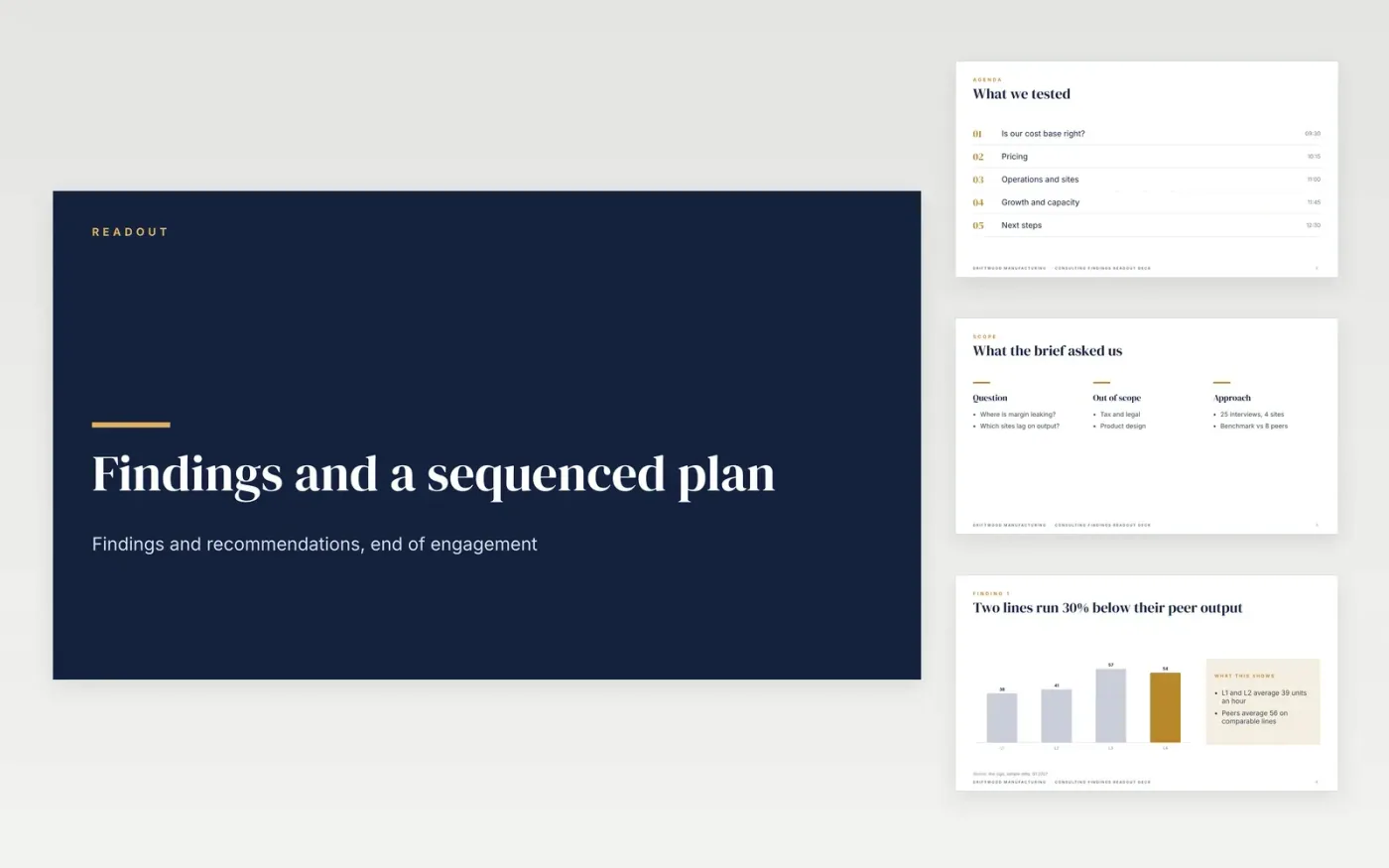
Consultants often close an engagement with a deck that describes the client's business but never says what to do next. This consulting report template answers the commissioning question first, then sets out findings with evidence and a rating, the recommendations, a three-phase roadmap, quick wins and next steps. Action titles carry the argument, so a board member can follow it from the headings alone.
The sample is a fictional manufacturer, Driftwood Manufacturing, with two production lines running about 30% below peer output, a £1.2M annual benefit from fixing them and a £410k build cost. Replace the findings with observations from your own interviews, then rebuild the recommendation table with benefit, cost, effort and owner. Rewrite the executive summary last, once the numbers hold.
Click Make a copy in Google Slides, then confirm on the Google page. The copy is saved to your own Google Drive.
Replace the questions on slides 2 and 3 with the ones the client commissioned.
Replace each finding on slide 4 with the observation, evidence source and rating for your work.
Rebuild the recommendation on slide 6 with its benefit, cost, effort and a named owner.
Delete the guide slide, then present the readout to the client board or share it with the sponsor.
Yes. Driftwood Manufacturing, the engagement, its production lines, the people named on the slides and every figure are fictional sample data. Replace them with evidence from your own engagement before the readout.
A business health check sets the current position against peers, scores each area and shows where to act first. This deck can serve as the readout at the end of one, with the chart slide showing the gap to peers.
Partly. The findings, ratings and risks suit a summary for a transaction, but a diligence summary also needs sources, dates and the limits of what was checked, which you should add before it leaves your firm.
More Google Slides templatesMore business operations templates
Slides + PowerPoint12 slides
Free
Slides + PowerPoint10 slides
Free
Slides + PowerPoint12 slides
Free
Slides + PowerPoint11 slides
Free
Docs + Word7 pages
Free
Docs + Word7 pages
Free
Docs + Word7 pages
Free
Docs + Word9 pages
Free










