Partner Newsletter
Docs + Word6 pages
Free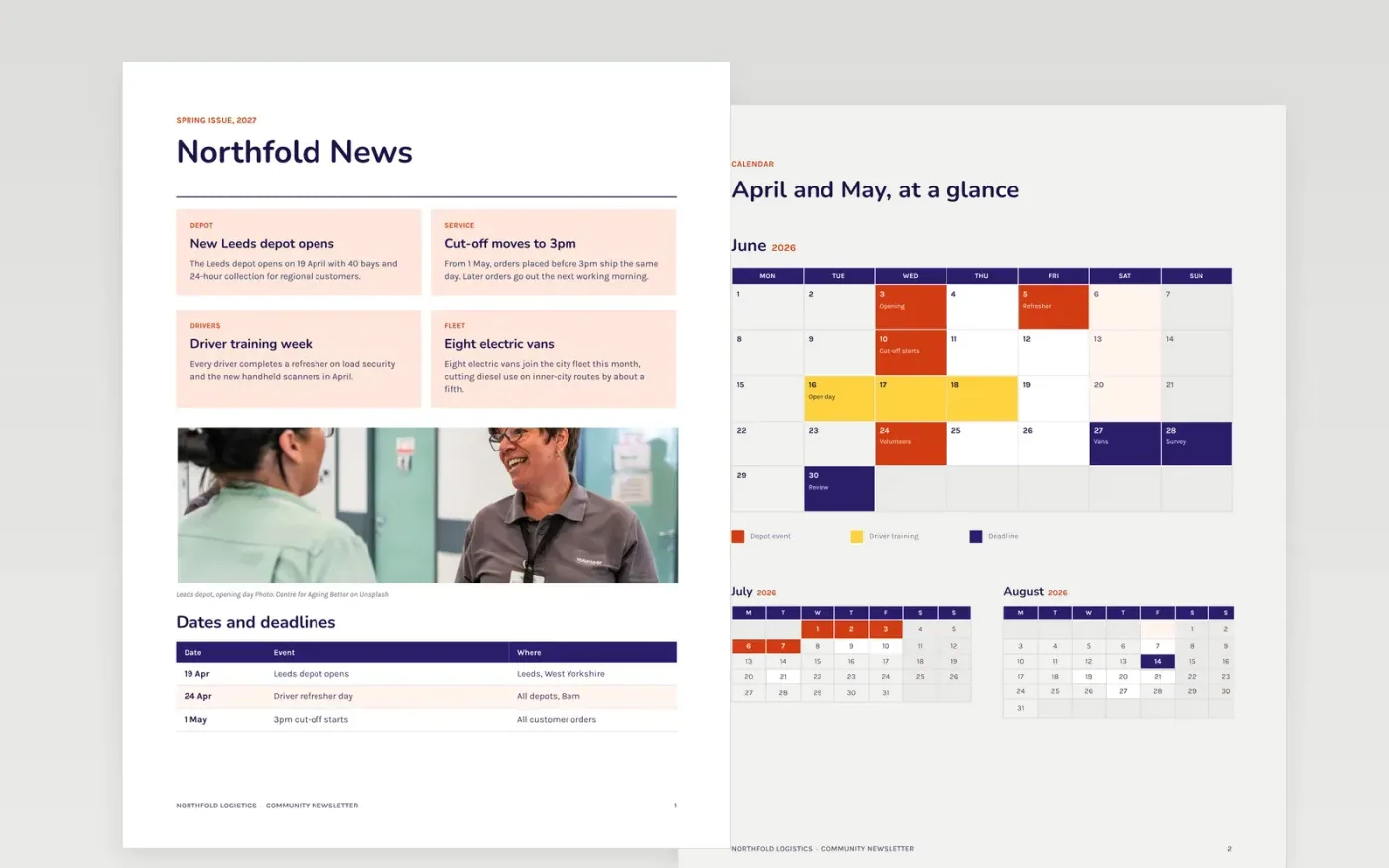
A newsletter earns its place when readers finish it and act on something: a date, an offer or a volunteer call. This template lays out five pages for a regular issue: a news page with cards and a dates table, a calendar of events, a team directory, a spotlight feature with simple statistics and a guide page. Each section is short enough to scan in a few minutes.
The sample is for Northfold Logistics, a fictional logistics firm with a new Leeds depot, a 3pm order cut-off and a volunteer evening each Thursday. Its figures are sample data, including 1,240 families helped this year and 94 percent of parcels delivered within two days. Replace the news, dates, team and contact details, and check each one before the issue goes out.
Click Make a copy in Google Docs, then confirm on the Google page. The copy is saved to your own Google Drive.
Replace the masthead, issue date and logo, and decide how often you will publish.
Swap the lead story for the one thing your readers most want to know this issue.
Update the dates table and calendar with the next three events and any offer expiry.
Check the contact block against your website, then delete this guide page and share the issue.
Yes. Copying the newsletter into your Drive costs nothing, and each new issue can reuse the same page layout.
No. Northfold Logistics, its depot, team members and statistics are fictional sample data. Replace every name, number and date before you send the issue.
Monthly or quarterly both work well. Choose a cadence you can keep, and publish on the same day each time so readers come to expect it.
More Google Docs templatesMore business operations templates
Docs + Word6 pages
Free
Docs + Word3 pages
Free
Docs + Word7 pages
Free










