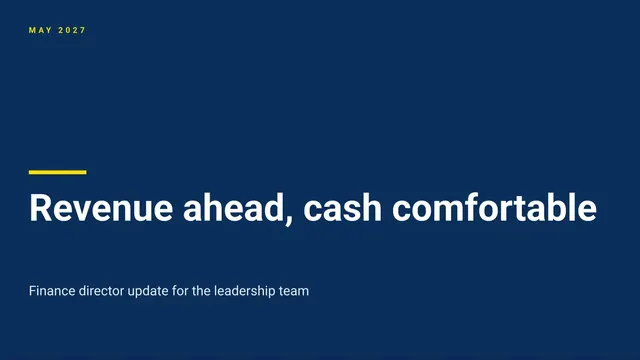
Finance Director Update Slides
Slides + PowerPoint10 slides
Free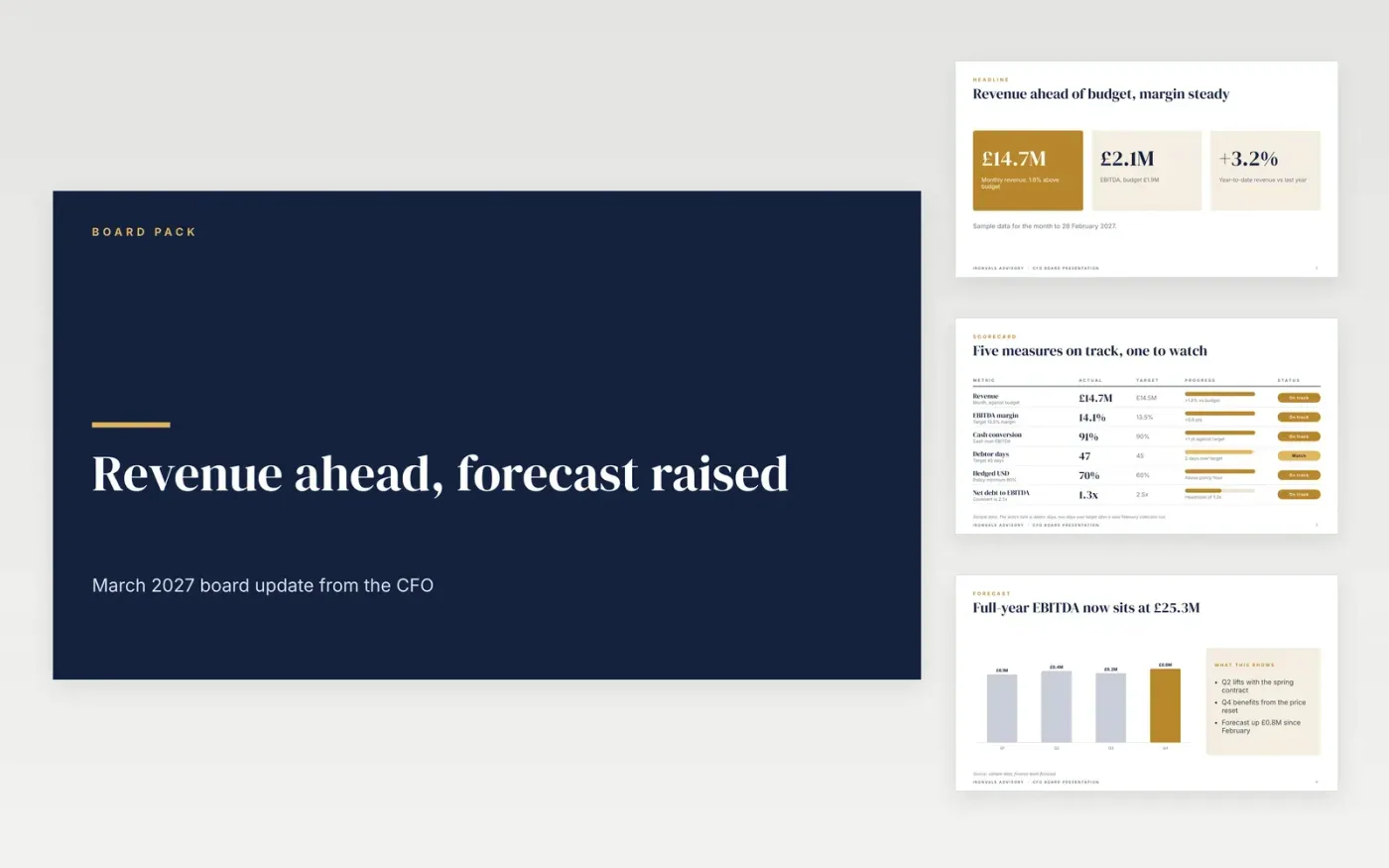
Board finance packs often repeat the ledger and leave the reader to work out what changed. This deck does the opposite: a headline results slide, a KPI scorecard with targets and status, a forecast that shows what moved since last month, a capital and cash section, risks with named owners, and a closing asks slide. Each slide opens with its message, so the CEO can follow the story from the titles alone.
The sample is the March 2027 pack for Ironvale Advisory, with revenue of £14.7M, a 14.1% EBITDA margin and a full-year forecast raised to £25.3M. Its figures are sample data and its names are fictional. Set the month, replace the headline with your one message, update the actuals and the forecast, then add the 13-week cash view and covenant headroom from treasury.
Click Make a copy in Google Slides, then confirm on the Google page. The copy is saved to your own Google Drive.
Set the month and update the actuals and budget columns from your ledger before you change any wording.
Write a one-line cause for each of the three largest variances before the pack goes out.
Replace the forecast range with your latest view and list the assumptions that changed since last month.
Delete the guide slide, then share the deck with the board or present it.
No. Ironvale Advisory, its people and every figure in this sample are fictional, so the numbers show a plausible pack rather than real accounts or forecasts.
Yes. The cash, scorecard and asks slides work well for a small committee. Delete the covenant and facility figures and keep the income, spend and balance lines.
Start with the headline, then the scorecard and the forecast changes, because the CEO reads those first. Add treasury's 13-week cash view once the month's actuals are closed.
Slides + PowerPoint10 slides
Free
Slides + PowerPoint10 slides
Free
Slides + PowerPoint11 slides
Free
Slides + PowerPoint10 slides
Free
Docs + Word7 pages
Free
Docs + Word8 pages
Free
Docs + Word10 pages
Free
Docs + Word8 pages
Free










