
Sales Training Presentation
Slides + PowerPoint10 slides
Free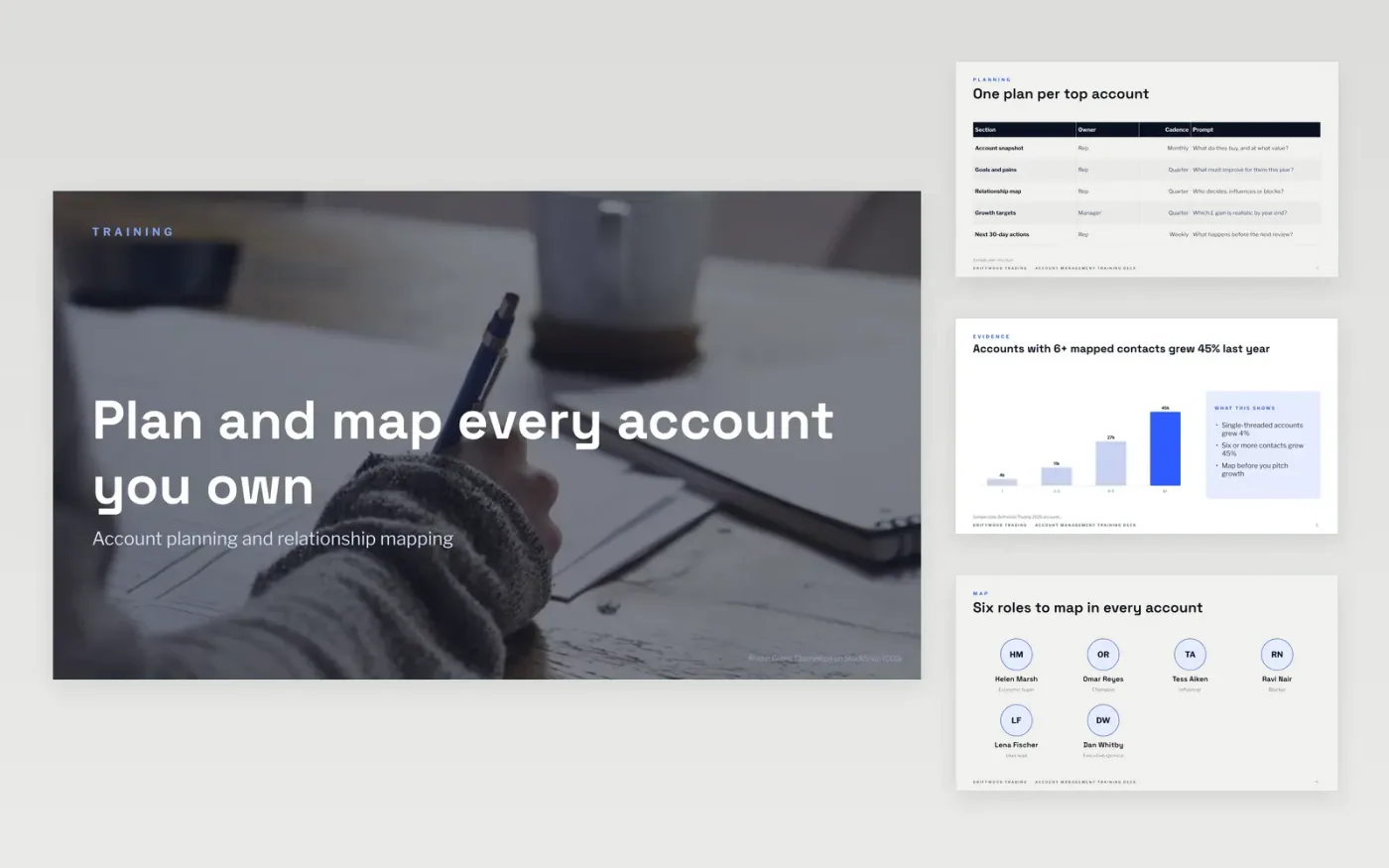
Account managers often learn planning by watching colleagues, so plans vary and key contacts go unmapped. This deck teaches one method in ten slides: an account plan table, evidence from mapped accounts, the six roles to map, how to score a relationship, a growth scorecard and a quiz.
The sample follows Driftwood Trading, a fictional business training its account team in 2027, with figures that agree from slide to slide. Replace the sample accounts, contacts, growth targets, exercise and contact details with real, anonymised examples from your own team.
Click Make a copy in Google Slides, then confirm on the Google page. The copy is saved to your own Google Drive.
Rewrite the learning objectives as things a rep will do on their next call.
Replace the sample accounts, contacts and figures with anonymised examples from your own team.
Change the quiz question and options to a situation your reps really face, and set your pass mark.
Delete the guide slide, then share the deck or present it to your team.
Yes. Make a copy in Google Slides and edit it freely. There is no sign-up here and no cost to use it with your team.
The slides fit a session of about three hours when you add practice. Keep at least 40% of the time for exercises, so reps use the method rather than only hear it.
No. Driftwood Trading, the people, email addresses and every figure are fictional sample content. Replace them with your own details before you train anyone.
Slides + PowerPoint10 slides
Free
Slides + PowerPoint12 slides
Free
Slides + PowerPoint11 slides
Free
Slides + PowerPoint12 slides
Free
Slides + PowerPoint11 slides
Free
Slides + PowerPoint11 slides
Free
Docs + Word6 pages
Free
Docs + Word7 pages
Free










