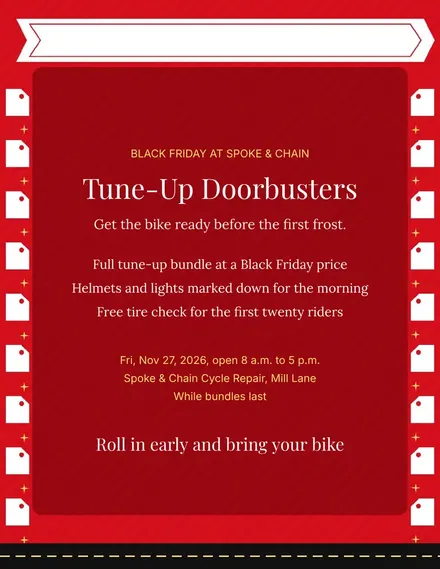
Spoke & Chain Cycle Doorbuster Flyer
Docs + Word1 page
Free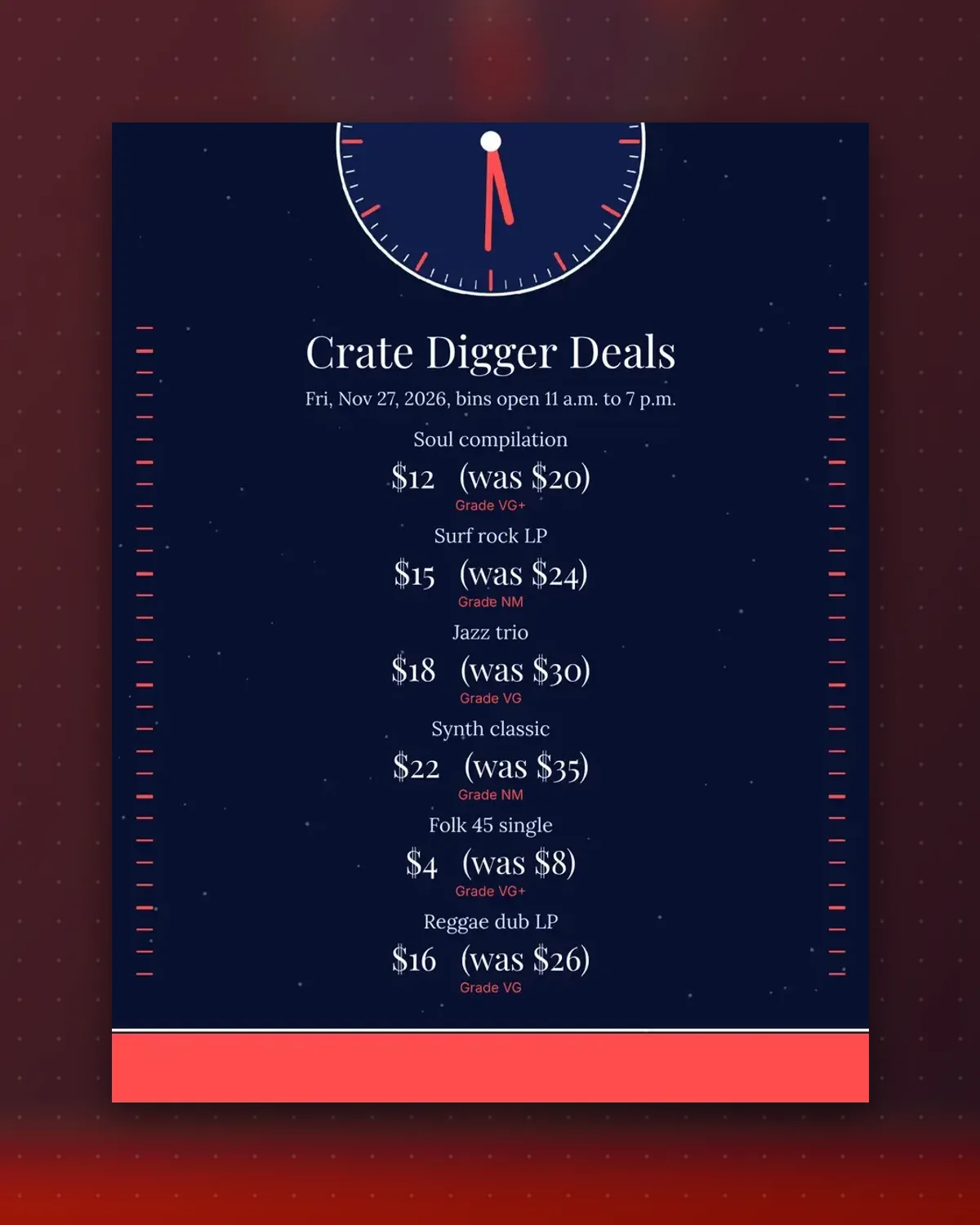
Record buyers read the grade before the price. Each tag puts the condition on its own line, with the marked-down price beside the old one.
Retype the titles and grades from your own crates. The tags are small enough to tuck into a sleeve corner or tape to a divider card.
Make a copy in Google Docs, or download the Word file.
Type over the sample text with your own details.
Delete the guide page when you are done.
Print it, or save it as a PDF.
Yes. Replace the grade note with whatever scale your shop uses.
Trim the tag to size with scissors and it fits a single easily.
Add the year to the title line if it fits on one row.
Docs + Word1 page
Free
Docs + Word1 page
Free
Docs + Word1 page
Free
Docs + Word1 page
Free
Docs + Word2 pages
Free
Docs + Word1 page
Free
Docs + Word1 page
Free
Docs + Word1 page
Free
Docs + Word1 page
Free
Docs + Word1 page
Free
Docs + Word1 page
Free
Docs + Word1 page
Free
Docs + Word1 page
Free
Docs + Word1 page
Free
Docs + Word2 pages
Free








