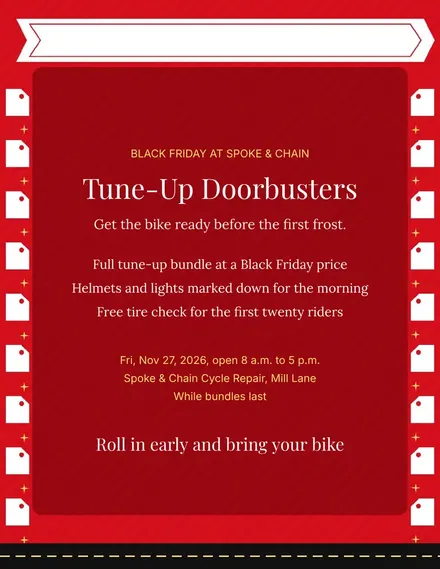
Spoke & Chain Cycle Doorbuster Flyer
Docs + Word1 page
Free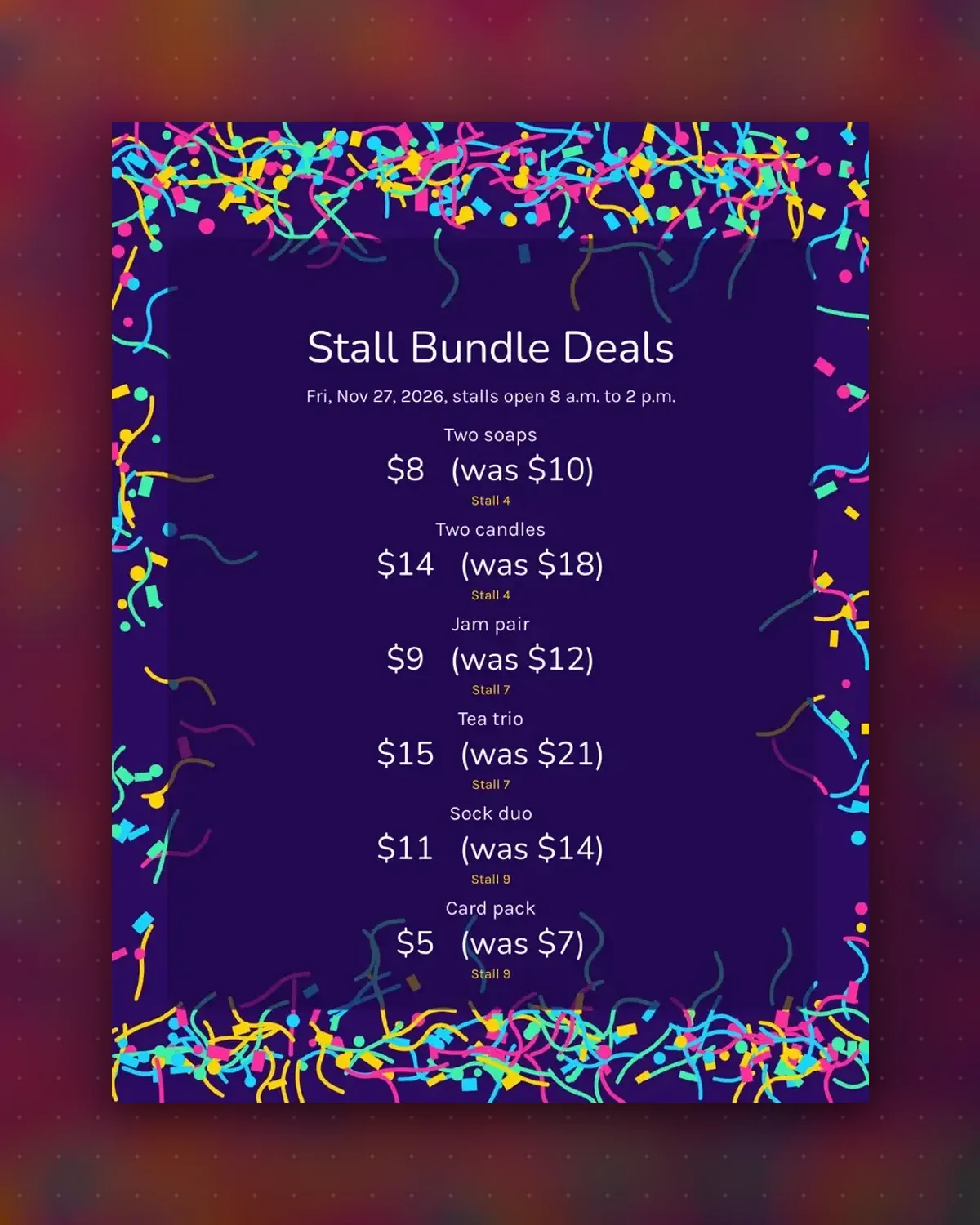
Market buyers like a clear reason to take two. Each tag names the bundle, shows the saving and notes the stall so friends can find it.
Change the products, prices and stall numbers to match your row. Cut the sheet into tags and tape them to baskets or table edges.
Make a copy in Google Docs, or download the Word file.
Type over the sample text with your own details.
Delete the guide page when you are done.
Print it, or save it as a PDF.
Yes. Delete the note on any tag that does not need it.
Edit the item text, for example Tea trio, and set the bundle price.
Yes. The tags work on shelves as well as market tables.
Docs + Word1 page
Free
Docs + Word1 page
Free
Docs + Word1 page
Free
Docs + Word1 page
Free
Docs + Word2 pages
Free
Docs + Word1 page
Free
Docs + Word1 page
Free
Docs + Word1 page
Free
Docs + Word1 page
Free
Docs + Word1 page
Free
Docs + Word1 page
Free
Docs + Word1 page
Free
Docs + Word1 page
Free
Docs + Word2 pages
Free
Docs + Word1 page
Free








