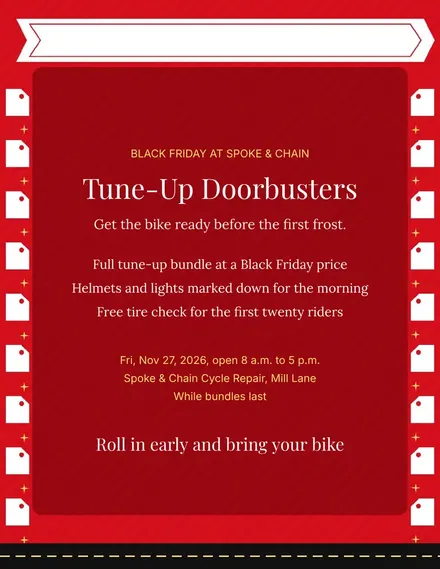
Spoke & Chain Cycle Doorbuster Flyer
Docs + Word1 page
Free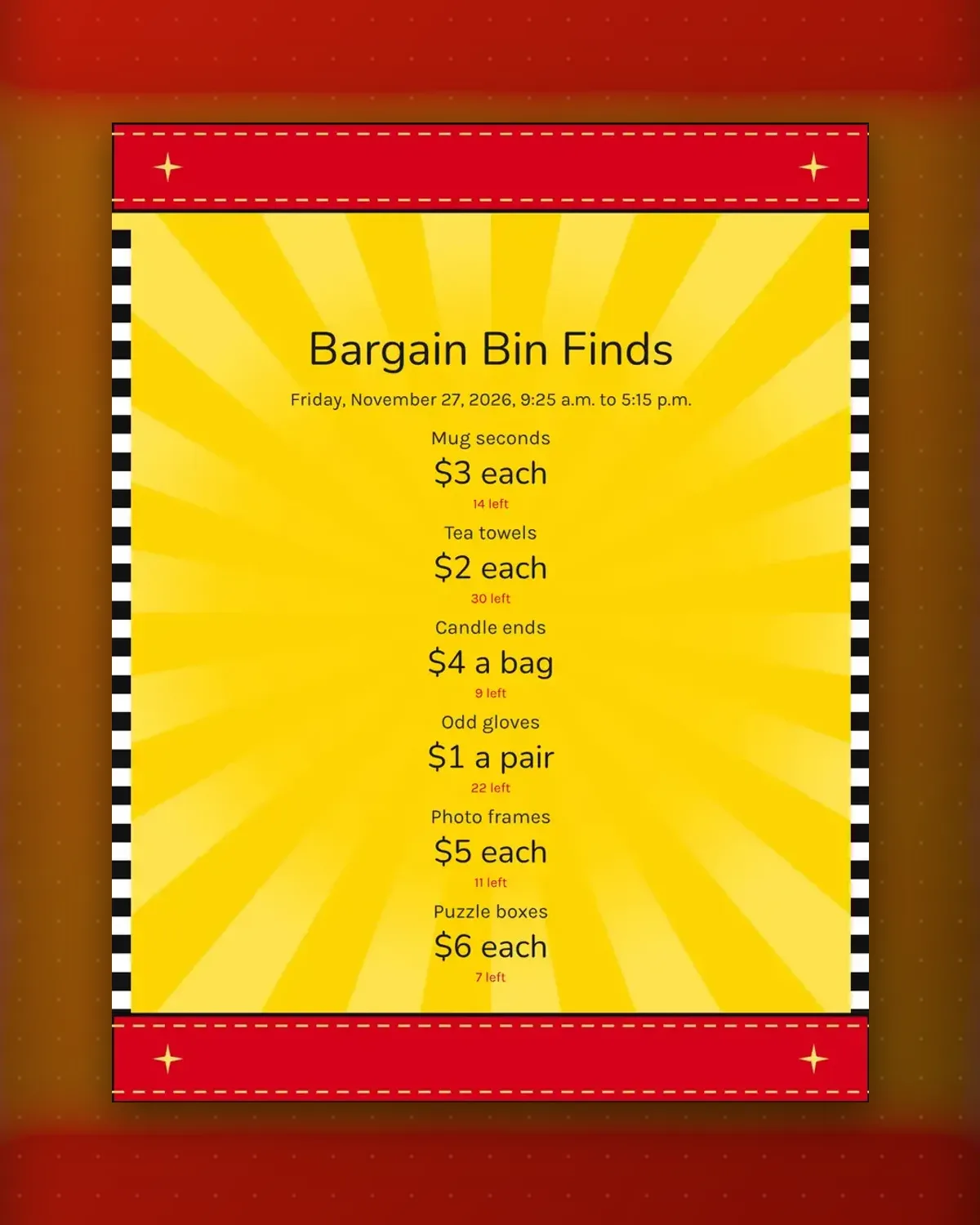
A bargain bin works on one clear number. Each tag here states a single flat price and a count left, so nobody needs to ask staff what an odd lot costs.
Change the lots, prices and counts to match your bin, then update the count tags by hand as the day goes on and the pile shrinks.
Make a copy in Google Docs, or download the Word file.
Type over the sample text with your own details.
Delete the guide page when you are done.
Print it, or save it as a PDF.
Yes. Delete the note on any tag and the price stays centerd.
Write each, a bag or a pair after the number so shoppers know what the price covers.
Cut each tag down to a strip and tape it along the shelf edge.
Docs + Word1 page
Free
Docs + Word1 page
Free
Docs + Word1 page
Free
Docs + Word1 page
Free
Docs + Word2 pages
Free
Docs + Word1 page
Free
Docs + Word1 page
Free
Docs + Word1 page
Free
Docs + Word1 page
Free
Docs + Word1 page
Free
Docs + Word1 page
Free
Docs + Word1 page
Free
Docs + Word1 page
Free
Docs + Word2 pages
Free
Docs + Word1 page
Free








