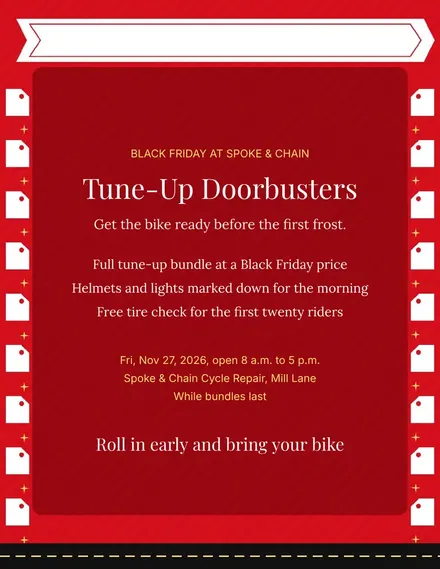
Spoke & Chain Cycle Doorbuster Flyer
Docs + Word1 page
Free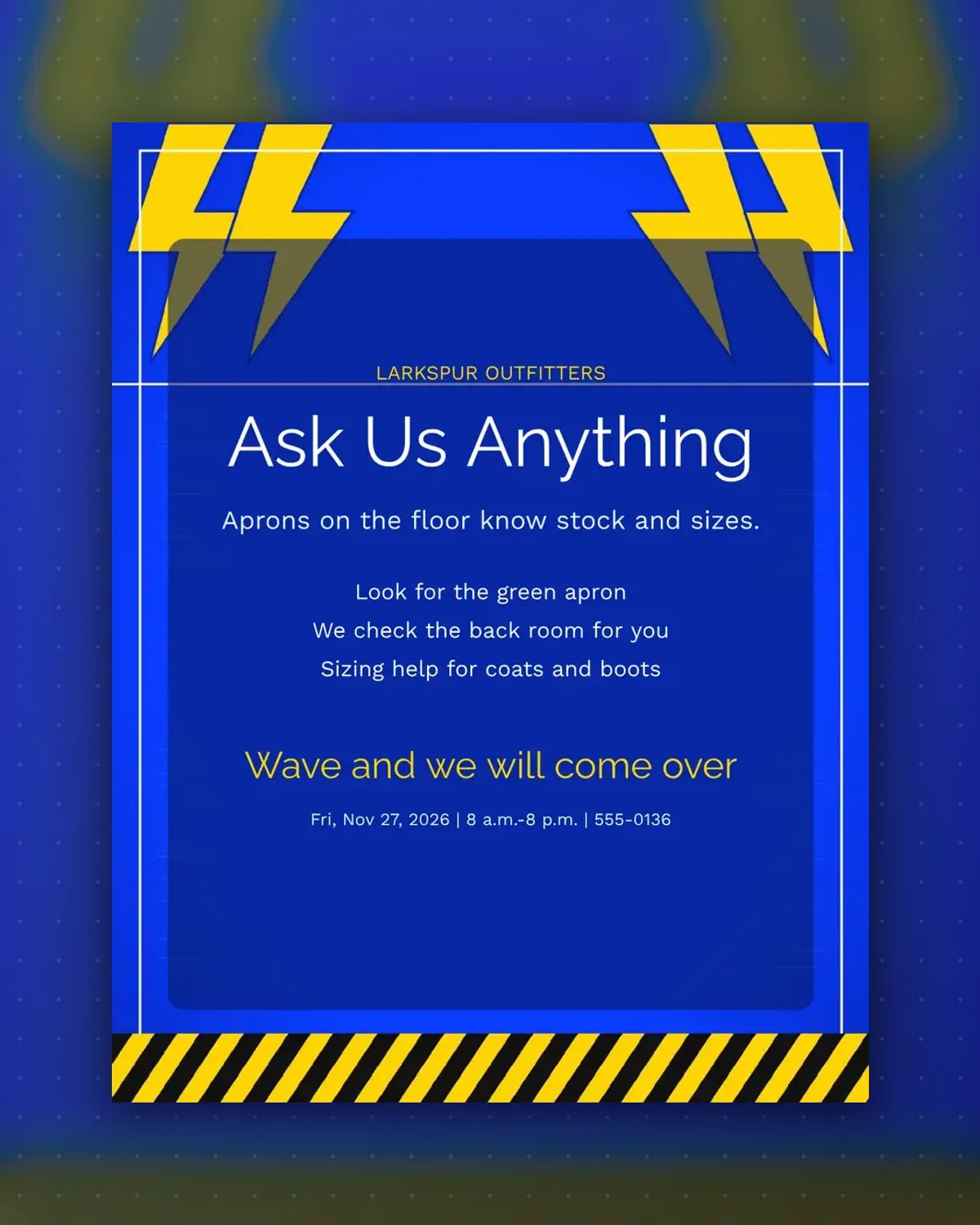
Crowded floors make shoppers shy about asking for help. This sign says which staff to look for and what they can do, so questions start at the door.
Change the apron color, the services and the hours. The footer gives the date and opening times so the sign doubles as an hours notice.
Make a copy in Google Docs, or download the Word file.
Type over the sample text with your own details.
Delete the guide page when you are done.
Print it, or save it as a PDF.
Yes. Add first names to the second line of details.
Replace the first detail with a badge or lanyard color.
Short phrases fit; keep each detail to one line.
Docs + Word1 page
Free
Docs + Word1 page
Free
Docs + Word1 page
Free
Docs + Word2 pages
Free
Docs + Word1 page
Free
Docs + Word1 page
Free
Docs + Word1 page
Free
Docs + Word1 page
Free
Docs + Word1 page
Free
Docs + Word1 page
Free
Docs + Word1 page
Free
Docs + Word1 page
Free
Docs + Word1 page
Free
Docs + Word2 pages
Free
Docs + Word1 page
Free








