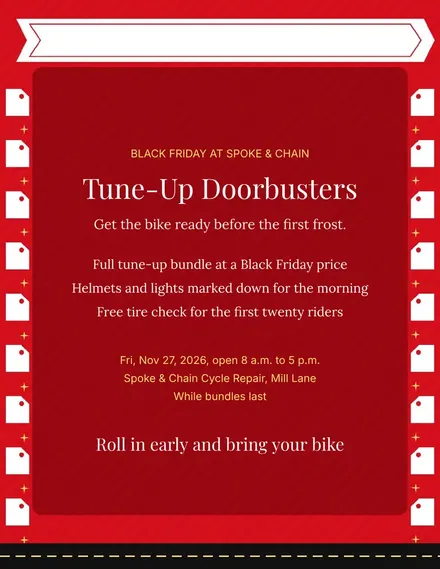
Spoke & Chain Cycle Doorbuster Flyer
Docs + Word1 page
Free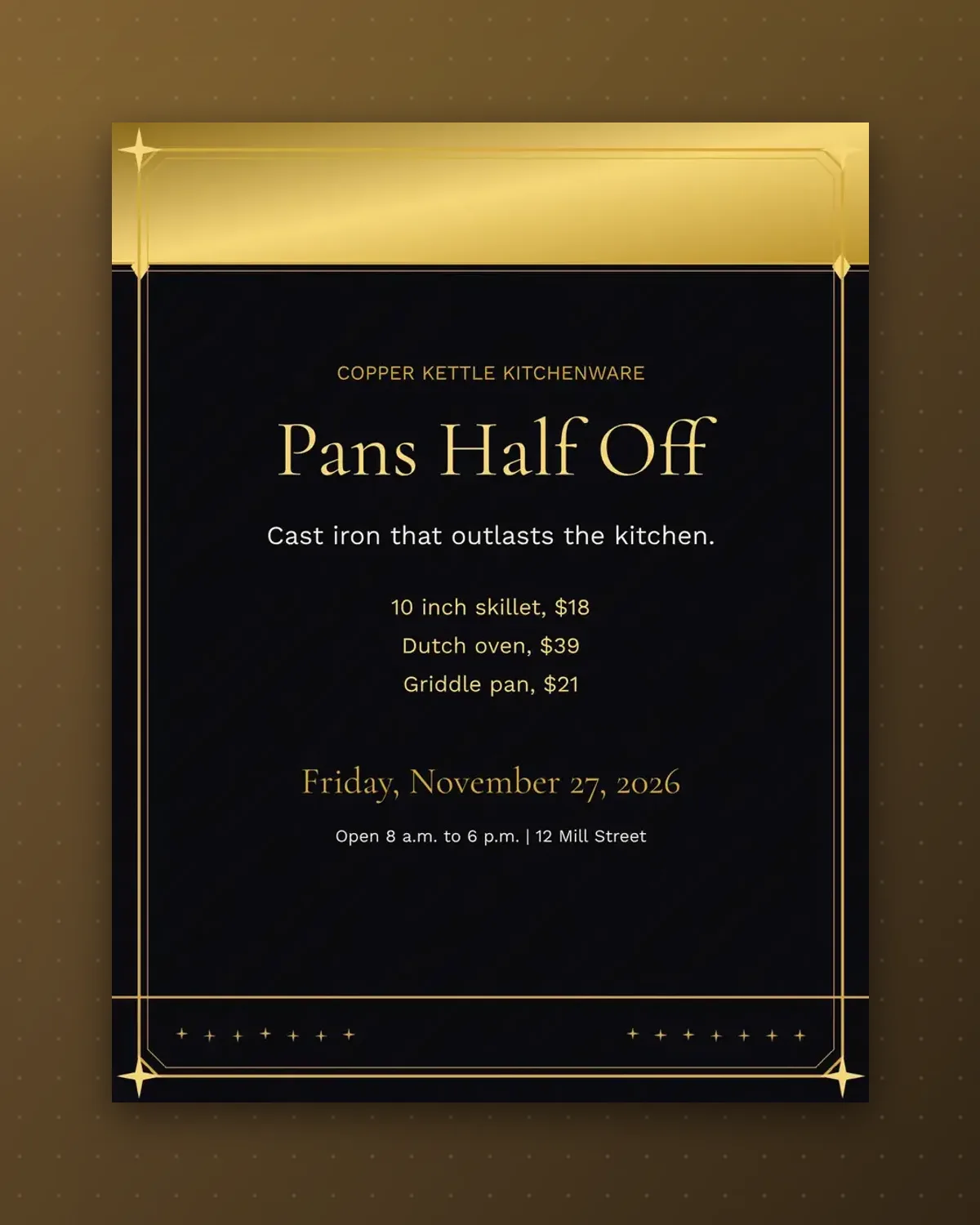
A kitchenware poster works best when it shouts one discount and then proves it. The headline carries the saving and three pans below show the actual figures.
Swap in enamel pots, knives or bakeware. The footer holds the shop address and phone, so the poster still works taped up without a flyer.
Make a copy in Google Docs, or download the Word file.
Type over the sample text with your own details.
Delete the guide page when you are done.
Print it, or save it as a PDF.
Yes, but keep it short so the big type stays on one line.
Three, which keeps the poster readable from across the street.
It does, in portrait orientation.
Docs + Word1 page
Free
Docs + Word1 page
Free
Docs + Word1 page
Free
Docs + Word1 page
Free
Docs + Word2 pages
Free
Docs + Word1 page
Free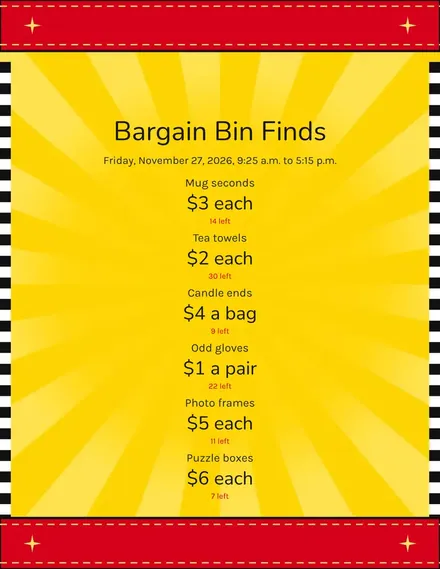
Docs + Word1 page
Free
Docs + Word1 page
Free
Docs + Word1 page
Free
Docs + Word1 page
Free
Docs + Word1 page
Free
Docs + Word1 page
Free
Docs + Word1 page
Free
Docs + Word2 pages
Free
Docs + Word1 page
Free








