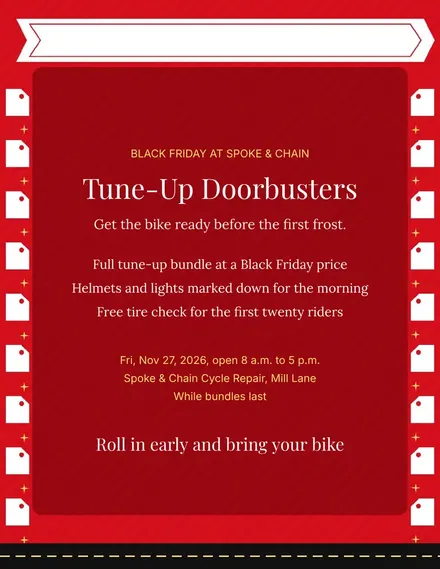
Spoke & Chain Cycle Doorbuster Flyer
Docs + Word1 page
Free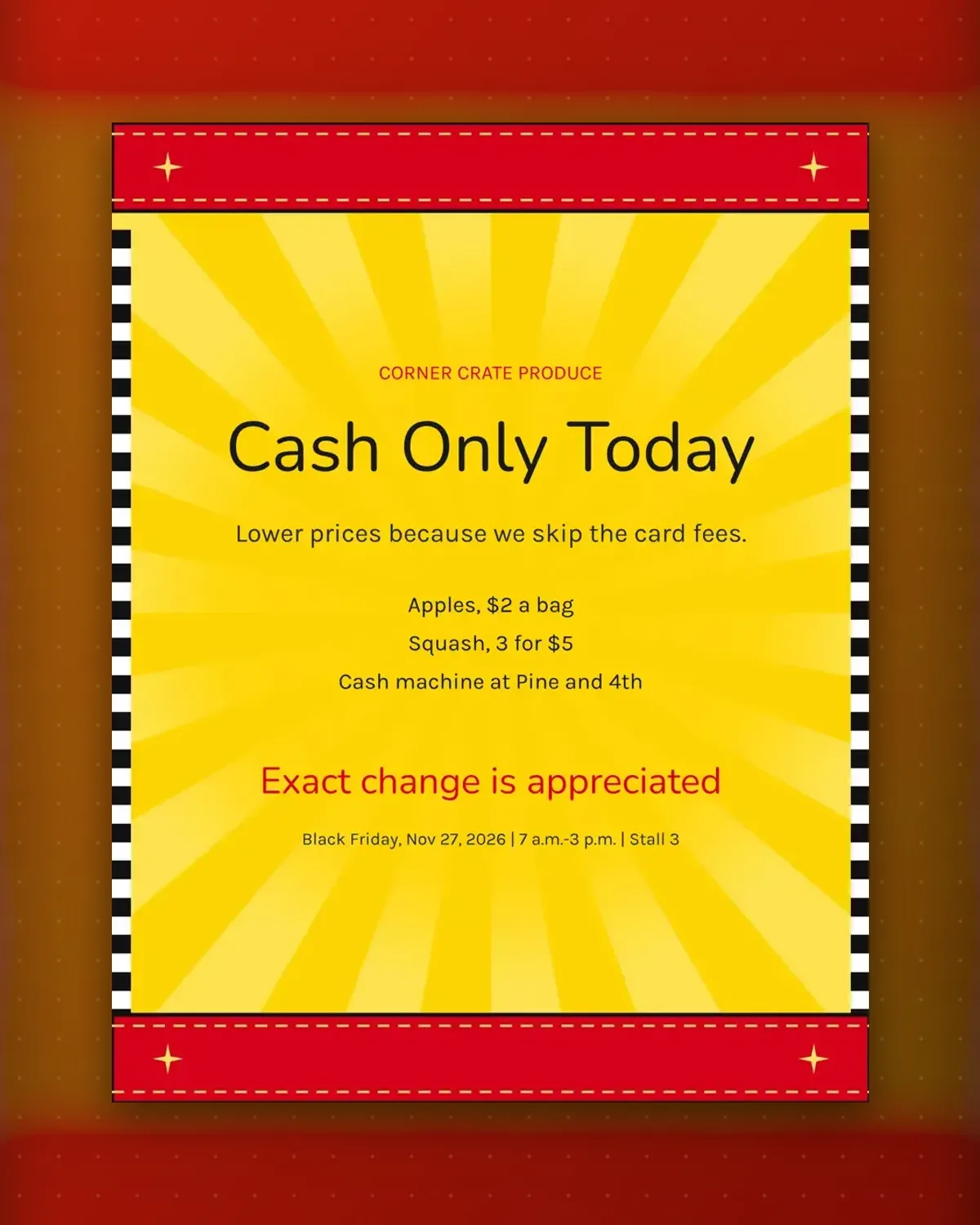
Cash-only rules can annoy people unless they come with a reason. This sign gives one, then shows prices that prove it and tells shoppers where to get notes.
Replace the produce with flowers, eggs or baked goods. Name your own corner for the cash machine so nobody wanders off and gets lost.
Make a copy in Google Docs, or download the Word file.
Type over the sample text with your own details.
Delete the guide page when you are done.
Print it, or save it as a PDF.
Yes. Use the call to action for a change reminder.
The last detail line holds the cash machine location.
No. Any small seller can reuse it with new items.
Docs + Word1 page
Free
Docs + Word1 page
Free
Docs + Word1 page
Free
Docs + Word1 page
Free
Docs + Word2 pages
Free
Docs + Word1 page
Free
Docs + Word1 page
Free
Docs + Word1 page
Free
Docs + Word1 page
Free
Docs + Word1 page
Free
Docs + Word1 page
Free
Docs + Word1 page
Free
Docs + Word1 page
Free
Docs + Word2 pages
Free
Docs + Word1 page
Free








