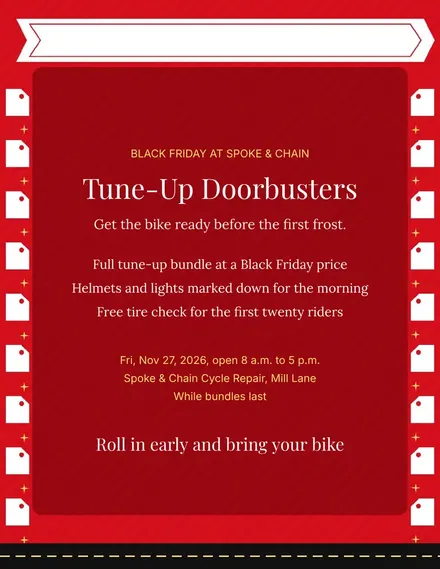
Spoke & Chain Cycle Doorbuster Flyer
Docs + Word1 page
Free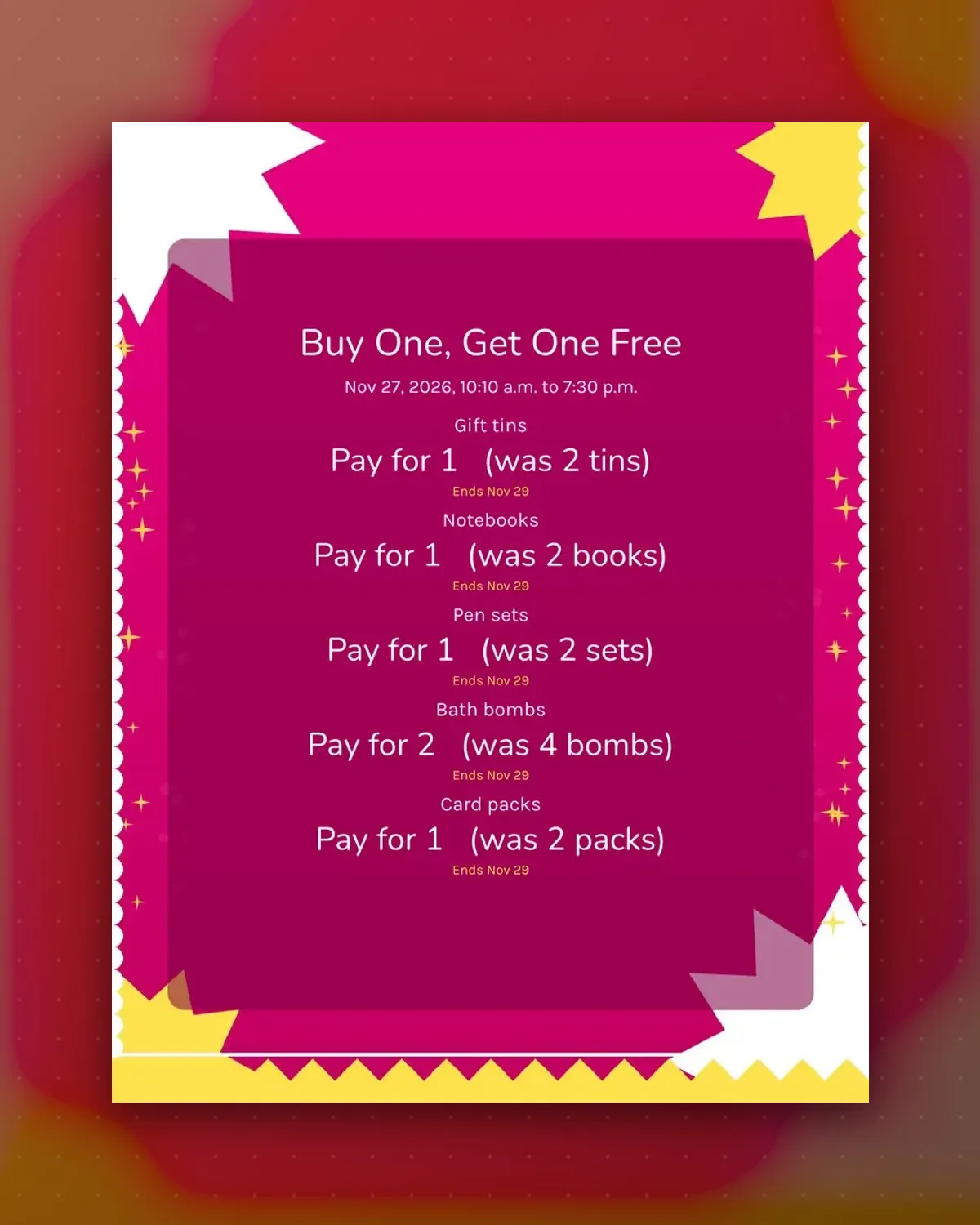
Two-for-one is easy to say and easy to muddle at the till. These tags spell out what the shopper pays for and what they take home, with the end date beside it.
Swap in your own items and pay-for counts. The sheet is laid out to print on full-page sticker paper and peel straight onto packaging.
Make a copy in Google Docs, or download the Word file.
Type over the sample text with your own details.
Delete the guide page when you are done.
Print it, or save it as a PDF.
Yes. Edit the note on every tag so the dates all match.
Full-page sticker paper works best, and plain paper plus tape is fine for a weekend.
Reword the price line to Pay for 2 and the was line to 3 items.
Docs + Word1 page
Free
Docs + Word1 page
Free
Docs + Word1 page
Free
Docs + Word1 page
Free
Docs + Word2 pages
Free
Docs + Word1 page
Free
Docs + Word1 page
Free
Docs + Word1 page
Free
Docs + Word1 page
Free
Docs + Word1 page
Free
Docs + Word1 page
Free
Docs + Word1 page
Free
Docs + Word1 page
Free
Docs + Word1 page
Free
Docs + Word2 pages
Free








