
Annual Report
Docs + Word6 pages
FeaturedFree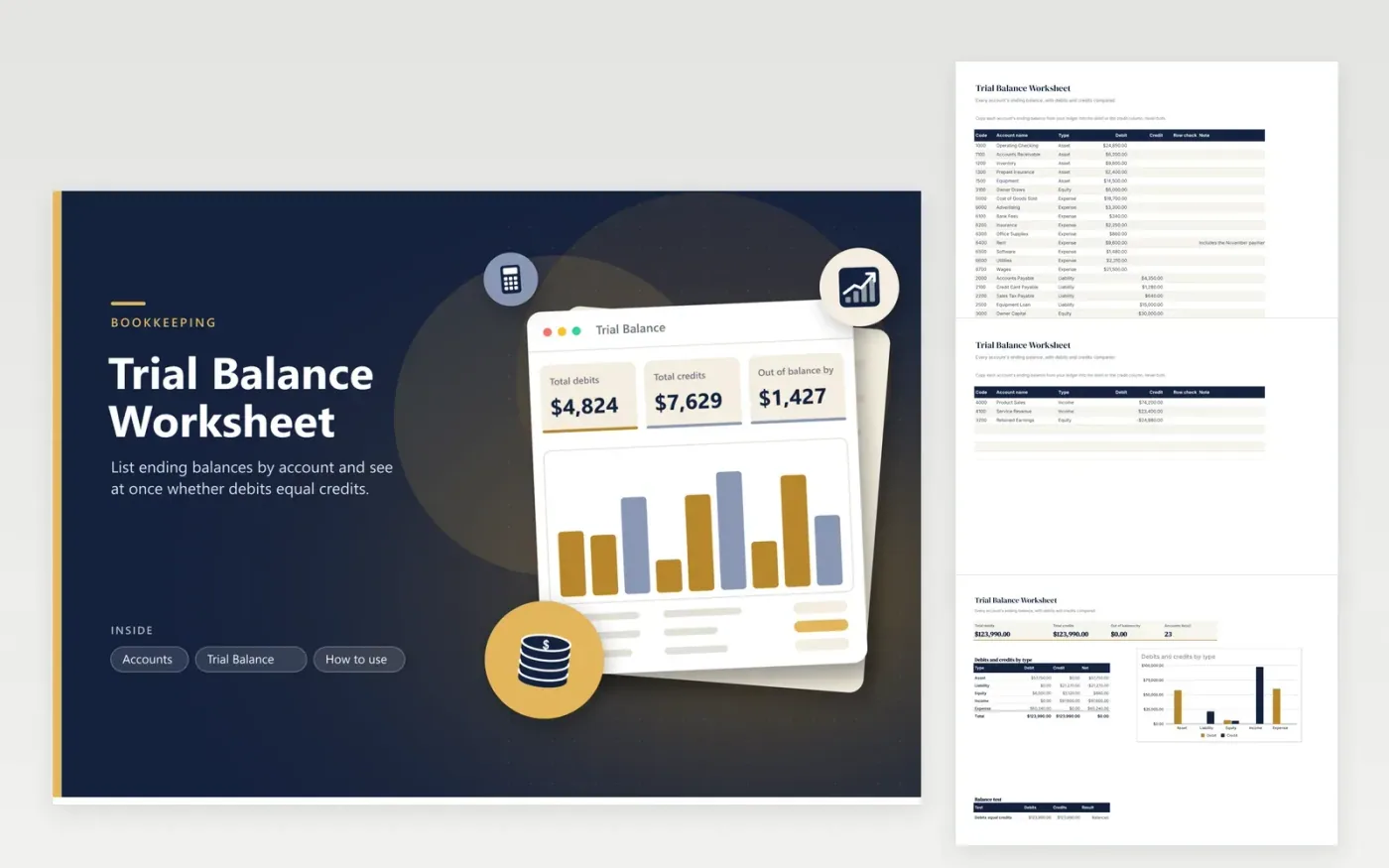
At the end of a month a bookkeeper lists every ledger balance and checks that debits and credits agree. This trial balance worksheet does that on one page. The Accounts tab takes a code, a name, a type and one amount in the debit or credit column. A row check warns you when an amount appears on both sides, which is the most common slip when balances are copied by hand.
The Trial Balance tab totals both columns, shows how far apart they are and prints Balanced or Out of balance. A chart compares debits and credits for each of the five account types, so you can see which type holds the problem. The sample is a small shop with 23 accounts that balances to the cent; replace it with your own ledger figures.
Click Make a copy in Google Sheets, then confirm on the Google page. The copy is saved to your own Google Drive.
Start on the Accounts tab: replace the sample rows with your own.
Keep the formula columns as they are; they fill in as you type.
Read the How to use tab for tips. For Excel, download the .xlsx file instead.
It is a list of every account with its ending balance in a debit or credit column. If the two column totals match, the ledger is internally consistent.
Read the difference on the Trial Balance tab. Look for a balance entered on the wrong side, an amount on both sides, a missing account or two digits swapped.
No. An amount posted to the wrong account still balances. The trial balance catches arithmetic and one-sided entries, not every kind of mistake.
Docs + Word6 pages
FeaturedFree
Excel
FeaturedFree
Sheets + Excel5 tabs
Free
Sheets + Excel6 tabs
Free
Sheets + Excel5 tabs
Free
Sheets + Excel6 tabs
Free
Sheets + Excel5 tabs
Free
Sheets + Excel5 tabs
Free








