
Annual Report
Docs + Word6 pages
FeaturedFree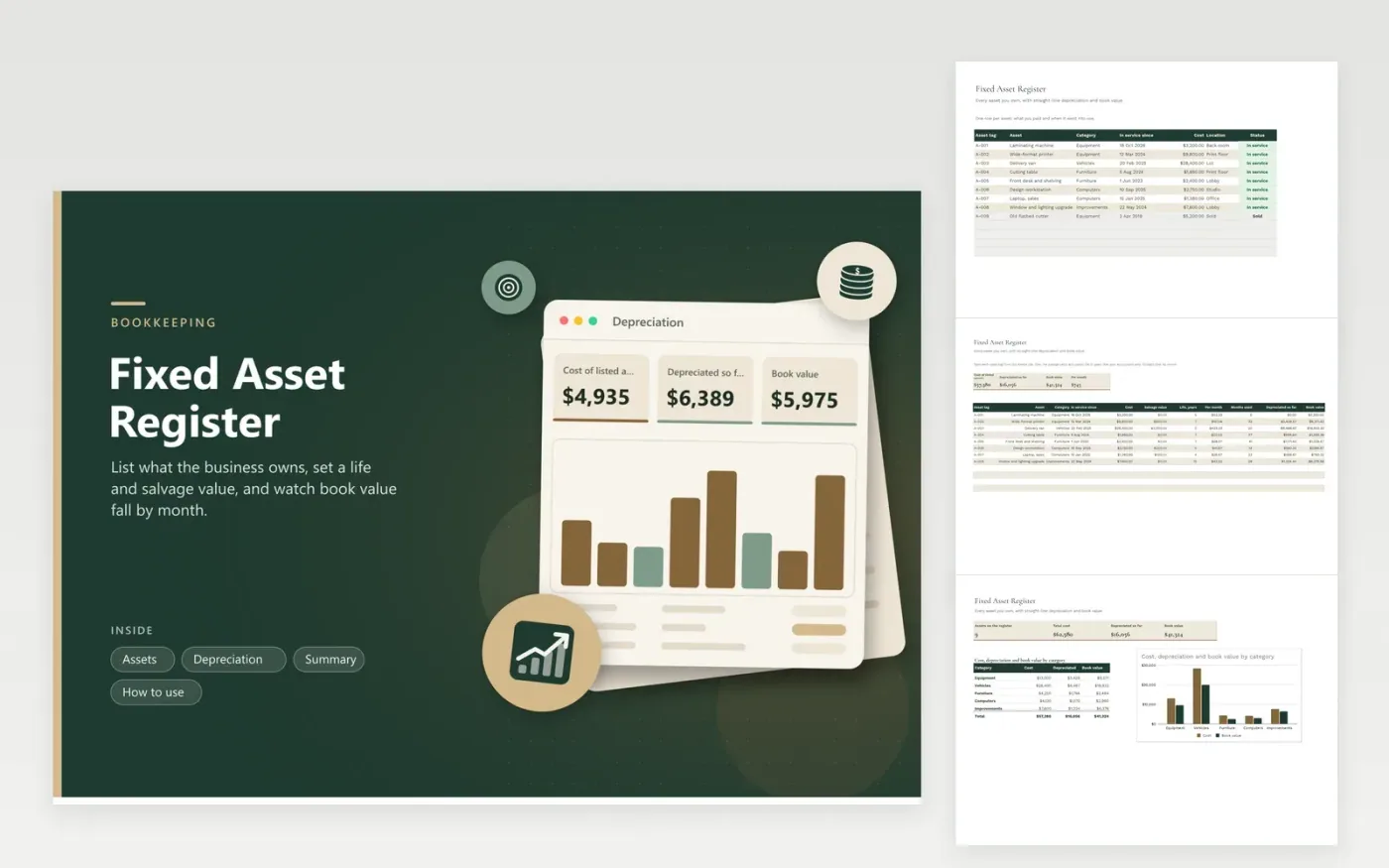
Equipment, vehicles and furniture stay on the books for years, and each one needs a cost, an in-service date and a method for spreading that cost. The Assets tab is the register: tag, name, category, in-service date, cost, location and status. The Depreciation tab takes a salvage value and a life in years for each tag, pulls the cost and date from the register, and calculates the charge per month, the months used, the amount depreciated and the book value left.
The Summary tab charts cost, depreciation and book value category by category. Nine sample assets show a small print shop's van, printers, furniture, computers and a lobby upgrade, plus one old cutter marked sold. Months used count from today's date, so figures move forward on their own. You choose the lives and salvage values, and no tax schedule is applied.
Click Make a copy in Google Sheets, then confirm on the Google page. The copy is saved to your own Google Drive.
Start on the Assets tab: replace the sample rows with your own.
Keep the formula columns as they are; they fill in as you type.
Read the How to use tab for tips. For Excel, download the .xlsx file instead.
Subtract the salvage value from the cost, then divide by the useful life. This register divides by the life in months and multiplies by the months the asset has been in use.
It is the original cost minus the depreciation recorded so far. It is an accounting figure and may differ from what the asset would sell for.
Use the life your accountant recommends. Tax rules often prescribe different periods from the ones used in your own books, so check IRS or CRA guidance.
Docs + Word6 pages
FeaturedFree
Excel
FeaturedFree
Sheets + Excel5 tabs
Free
Sheets + Excel6 tabs
Free
Sheets + Excel6 tabs
Free
Sheets + Excel5 tabs
Free
Sheets + Excel5 tabs
Free
Sheets + Excel5 tabs
Free








