
Salary Review Proposal
Docs + Word7 pages
Free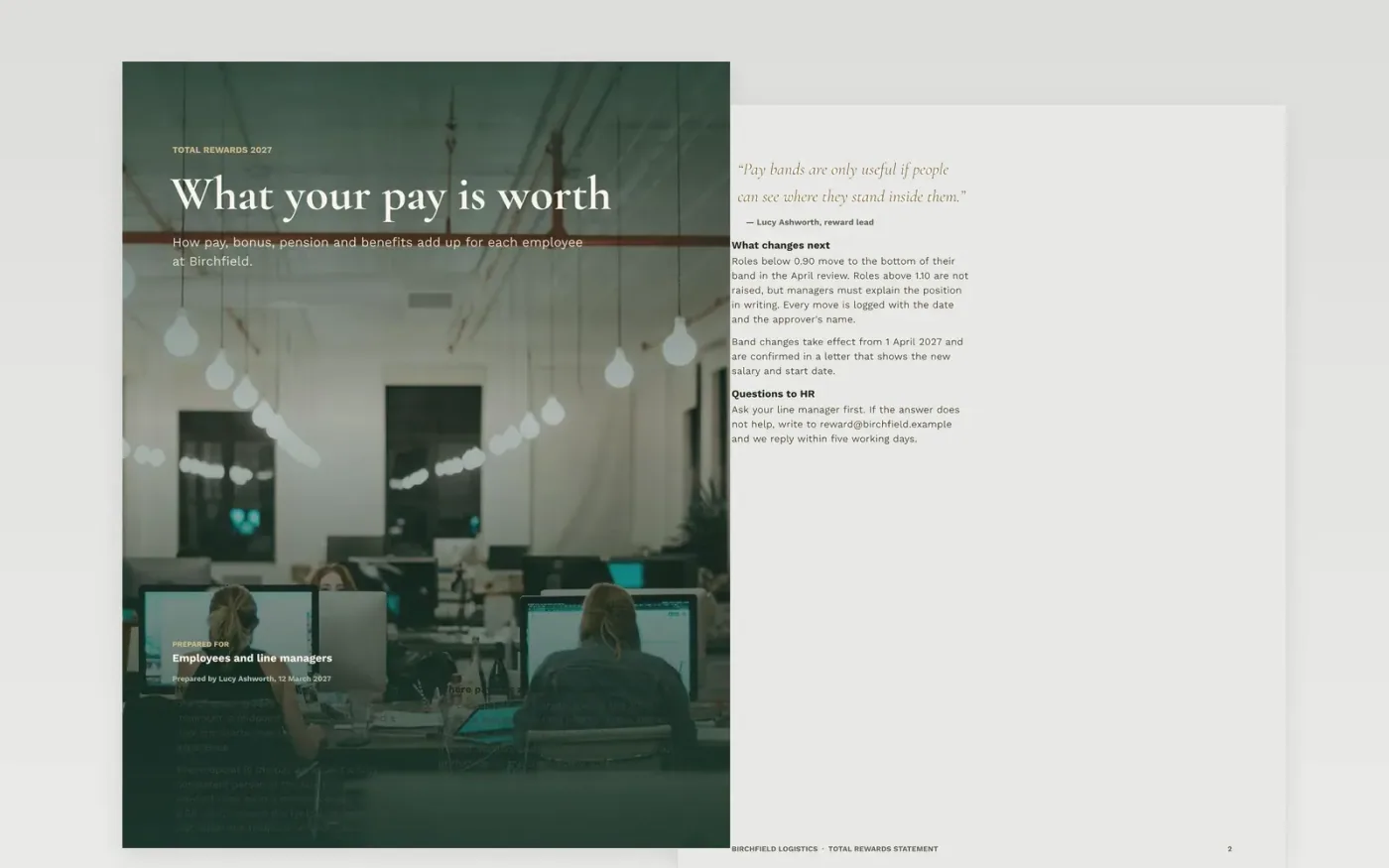
Employees often see only their base salary, so the rest of their package goes unnoticed and pay reviews look costlier than they are. This template lays out the full picture in five parts: pay bands and midpoints, the bonus rules, pension contributions, benefits in use and a budget table that adds everything up. Each section explains how its number was reached, so managers and staff can check the working rather than take a total on trust.
The sample follows Birchfield Logistics, a fictional company, with a 2027 total reward of 18.9 million pounds across its salaried roles and an uplift of about 28% on base pay. Replace the payroll, band midpoints, pension rules and benefit costs with your own figures, and keep the note on each row so the method stays visible when the numbers change.
Click Make a copy in Google Docs, then confirm on the Google page. The copy is saved to your own Google Drive.
Replace the payroll base, band midpoints and benefit costs with your own figures, and keep the source for each one.
Name the source, survey date and job-matching method under each market figure before the document goes to committee.
Anonymise any group data and remove individual pay before sharing the document outside HR and finance.
Delete the guide page, then share the document with the approvers or present it from Google Docs.
No. Birchfield Logistics, Lucy Ashworth, the pay grades and every pound figure in the document are fictional sample data. Replace them with your own payroll and survey figures before anyone relies on them.
Not in a shared document. Give each employee their own package in a private letter, and keep group figures aggregated when the statement goes to managers, the committee or a regulator.
Check the median and mean gaps separately, since they can point in different directions. Confirm equal pay at role level as well as on averages, and check local reporting rules before you publish.
Docs + Word7 pages
Free
Docs + Word5 pages
Free
Docs + Word7 pages
Free
Slides + PowerPoint12 slides
Free
Docs + Word7 pages
Free
Slides + PowerPoint11 slides
Free
Slides + PowerPoint10 slides
Free










