Compensation Philosophy Deck
Slides + PowerPoint10 slides
Free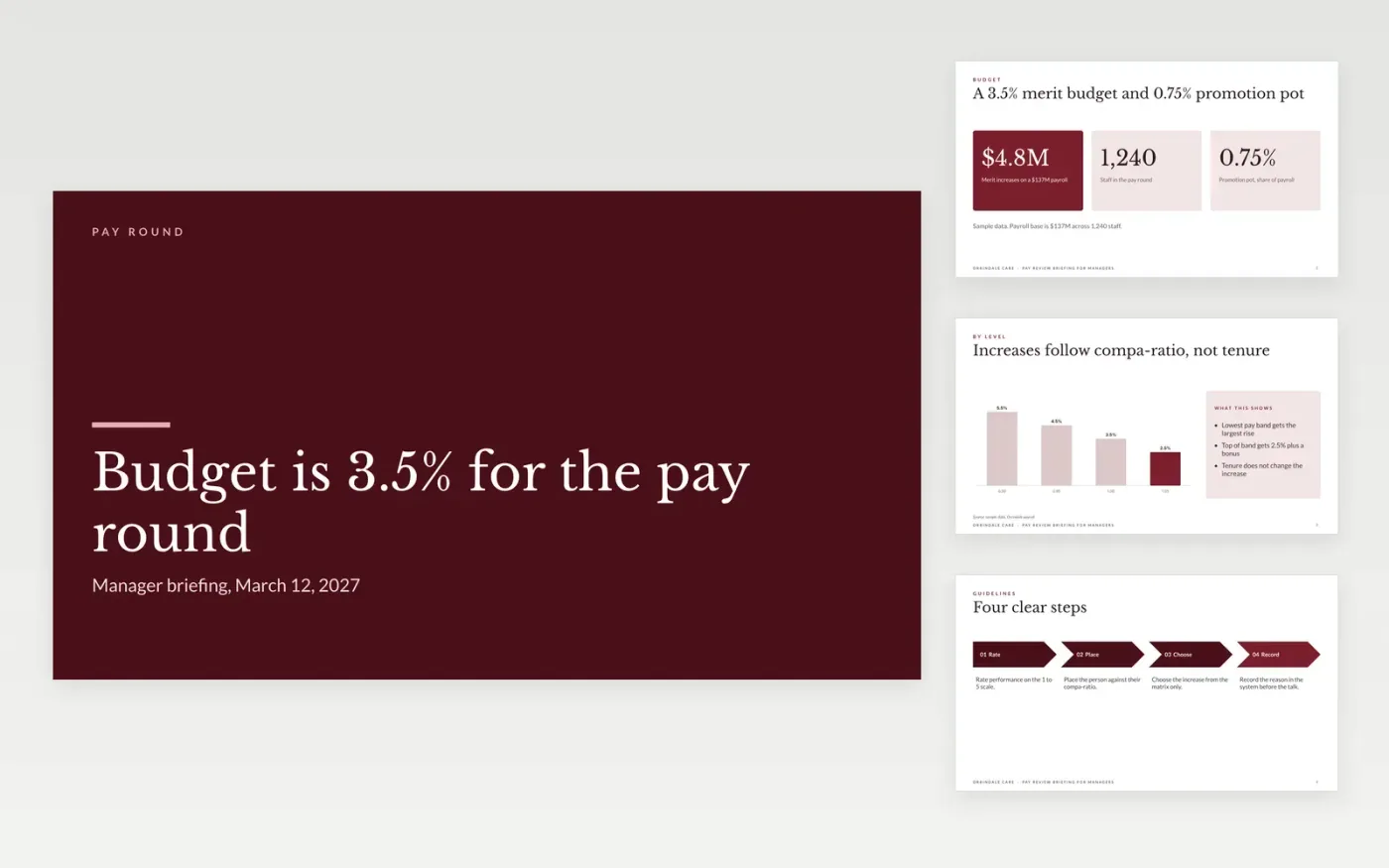
Managers who receive a pay budget with no guidance tend to spread increases evenly, and staff see the result as unfair. This template briefs managers in the order they need it: the budget and what it buys, the guidelines for each rating and compa-ratio pair, the timeline from training to letters, the conversation tips and the tools they can use. Each slide makes one point a manager can act on.
The sample shows Orrindale Care with a merit budget of $4.8M on a $137M payroll, a 3.5% increase near the median and a 0.75% promotion pot. Replace the budget, payroll base, pay bands and dates with your own figures, insert the market survey sources, and set who approves exceptions before the briefing. The organization, people and figures are fictional.
Click Make a copy in Google Slides, then confirm on the Google page. The copy is saved to your own Google Drive.
Replace the budget, headcount and payroll base on slide two with your own figures.
Enter the increase for each compa-ratio band in the chart on slide three.
Set the review calendar on slide six and name who approves exceptions.
Delete the guide slide, then share the deck or present it to your managers.
Use the matrix. Increases follow the rating and the compa-ratio together, so a manager cannot give everyone the same rise. Record the reason in the system before the meeting, then talk to the person.
No. The briefing shows bands and the matrix, never named individual pay. Share group figures only once they are aggregated and anonymized, with a minimum group size of ten people.
No. Orrindale Care, the people named, the payroll base, the budget, the bands and the dates are fictional. They show a finished briefing and should be replaced with your own figures.
Slides + PowerPoint10 slides
Free
Slides + PowerPoint12 slides
Free
Docs + Word7 pages
Free
Docs + Word7 pages
Free
Docs + Word7 pages
Free
Docs + Word5 pages
Free
Docs + Word7 pages
Free










