Compensation Philosophy Deck
Slides + PowerPoint10 slides
Free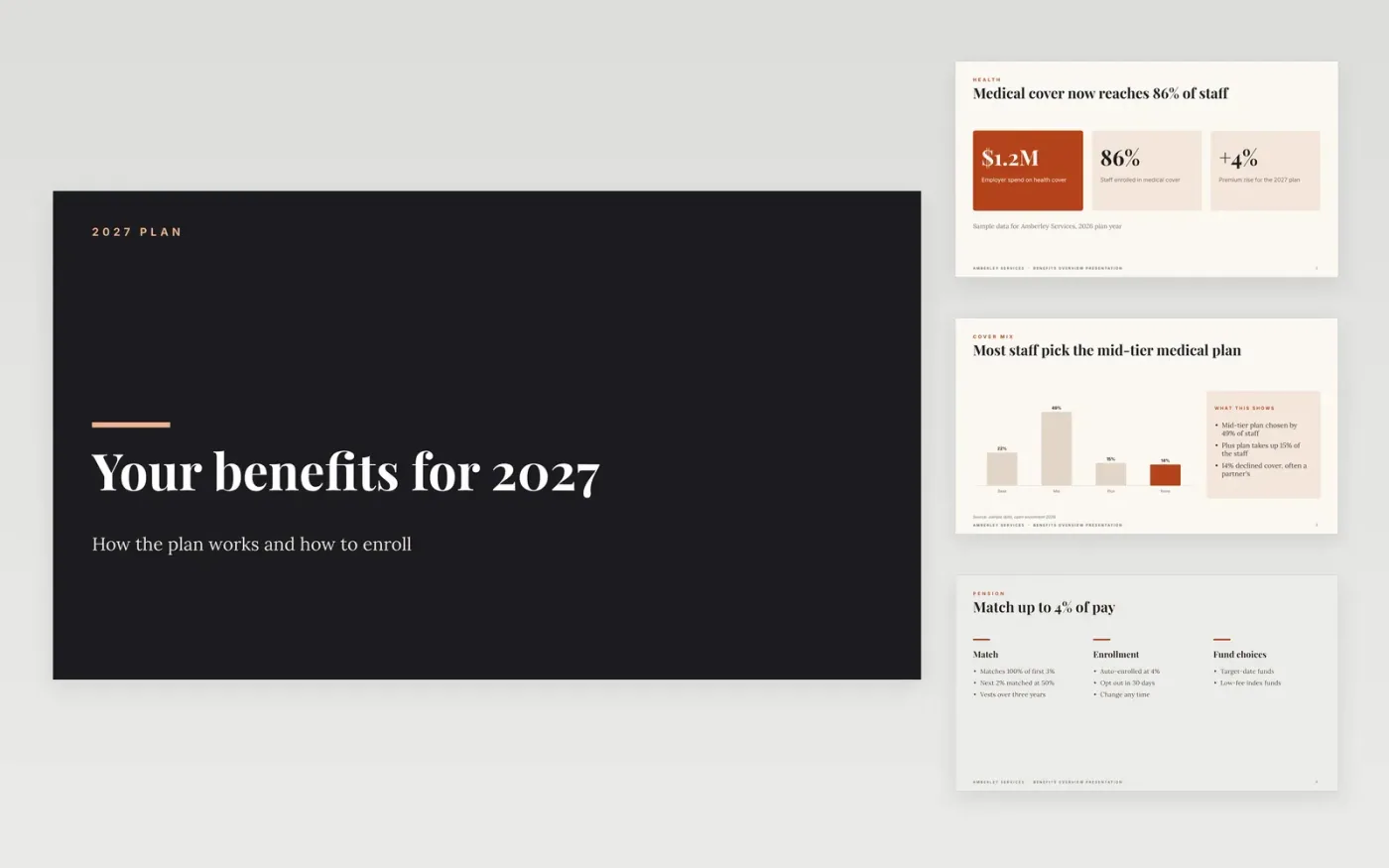
Employees rarely read a benefits guide from start to finish, so the choices that matter most slip past them. This Google Slides deck walks staff through health cover, the pension, wellbeing support and perks, then ends with a step-by-step enrollment page. Each slide answers one question an employee is likely to ask, in plain language.
The sample follows Amberley Services, a fictional staffing and logistics employer whose 2026 medical take-up was 86%. Its plan costs, match rates, perk limits and enrollment deadline are invented sample data. Replace them with your own plan documents, and check each limit with your provider before the deck goes out to staff.
Click Make a copy in Google Slides, then confirm on the Google page. The copy is saved to your own Google Drive.
Replace the sample take-up figures and plan costs with your own provider data.
Check each match rate, perk limit and deadline against your current plan documents.
Add your enrollment dates and HR contact details before sending the deck to staff.
Delete the guide slide, then share the deck with staff or present it at a benefits session.
No. Keep the deck to totals and plan-level figures. Individual pay and elections belong in private statements, and any group figures should be aggregated before they are shared outside HR.
No. Amberley Services, its HR contact, the take-up rates, premiums, match rates and deadlines are fictional sample data. Replace all of them with your own plan details before use.
No. Use it as a plain-language guide to your offer. The official plan summary, the provider's rules and your legal wording take priority if anything differs.
Slides + PowerPoint10 slides
Free
Slides + PowerPoint11 slides
Free
Docs + Word7 pages
Free
Docs + Word7 pages
Free
Docs + Word7 pages
Free
Docs + Word5 pages
Free
Docs + Word7 pages
Free










