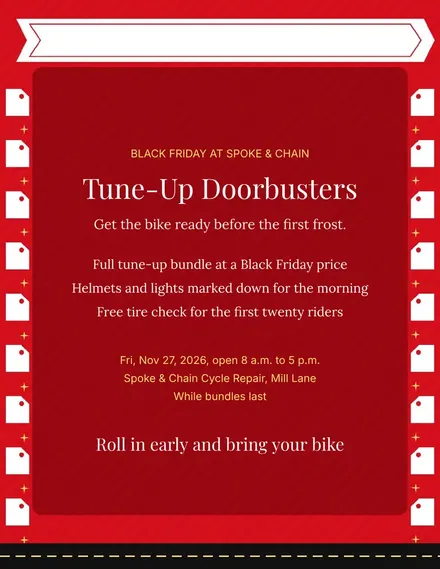
Spoke & Chain Cycle Doorbuster Flyer
Docs + Word1 page
Free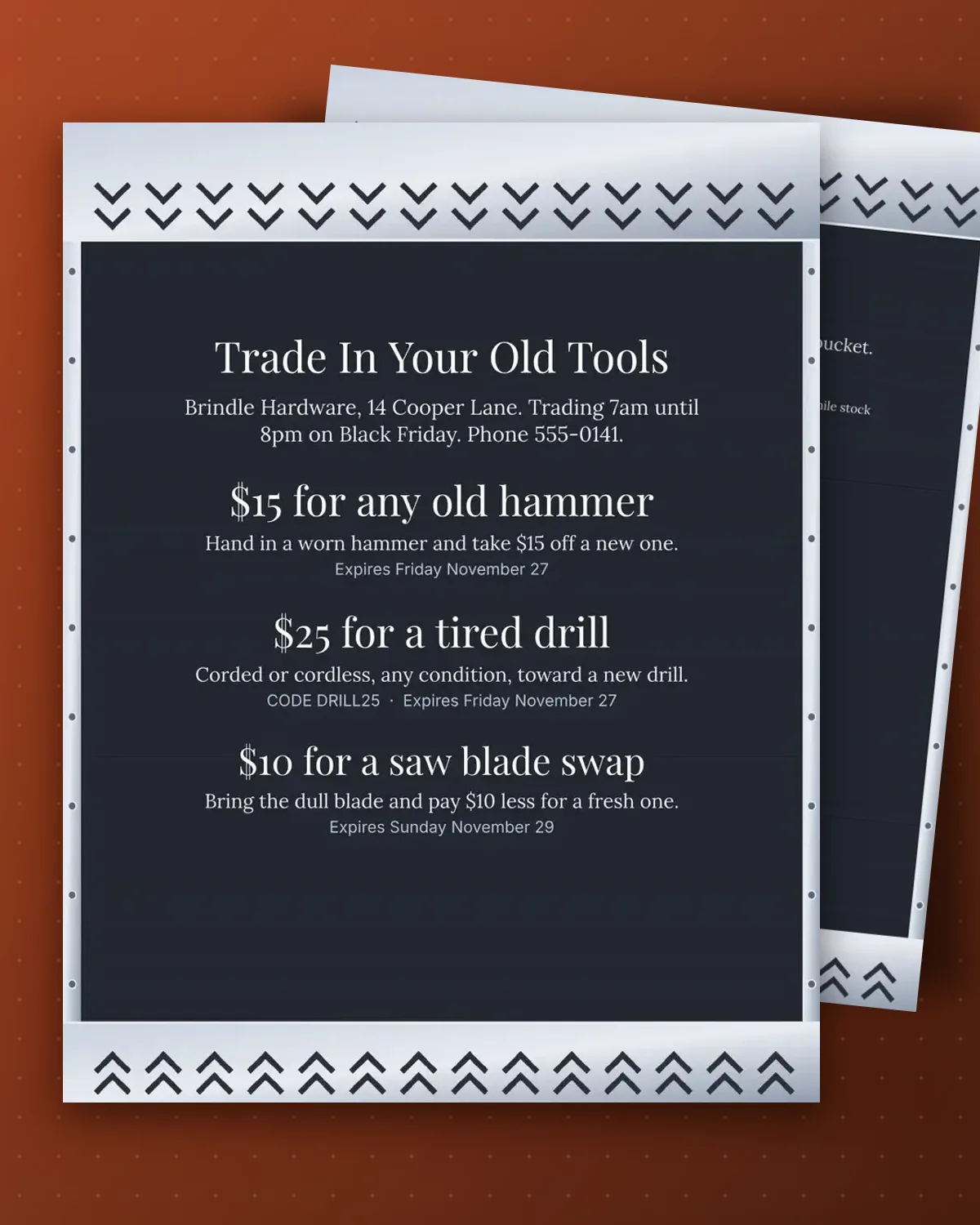
Each coupon names one tool and the dollar amount it is worth at the counter, so staff can accept an old hammer, drill or saw blade without checking a price list.
The shop name, address, hours and amounts are plain text. Change the tools to match your aisles and print on sturdy card to cut apart.
Make a copy in Google Docs, or download the Word file.
Type over the sample text with your own details.
Delete the guide page when you are done.
Print it, or save it as a PDF.
Yes, but a page holds three coupons and the sheet runs to two pages at most.
It sits in the subtitle line under the heading and can be edited like any text.
No. Delete the code on any coupon where you only want the paper handed in.
Docs + Word1 page
Free
Docs + Word1 page
Free
Docs + Word1 page
Free
Docs + Word1 page
Free
Docs + Word2 pages
Free
Docs + Word1 page
Free
Docs + Word1 page
Free
Docs + Word1 page
Free
Docs + Word1 page
Free
Docs + Word1 page
Free
Docs + Word1 page
Free
Docs + Word1 page
Free
Docs + Word1 page
Free
Docs + Word1 page
Free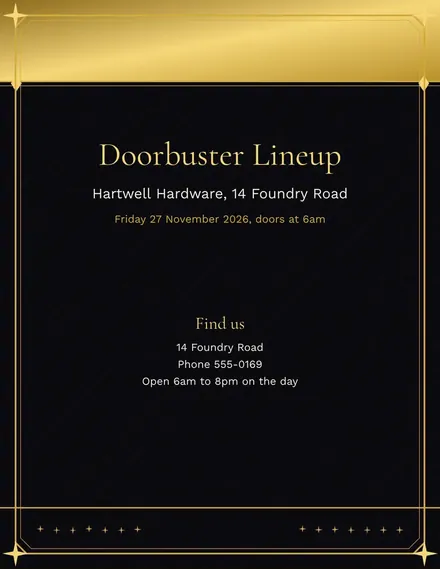
Docs + Word2 pages
Free








