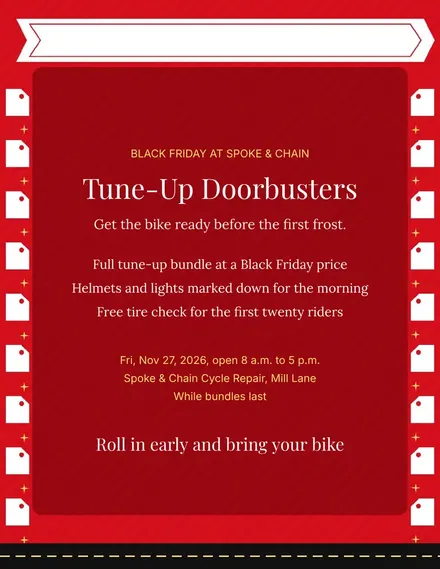
Spoke & Chain Cycle Doorbuster Flyer
Docs + Word1 page
Free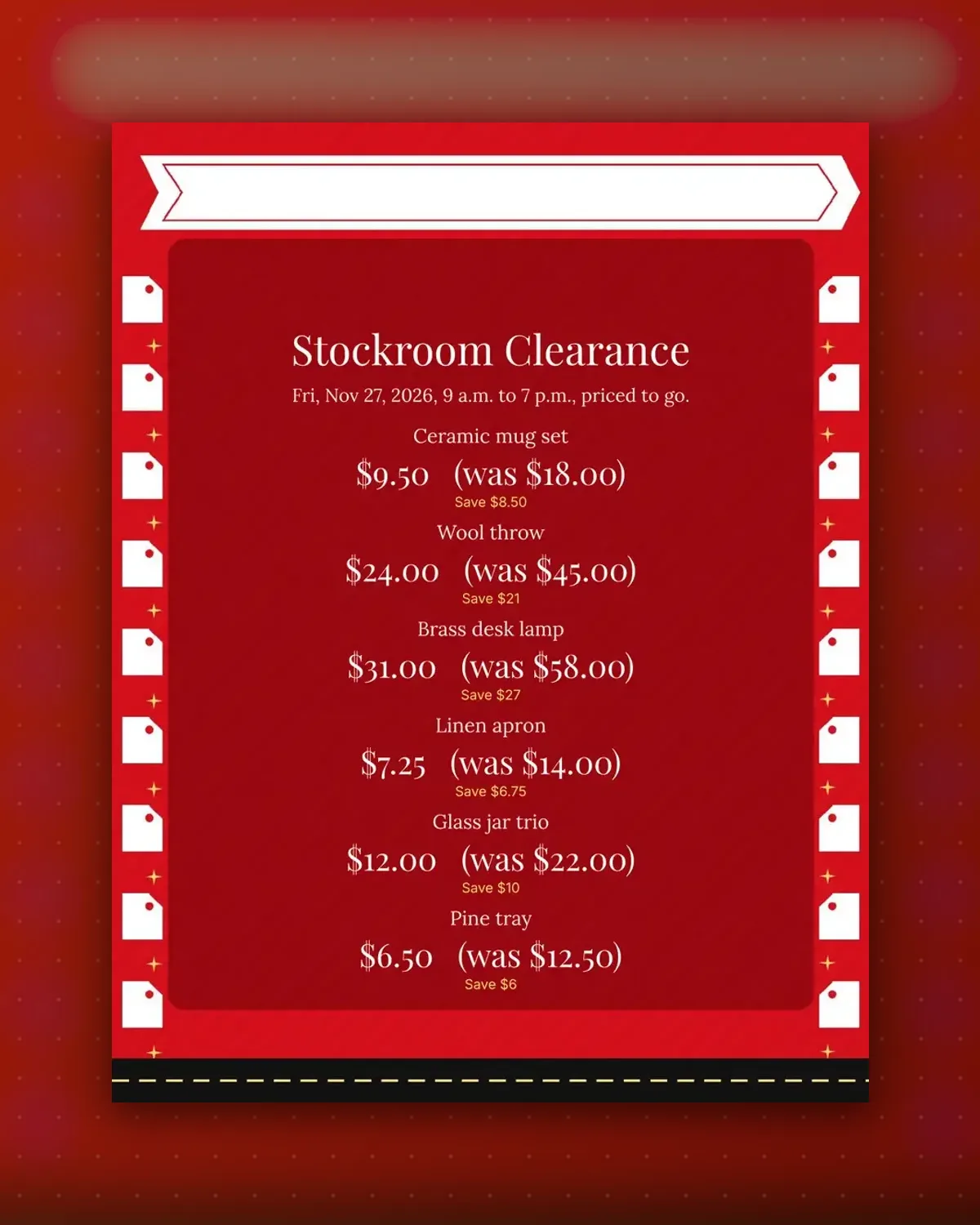
Back-room stock sells when the discount is obvious. Each tag crosses out the old price and shows the new one beside a plain save amount.
Replace the six items with your own leftovers and print on stiff paper. Punch a hole in each tag to tie it to a handle or shelf.
Make a copy in Google Docs, or download the Word file.
Type over the sample text with your own details.
Delete the guide page when you are done.
Print it, or save it as a PDF.
Four tags fit on one sheet, and each can be cut out.
Yes. Delete the was text and the save note on any tag.
Light card stock holds a string hole better than plain paper.
Docs + Word1 page
Free
Docs + Word1 page
Free
Docs + Word1 page
Free
Docs + Word1 page
Free
Docs + Word2 pages
Free
Docs + Word1 page
Free
Docs + Word1 page
Free
Docs + Word1 page
Free
Docs + Word1 page
Free
Docs + Word1 page
Free
Docs + Word1 page
Free
Docs + Word1 page
Free
Docs + Word1 page
Free
Docs + Word1 page
Free
Docs + Word2 pages
Free








