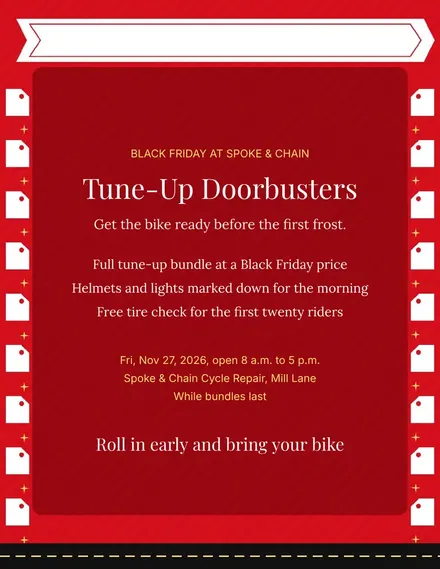
Spoke & Chain Cycle Doorbuster Flyer
Docs + Word1 page
Free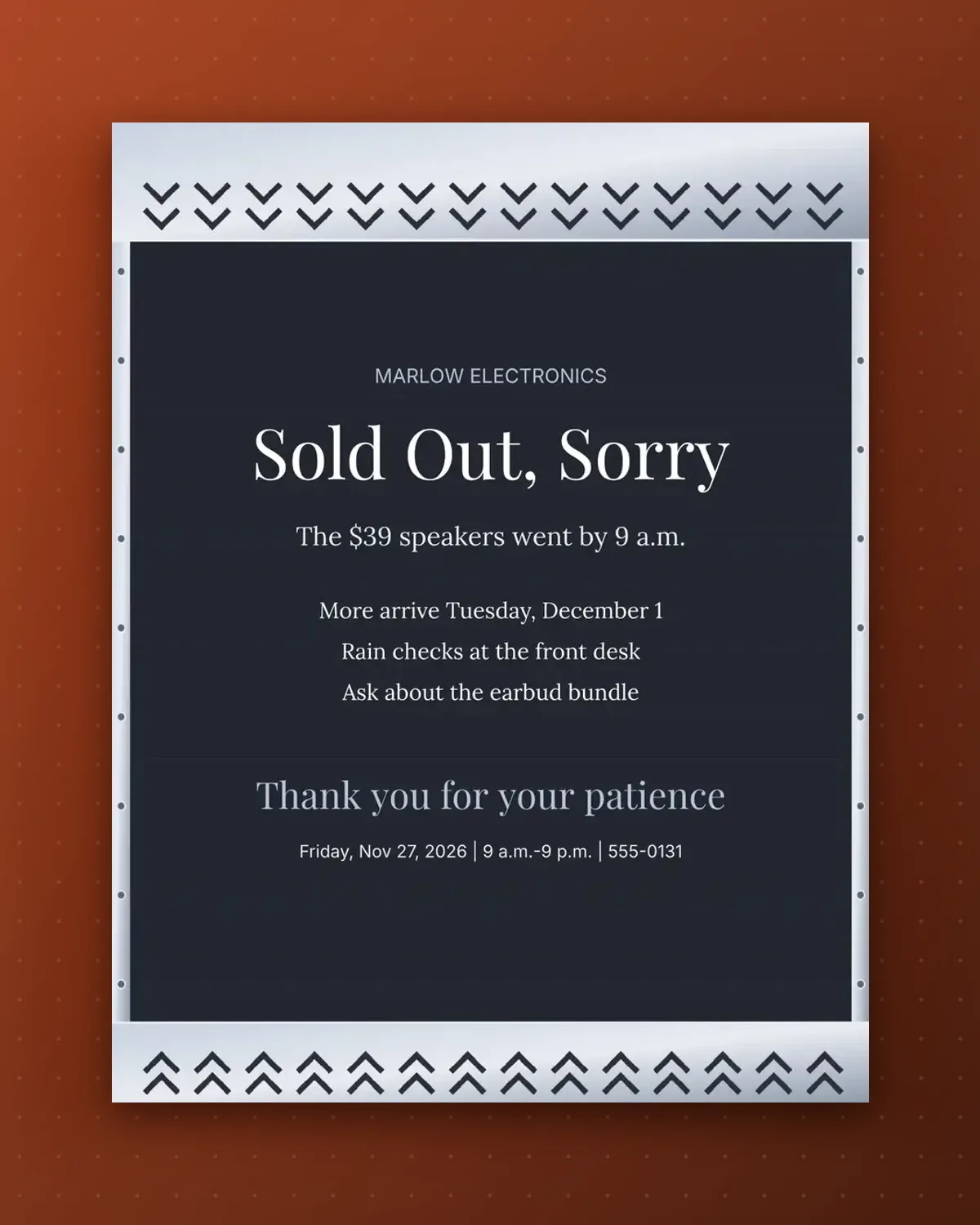
Nobody likes finding an empty shelf. This sign says so kindly, names the item that has gone and gives a restock date so people can plan a return trip.
Edit the product, price and restock day. A rain check line and a nearby alternative keep disappointed shoppers from leaving empty-handed.
Make a copy in Google Docs, or download the Word file.
Type over the sample text with your own details.
Delete the guide page when you are done.
Print it, or save it as a PDF.
Put the main one in the sub line and mention others in the details.
It helps, but you can write soon if you are unsure.
Yes. Reword the headline to something light, such as All Gone.
Docs + Word1 page
Free
Docs + Word1 page
Free
Docs + Word1 page
Free
Docs + Word1 page
Free
Docs + Word2 pages
Free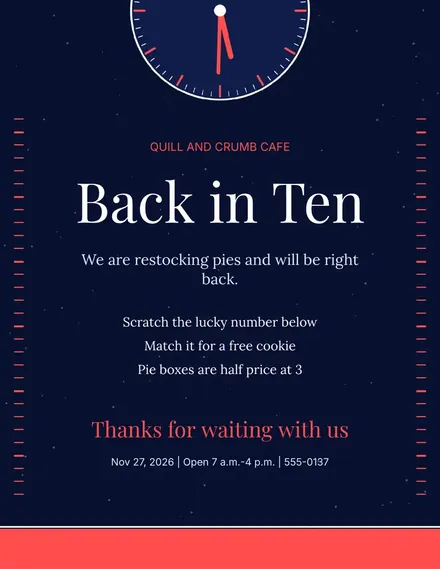
Docs + Word1 page
Free
Docs + Word1 page
Free
Docs + Word1 page
Free
Docs + Word1 page
Free
Docs + Word1 page
Free
Docs + Word1 page
Free
Docs + Word1 page
Free
Docs + Word1 page
Free
Docs + Word1 page
Free
Docs + Word2 pages
Free








