Remote Work Expense Policy
Docs + Word8 pages
Free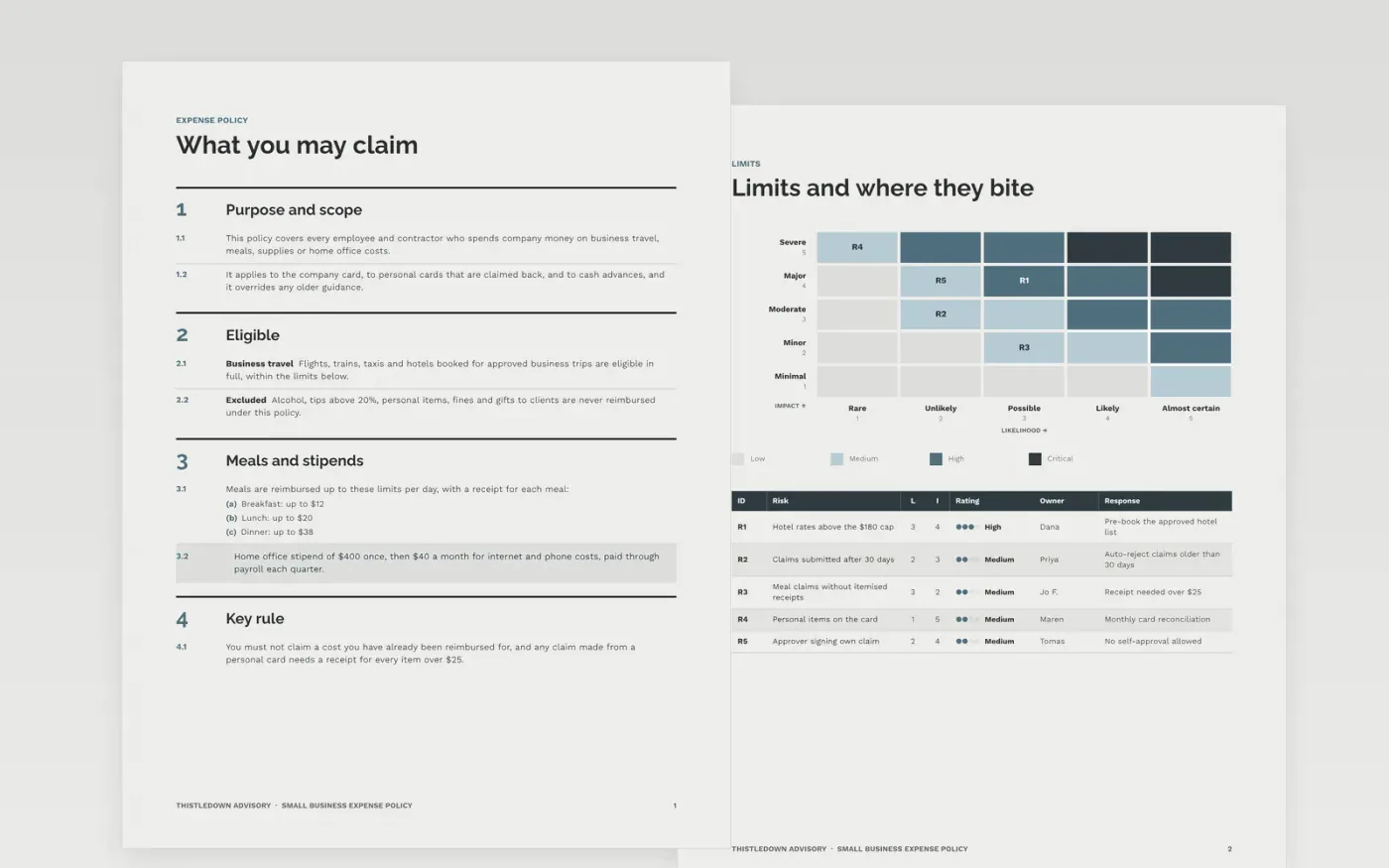
Expense rules are often written as long documents that nobody reads, so staff guess at limits and finance chases receipts at year end. This template sets out what can be claimed, the limits and rates in one place, the approval levels, the claim steps and the payment timing. Each rule is a short statement with its number beside it, so a traveller can check a cost in seconds.
The sample shows Thistledown Advisory, a fictional advisory firm with $180 hotel and $38 dinner limits, a $400 home office stipend and a 30-day claim deadline. Replace the company name, limits, approval levels and receipt rules with your own, and match the submission cut-off to your expense system before the policy goes live.
Click Make a copy in Google Docs, then confirm on the Google page. The copy is saved to your own Google Drive.
Replace the company name, policy owner and effective date on the document control block.
Update every meal, hotel, mileage and per diem limit to your own figures.
Match the approval levels and receipt rules to your delegation of authority and expense system.
Delete the guide page, then share the policy with staff or present it at the team meeting.
No. A claim must always go to someone one level above the claimant, and the expense system should block self-approval. Name the approver for each level in the policy so nobody has to guess.
Yes. Thistledown Advisory, the people named in the policy, the limits and every claim figure are fictional sample data. Replace them with your own before you publish the policy to staff.
Yes, and state the rule clearly. Say whether alcohol is claimable and cap tips, because silence leads to disputes. Many small firms exclude alcohol and cap tips at 20%, but set the rule that suits you.
Docs + Word8 pages
Free
Docs + Word9 pages
Free
Docs + Word9 pages
Free
Docs + Word7 pages
Free
Docs + Word7 pages
Free
Slides + PowerPoint11 slides
Free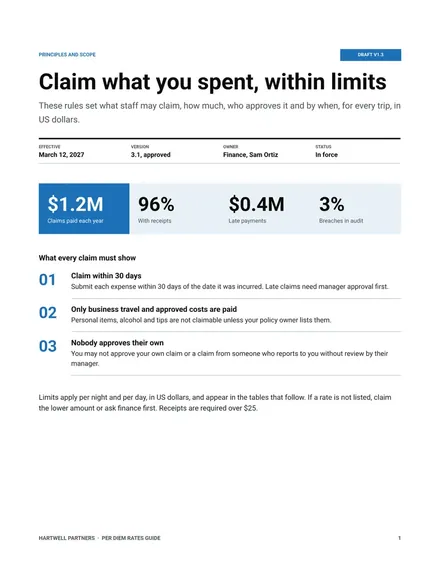
Docs + Word6 pages
Free
Docs + Word8 pages
Free










