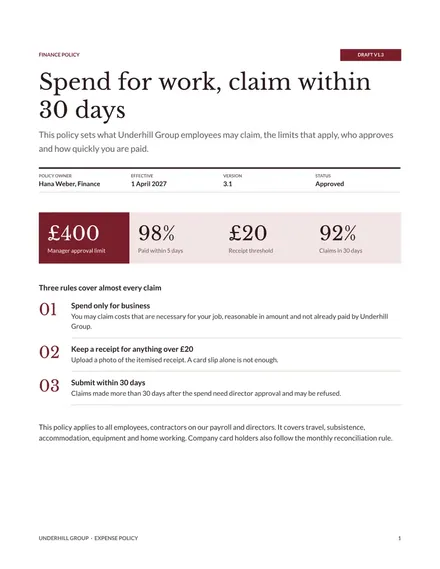
Expense Policy
Docs + Word8 pages
Free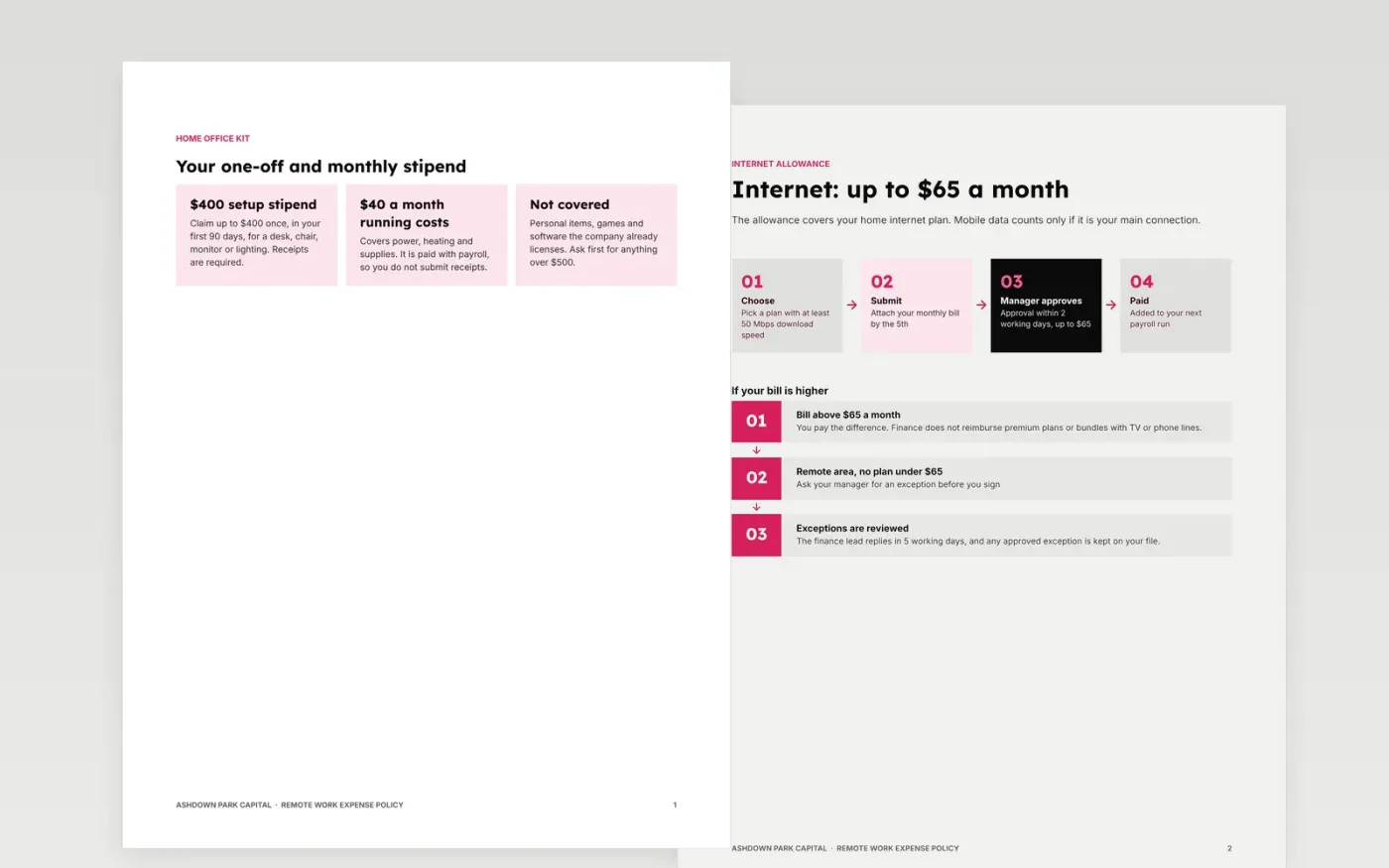
Remote staff buy desks, pay for internet, rent co-working space and fly to meet-ups, yet limits are often scattered across emails and nobody can say what is allowed. This policy puts every limit beside its rule: equipment, internet, co-working, travel, how to claim, who approves, and what happens when rules are broken.
The sample follows Ashdown Park Capital, a fictional remote-first firm. It shows a $400 setup stipend and $40 monthly, internet up to $65, co-working up to $180, receipts over $25 and claims within 30 days. Replace the company name, limits, approval levels and consequences with your own, and check them with finance and counsel.
Click Make a copy in Google Docs, then confirm on the Google page. The copy is saved to your own Google Drive.
Replace the company name, policy owner and effective date, then update every limit and rate to your own.
Rewrite the approval levels to match your delegation of authority and remove categories you do not use.
Choose receipt and submission rules that match your expenses system, and fill the contacts with real names.
Delete the guide page, then share the policy with staff and ask managers to confirm they have read it.
No. They are examples. Set your own limits from your budget and local rules, and have finance or counsel check anything that affects pay or tax before you publish.
No. Ashdown Park Capital, the named people, the email addresses, the phone numbers and every limit are fictional sample content. Replace them with your own.
Yes. Delete the co-working, card or travel sections if they do not apply. Keep the limits table, the approval levels, the claim deadline and the breach consequences.
Docs + Word8 pages
Free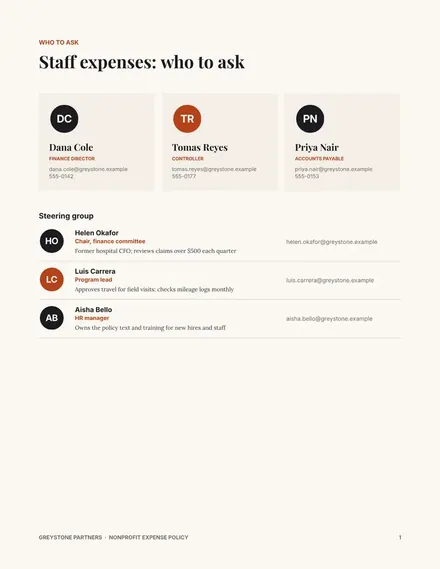
Docs + Word8 pages
Free
Docs + Word6 pages
Free









