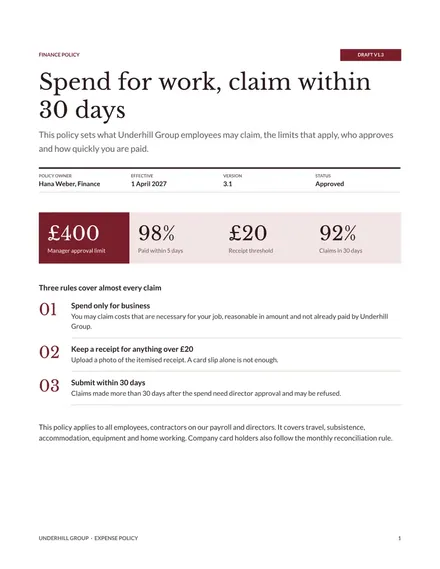
Expense Policy
Docs + Word8 pages
Free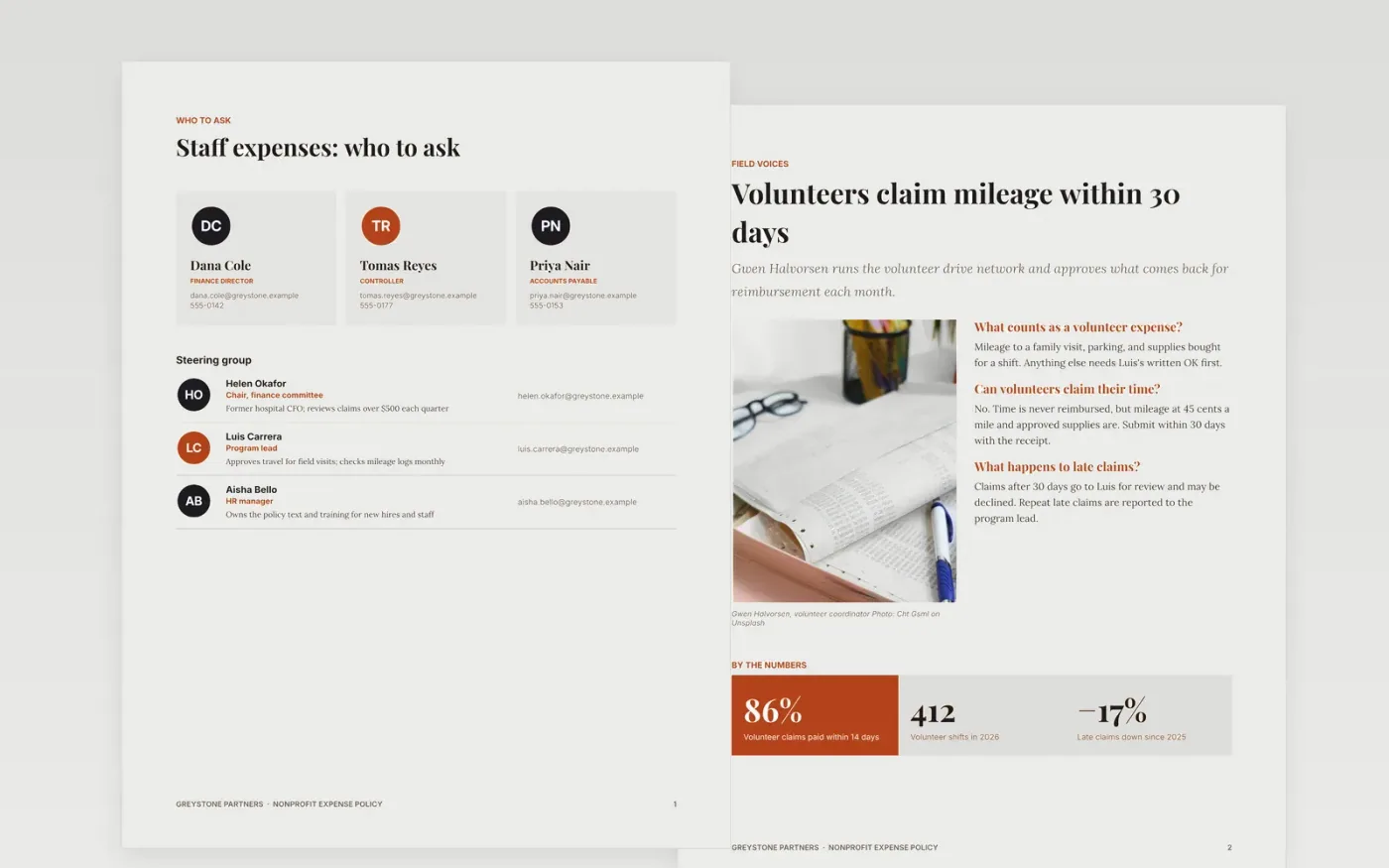
Charities need expense rules that staff can find in seconds and auditors can test later. This template puts staff and volunteer limits, restricted-fund rules, approval levels and claim deadlines into one Google Docs file of seven pages. Each page covers one part of the policy: who may claim what, how volunteers are repaid, how restricted grants are protected, who signs off, and how claims are filed.
The sample follows Greystone Partners, a fictional nonprofit, and uses a $500 manager limit, meal caps, a $180 hotel cap and a 30-day claim window. The figures are examples, not advice. Replace the names, rates and approvers with your own, then delete any section you do not use, such as volunteer expenses if you have no volunteers.
Click Make a copy in Google Docs, then confirm on the Google page. The copy is saved to your own Google Drive.
Replace the team names, roles and contact details on page 1 with your own policy owners.
Update every rate and threshold on pages 2 to 4, and remove the categories you do not use.
Rewrite the approval levels and check the claim window against your expense system's cut-off.
Delete page 7, the guide page, then share the policy as a PDF or present it to staff.
Yes. Make a copy in Google Docs and it is yours to edit. There is no sign-up on this page and no cost for the template.
Yes. The limits sit in plain tables and the approval levels are in short lists, so you can change them as you would in any Google Doc. Keep the layout by editing the text rather than retyping the tables.
No. Greystone Partners, Helen Okafor and every other name, figure and rate are fictional sample data. Replace them with your own before you share the policy with staff or volunteers.
Docs + Word8 pages
Free
Docs + Word6 pages
Free
Excel
Free








