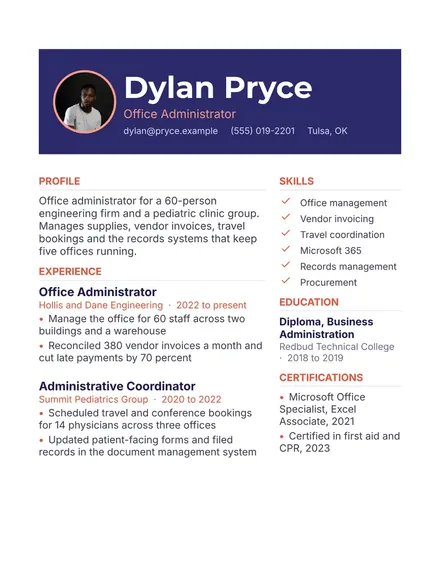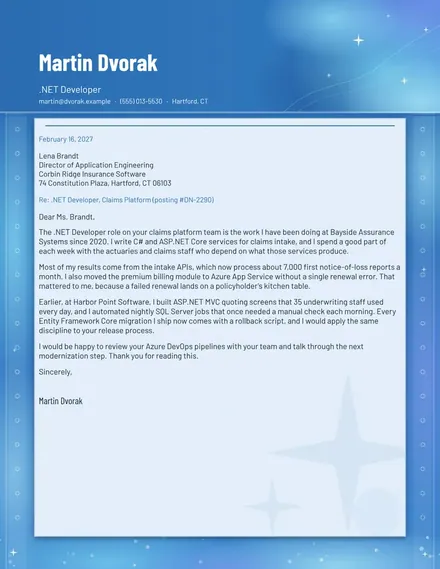
.NET Developer Cover Letter
Docs + Word2 pages
Free
The Scholarship Tracker suits students applying for several awards at once. The Scholarships tab records each award with its amount, deadline, who can apply, the number of letters needed, whether an essay is required and its status. The Essays tab keeps a bank of essay topics with word limits and a progress bar that fills as you draft. The Dashboard totals the value of the list and the amount awarded so far, and counts how many open applications are due within thirty days.
Read each award's eligibility rules before you spend time on an essay, and mark those you do not qualify for as Not eligible. Give recommenders three weeks or more ahead of the deadline, and log the date you asked. Keep your essays in one folder, and reuse parts of a personal statement where the prompts allow, rewriting each one for its award.
Click Make a copy in Google Sheets, then confirm on the Google page. The copy is saved to your own Google Drive.
Start on the Scholarships tab: replace the sample rows with your own.
Keep the formula columns as they are; they fill in as you type.
Read the How to use tab for tips. For Excel, download the .xlsx file instead.
List each award with its deadline on the Scholarships tab. Days left counts down until you submit, while the Dashboard displays how many open applications are due within thirty days. Mark an award Submitted once you have confirmation, so it drops off the countdown.
Be wary of any award that asks for a fee, a bank account number or a payment to release money. Legitimate awards are usually run by schools, foundations or employers, so check the sponsor's website and ask your school's counseling office before you apply.
Yes, if the time cost is reasonable. Several small awards can add up, and they often have fewer applicants. Compare the amount with the essays and letters required, and focus on the ones you are most likely to win.
Docs + Word2 pages
Free
Docs + Word2 pages
Free
Docs + Word1 page
Free
Sheets + Excel4 tabs
Free
Sheets + Excel5 tabs
Free
Sheets + Excel4 tabs
Free
Sheets + Excel5 tabs
Free
Sheets + Excel4 tabs
Free
Sheets + Excel5 tabs
Free
Sheets + Excel3 tabs
Free