Class Attendance Sheet
Sheets + Excel4 slides
Free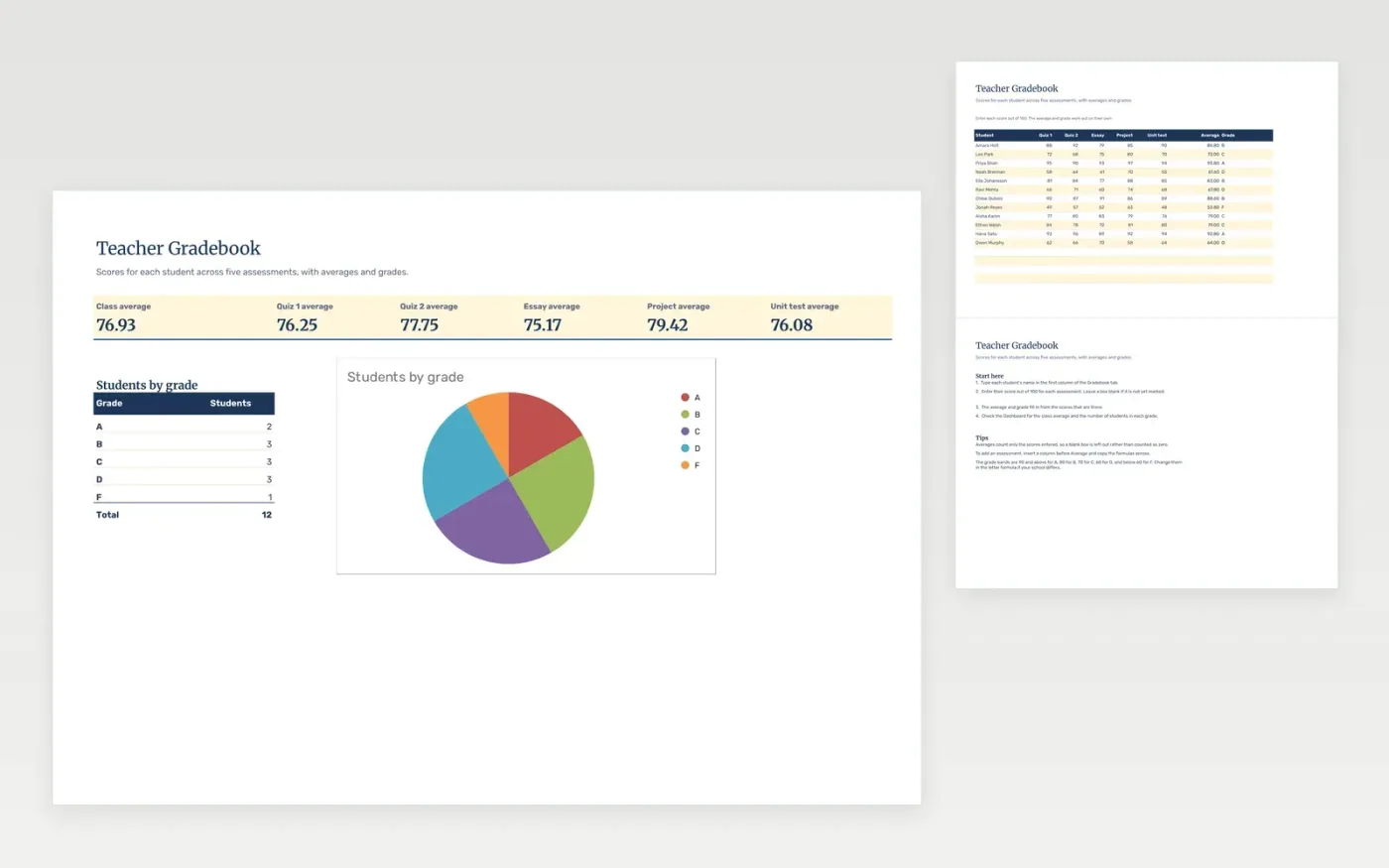
This template is a gradebook for one class. The Gradebook tab has a row for each student and a column for each assessment. The average and letter grade for each student are worked out from the scores you enter, and a blank score is left out of the average.
The Dashboard shows the class average, the average for each assessment and how many students fall into each grade, with a chart. It comes with sample data. Make a copy, then replace the sample students and scores. Formulas, dropdowns and charts update on their own.
Click Make a copy in Google Sheets, then confirm on the Google page. The copy is saved to your own Google Drive.
Start on the Gradebook tab: replace the sample rows with your own.
Keep the formula columns as they are; they fill in as you type.
Read the How to use tab for tips. For Excel, download the .xlsx file instead.
Yes. Download the template and use it in Google Sheets or Excel at no cost.
Yes. Download the .xlsx file to open it in Excel. The formulas and charts work in both Excel and Google Sheets.
It is left out of the average, so the student is not marked down for work still to be marked. The grade fills in once a score is entered.
Sheets + Excel4 slides
Free
Sheets + Excel4 slides
Free
Sheets + Excel4 slides
Free