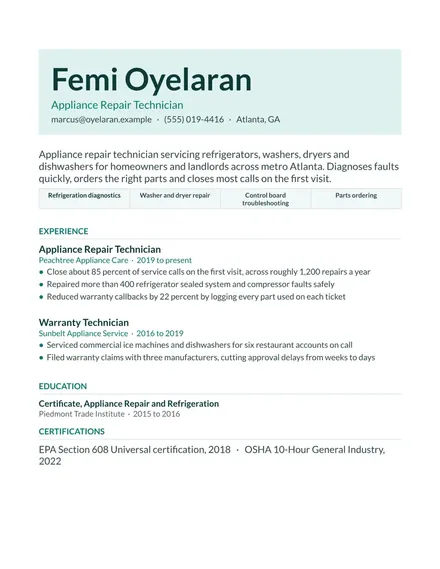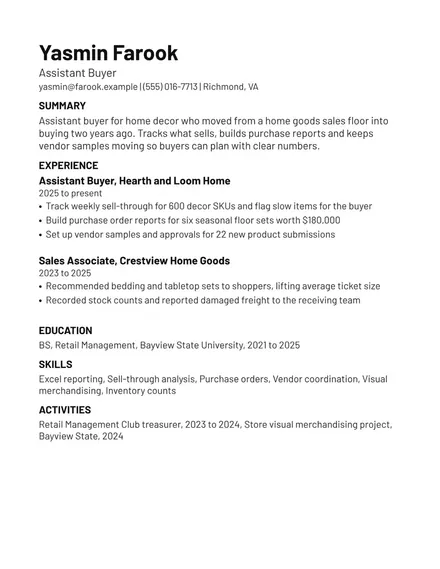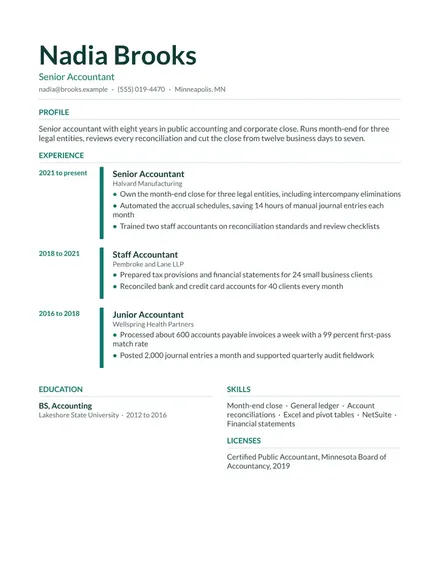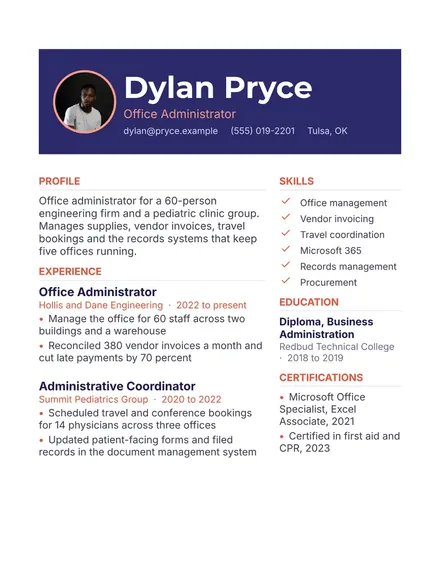
.NET Developer Cover Letter
Docs + Word2 pages
Free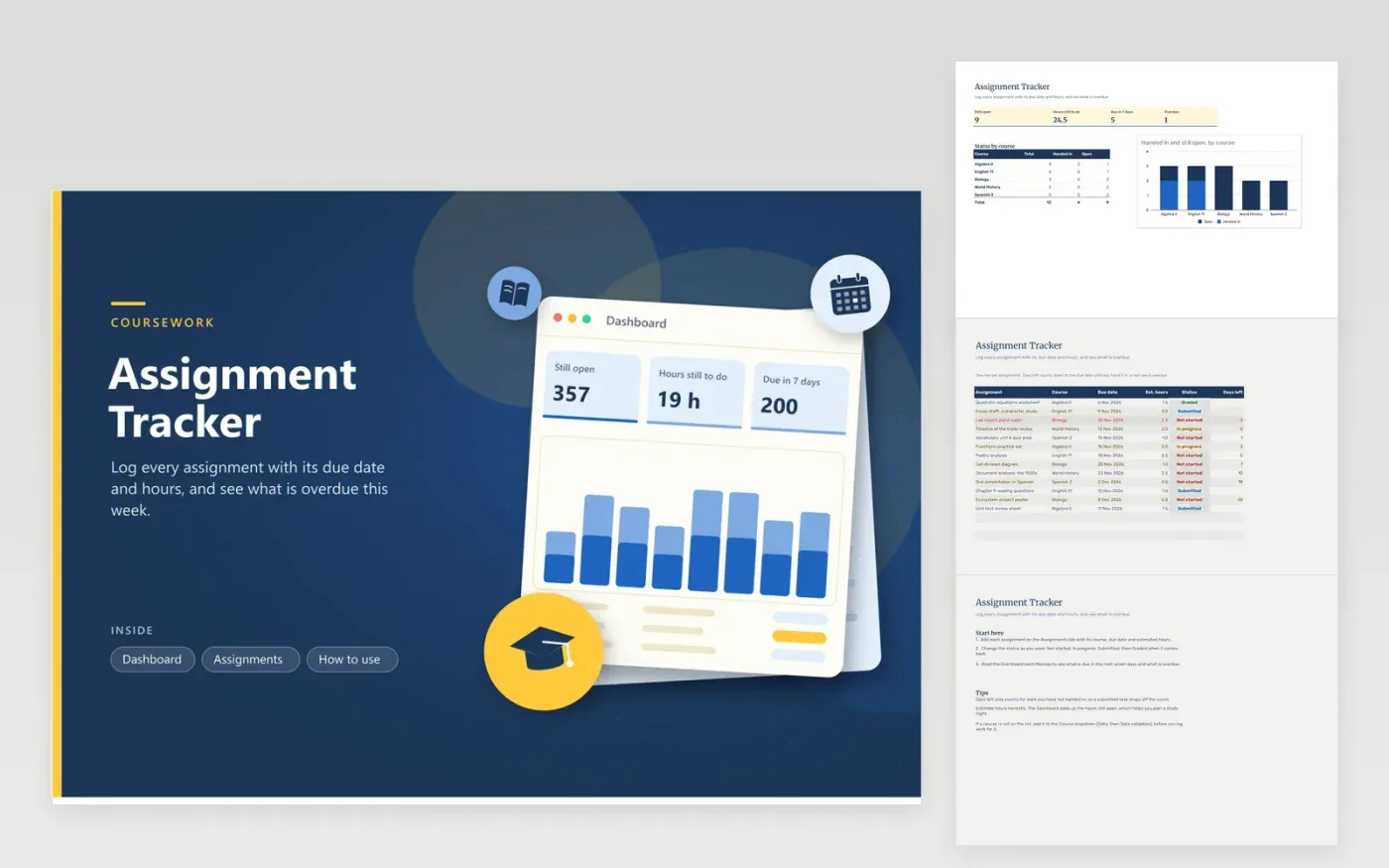
The Assignment Tracker is a workbook for students who juggle several courses at once. The Assignments tab holds one task per row with its course, due date, estimated hours and status, from Not started through to Graded. A Days left figure ticks toward the deadline until work is handed in, and late rows appear in red. Up on the Dashboard you see how many tasks are still open, the hours left to do, what falls due within seven days and how each course is progressing.
Enter every assignment as soon as the teacher sets it, including the small ones, because the Dashboard only counts what is logged. Estimate hours honestly and check the totals on Sunday to plan the week. If you rename a course, update the Course dropdown and the course names on the Dashboard, or that course's counts will show zero.
Click Make a copy in Google Sheets, then confirm on the Google page. The copy is saved to your own Google Drive.
Start on the Assignments tab: replace the sample rows with your own.
Keep the formula columns as they are; they fill in as you type.
Read the How to use tab for tips. For Excel, download the .xlsx file instead.
Enter each due date on the Assignments tab and leave the status as Not started or In progress. Days left goes negative after the deadline slips by, and that row is shaded red. Mark the task Submitted or Graded and it no longer counts as late.
The Hours still to do card adds the estimated hours for every task that is Not started or In progress. The breakdown by course splits each course into handed-in and open work, so you can see which class needs more time.
Type the course name into the Course dropdown on the Assignments tab through the validation list. Then add the name to the Dashboard course table, and its totals will show. New assignments then count toward that course.
Docs + Word2 pages
Free
Docs + Word2 pages
Free
Docs + Word1 page
Free
Sheets + Excel5 tabs
Free
Sheets + Excel4 tabs
Free
Sheets + Excel5 tabs
Free
Sheets + Excel5 tabs
Free
Sheets + Excel4 tabs
Free
Sheets + Excel5 tabs
Free
Sheets + Excel3 tabs
Free