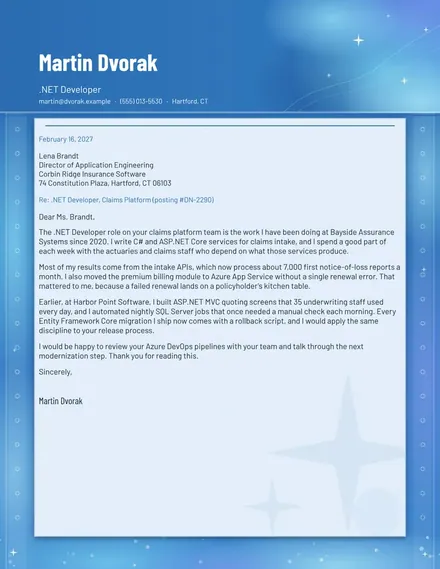
.NET Developer Cover Letter
Docs + Word2 pages
Free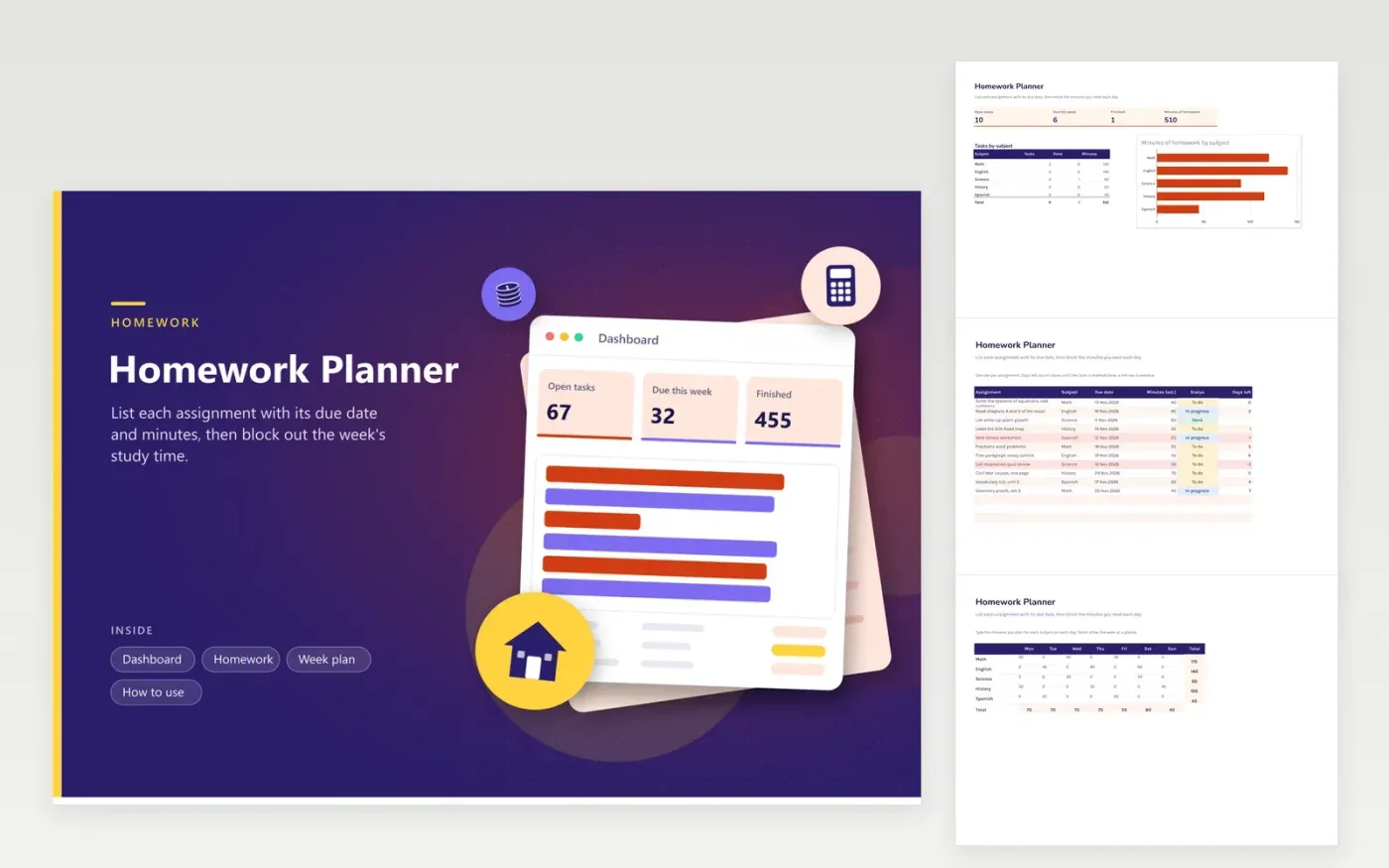
The Homework Planner suits students in middle and high school who want one place for every task. The Homework tab lists each assignment with its subject, due date, estimated minutes and status, with a days-left countdown until it is marked Done. The Week plan grid lets you block the minutes you intend to spend on each subject from Monday to Sunday, with totals for each day and subject. The Dashboard shows open tasks, what is due this week and the total estimated minutes.
Enter tasks as soon as they are set, and give each one an honest minute estimate. Start the week with the Week plan grid, filling in one subject at a time rather than trying to plan every hour. Any task that turns red needs a smaller first step, so split it into two rows and mark the first one In progress.
Click Make a copy in Google Sheets, then confirm on the Google page. The copy is saved to your own Google Drive.
Start on the Homework tab: replace the sample rows with your own.
Keep the formula columns as they are; they fill in as you type.
Read the How to use tab for tips. For Excel, download the .xlsx file instead.
List every task on the Homework tab with its due date, then fill in the Week plan grid with the minutes you will spend on each subject each day. Start with the tasks due soonest, and leave some Sunday time for catching up.
Many schools suggest a rough guide of about ten minutes per grade level each night, but real times vary by task and student. Use the minutes column for your own estimates, compare them with how long tasks take in practice, and adjust.
Rows go red for any assignment past its deadline that is still open. Switch the status to Done after handing it in; the row then stops counting as overdue and only unfinished work stays red.
Docs + Word2 pages
Free
Docs + Word2 pages
Free
Docs + Word1 page
Free
Sheets + Excel4 tabs
Free
Sheets + Excel5 tabs
Free
Sheets + Excel4 tabs
Free
Sheets + Excel5 tabs
Free
Sheets + Excel4 tabs
Free
Sheets + Excel5 tabs
Free
Sheets + Excel3 tabs
Free