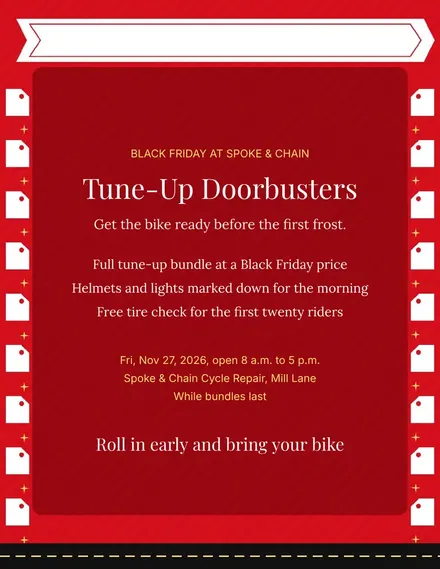
Spoke & Chain Cycle Doorbuster Flyer
Docs + Word1 page
Free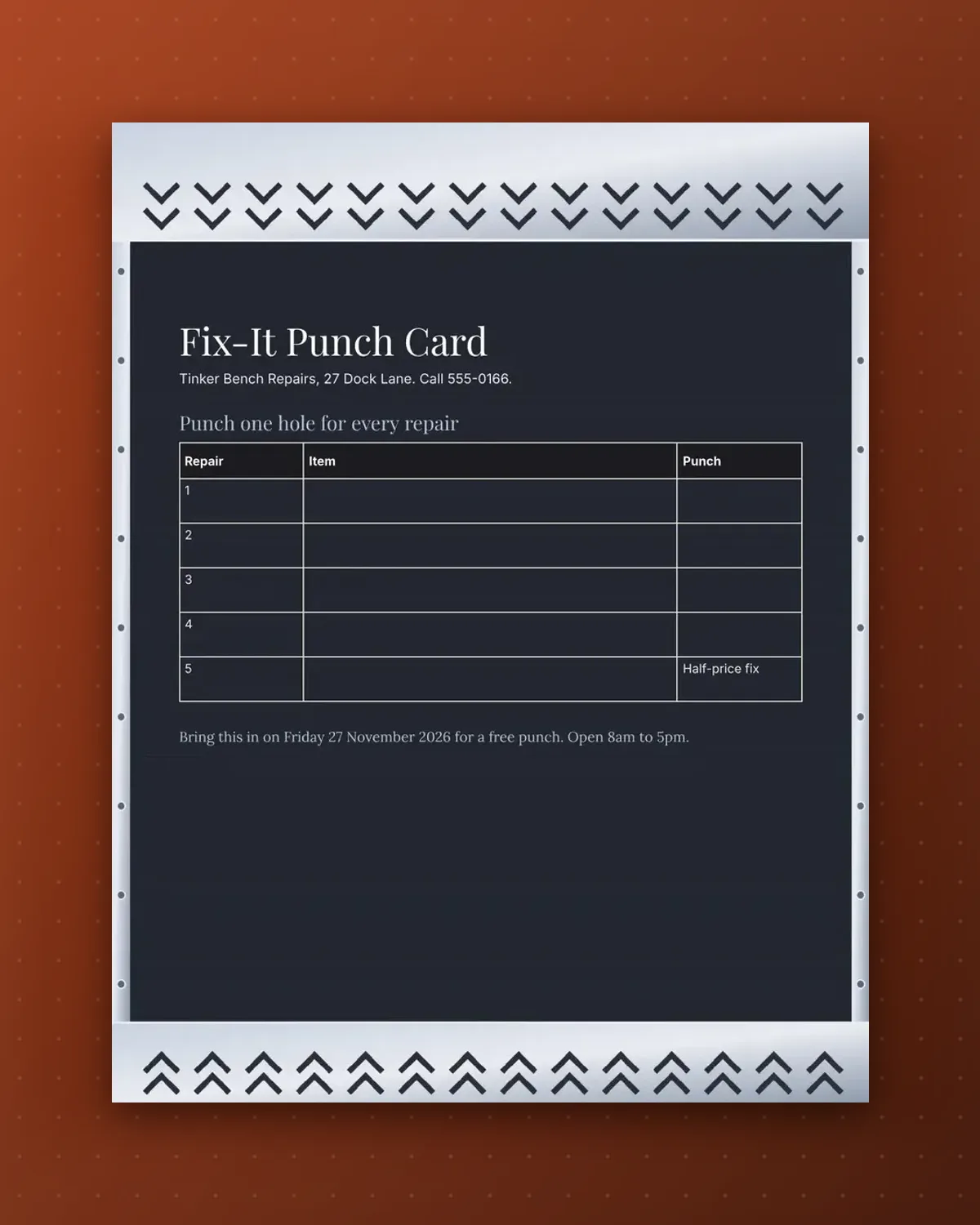
The item column lets staff note what was mended, which makes the card a handy record for both sides of the counter.
Edit the reward and the number of repairs. The footnote is for the sale-day bonus.
Make a copy in Google Docs, or download the Word file.
Type over the sample text with your own details.
Delete the guide page when you are done.
Print it, or save it as a PDF.
Yes, add one and update the reward.
You can, or just tick the cell with a pen.
Use the item column for a short description.
Docs + Word1 page
Free
Docs + Word1 page
Free
Docs + Word1 page
Free
Docs + Word1 page
Free
Docs + Word2 pages
Free
Docs + Word1 page
Free
Docs + Word1 page
Free
Docs + Word1 page
Free
Docs + Word1 page
Free
Docs + Word1 page
Free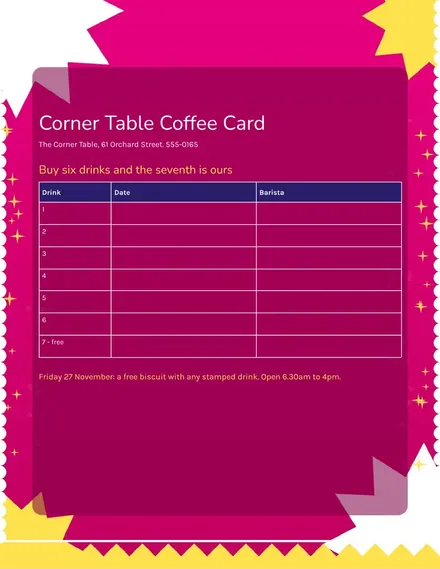
Docs + Word1 page
Free
Docs + Word1 page
Free
Docs + Word1 page
Free
Docs + Word1 page
Free
Docs + Word2 pages
Free








