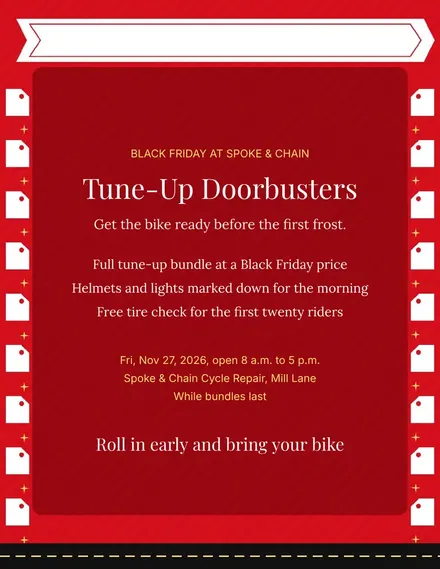
Spoke & Chain Cycle Doorbuster Flyer
Docs + Word1 page
Free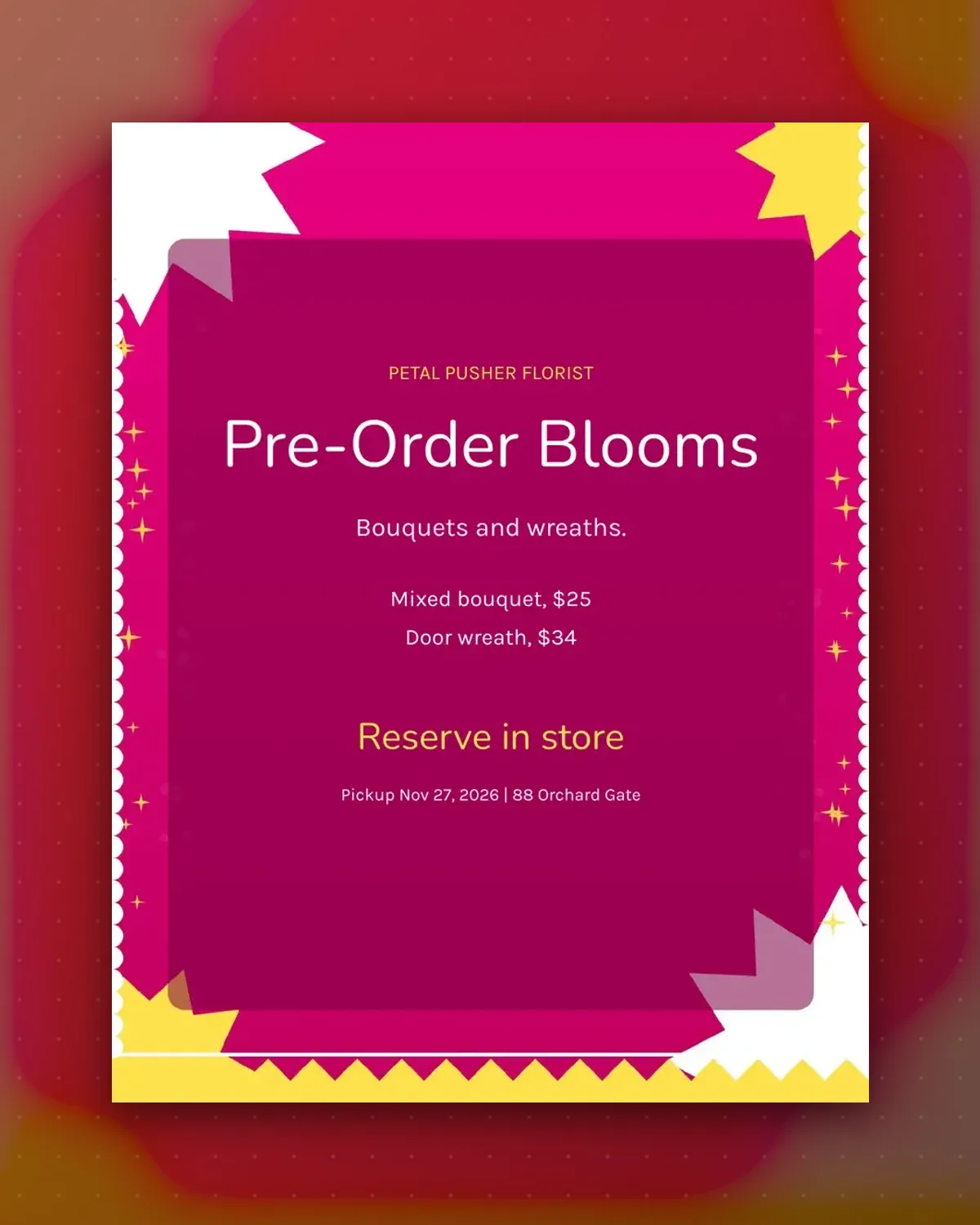
Flowers cannot sit on a shelf, so this poster asks shoppers to reserve early. It shows two prices and the window when orders are ready to collect.
The order-by date in the footer keeps your stem count under control. Change the products to potted bulbs or table arrangements if you prefer.
Make a copy in Google Docs, or download the Word file.
Type over the sample text with your own details.
Delete the guide page when you are done.
Print it, or save it as a PDF.
Draw a dotted line in a table at the bottom and write your slot times in it.
Pick a date that lets your supplier deliver; two days is common.
Replace one detail line with a third product, but keep three lines in all.
Docs + Word1 page
Free
Docs + Word1 page
Free
Docs + Word1 page
Free
Docs + Word1 page
Free
Docs + Word2 pages
Free
Docs + Word1 page
Free
Docs + Word1 page
Free
Docs + Word1 page
Free
Docs + Word1 page
Free
Docs + Word1 page
Free
Docs + Word1 page
Free
Docs + Word1 page
Free
Docs + Word1 page
Free
Docs + Word1 page
Free
Docs + Word2 pages
Free








