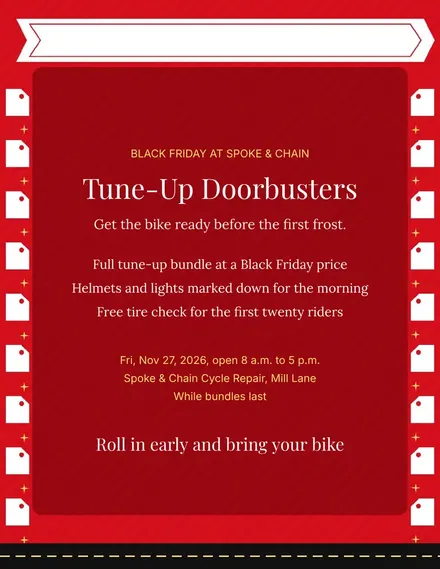
Spoke & Chain Cycle Doorbuster Flyer
Docs + Word1 page
Free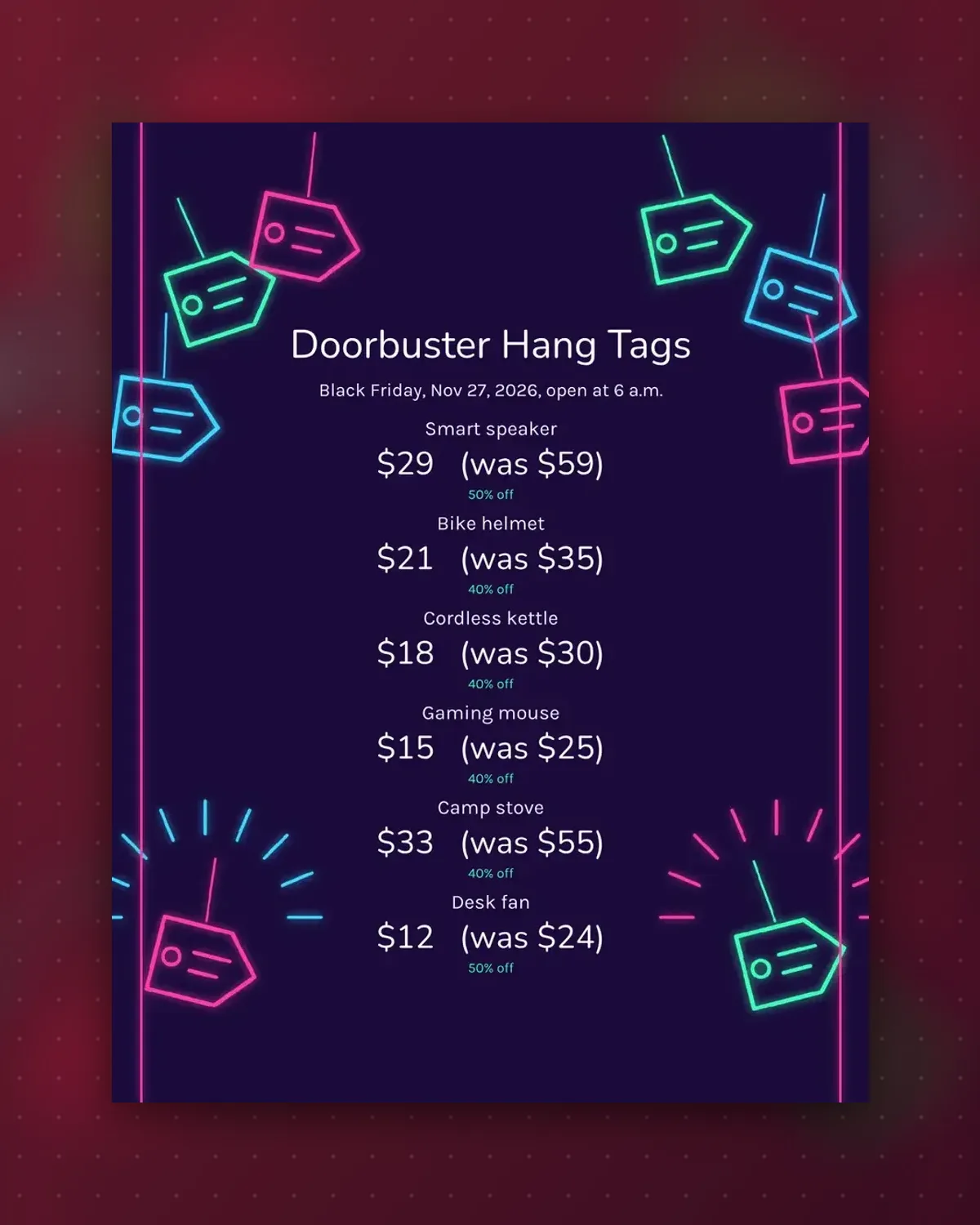
Doorbuster items must jump out at people who rush in. These tags use a large percentage and a short price so the offer reads from across the floor.
Type your own product names and prices over the examples. Short names keep each tag easy to scan.
Make a copy in Google Docs, or download the Word file.
Type over the sample text with your own details.
Delete the guide page when you are done.
Print it, or save it as a PDF.
Yes. Replace the percent text with a short save line.
Short item names read best from a few steps away.
No. Cut away the ones you do not use.
Docs + Word1 page
Free
Docs + Word1 page
Free
Docs + Word1 page
Free
Docs + Word1 page
Free
Docs + Word2 pages
Free
Docs + Word1 page
Free
Docs + Word1 page
Free
Docs + Word1 page
Free
Docs + Word1 page
Free
Docs + Word1 page
Free
Docs + Word1 page
Free
Docs + Word1 page
Free
Docs + Word1 page
Free
Docs + Word1 page
Free
Docs + Word2 pages
Free








