SaaS Service Level Agreement
Docs + Word8 pages
Free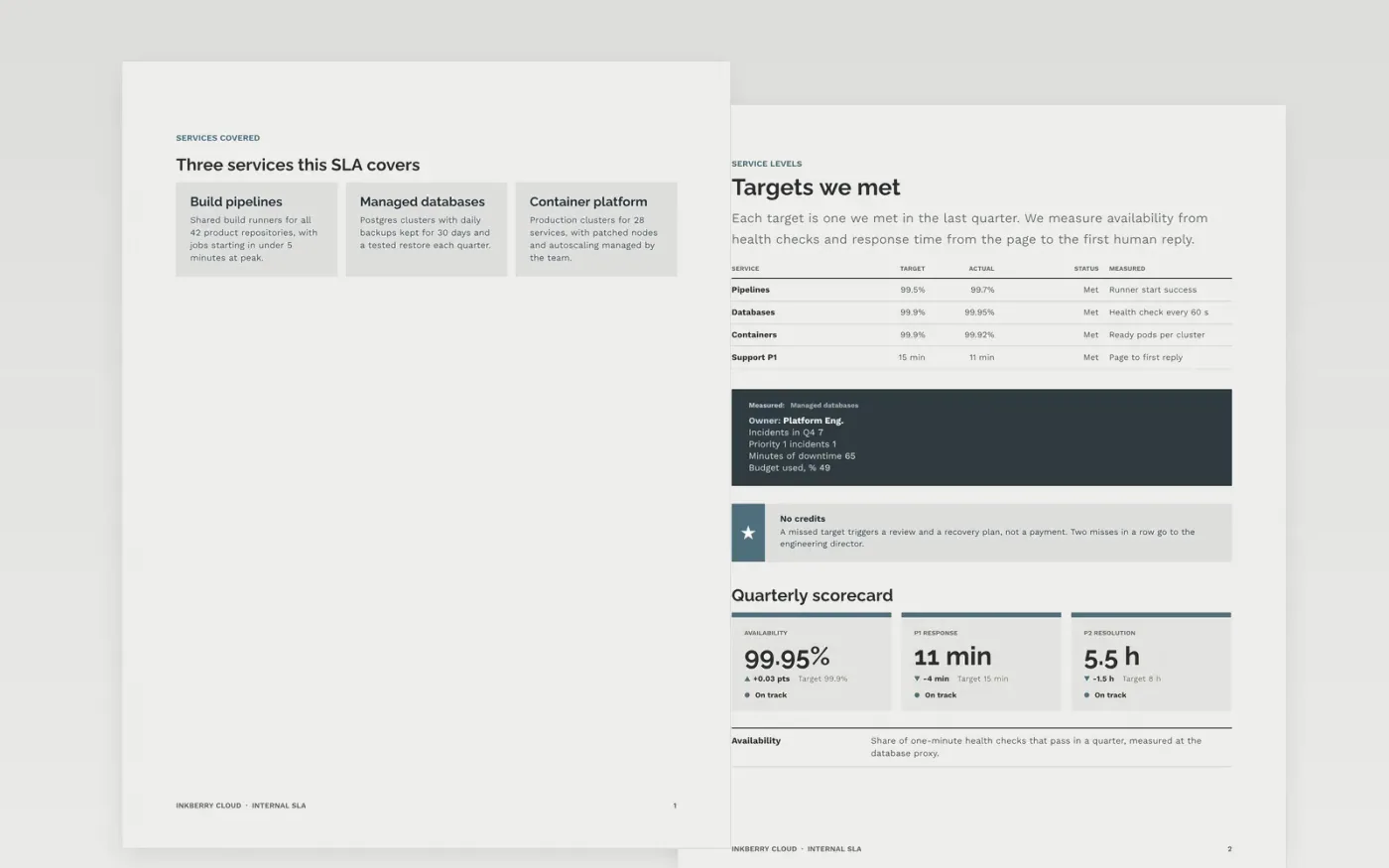
When one team runs a service that others depend on, expectations drift: response times are assumed, owners are unclear and nobody knows when to escalate. This template sets out the services, targets, measurement, responsibilities, escalation path and review in seven designed pages, with no money changing hands.
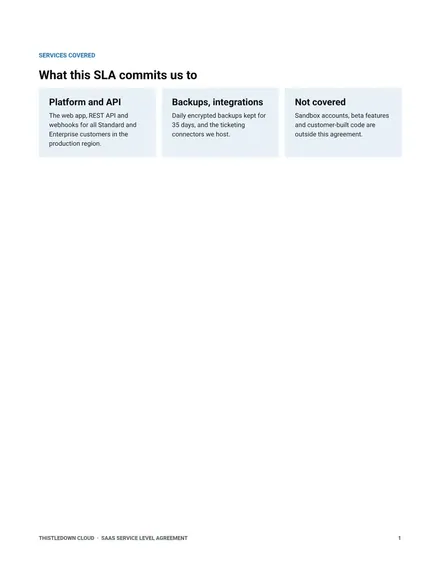
The sample covers Platform Engineering at a fictional company, Inkberry Cloud, serving three internal services: pipelines, managed databases and containers. Replace the services, targets, owners, contacts and dates with your own, and set targets you can already meet from last quarter's data.
Click Make a copy in Google Docs, then confirm on the Google page. The copy is saved to your own Google Drive.
Replace the three sample services with the services, tiers and customers your SLA covers.
Set availability, response and resolution targets from your own data, and define how each one is measured.
Fill in the RACI roles, escalation contacts, review date and follow-up actions with real names.
Delete the Make it yours guide page, then share the SLA with the teams that rely on the service.
Internal teams share a budget, so credits move nothing. A missed target triggers a review and a recovery plan instead. Add a credits section if you charge back.
No. It is a working template for internal agreements. If it will be part of a contract with a customer, have counsel review the wording before anyone signs.
No. Inkberry Cloud, its people and every figure are fictional sample content. Replace them with your own service names, targets and contacts.
More Google Docs templatesMore developer workflows templates
Docs + Word8 pages
Free
Slides + PowerPoint11 slides
Free
Docs + Word7 pages
Free









