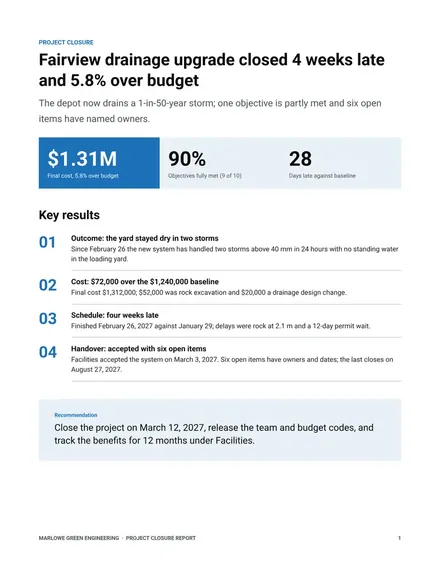
Project Closure Report
Docs + Word9 pages
Free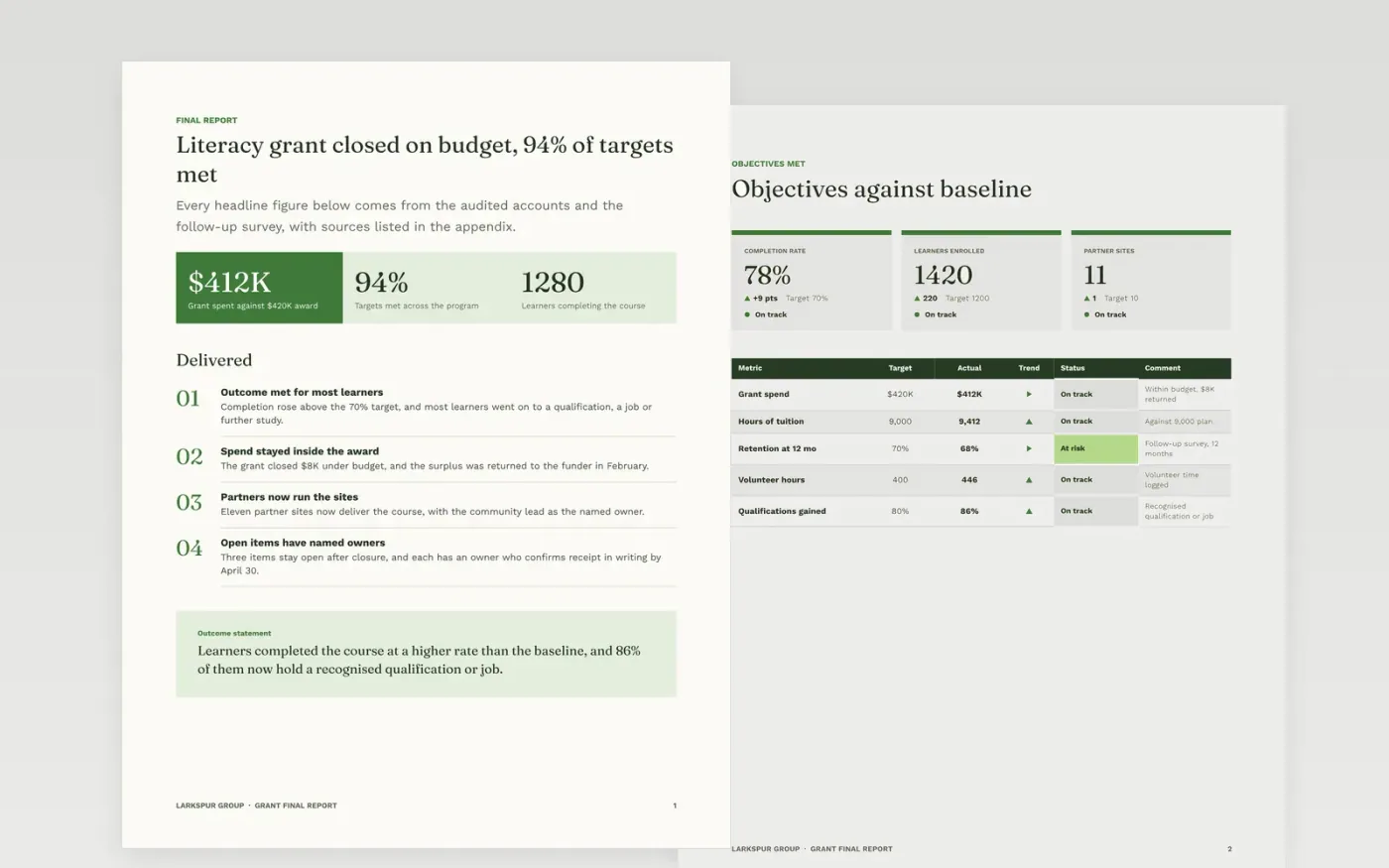
This free Google Docs template helps a grant holder close a project with a final report that a funder can accept without follow-up questions. It records outcomes against the agreed baseline, the spend by line and by category, the stories behind the numbers, the open items and the owner of each outcome after closure. The result is a clear audit trail and a clean handover.
The sample is the final report for a literacy grant run by Larkspur Group, a fictional organisation, with invented learners, spend and partner sites. Replace the summary, outcomes and figures with audited numbers, check each claim against the grant agreement, and name an owner for every item that stays open.
Click Make a copy in Google Docs, then confirm on the Google page. The copy is saved to your own Google Drive.
Replace the summary and the figures with audited numbers and their sources.
Check every outcome against the baseline in the grant agreement, including the missed ones.
Name an owner and a confirmation date for each open item before you send the report.
Delete the guide page, then send the report to the funder or present it from the first page.
Yes. A funder trusts a report that shows what was missed and why more than one that reports only success. Give the reason for each miss and what was learned from it.
No. Larkspur Group, the literacy grant, the learners, figures, partner sites and quotes are fictional sample data. Replace them with your own audited details before the report is sent.
Keep receipts, timesheets and attendance registers for at least seven years, or as long as the grant agreement requires. Check the rule in the agreement before the report is sent.
Docs + Word9 pages
Free
Docs + Word7 pages
Free
Docs + Word5 pages
Free










