Exit Interview Form
Docs + Word7 pages
Free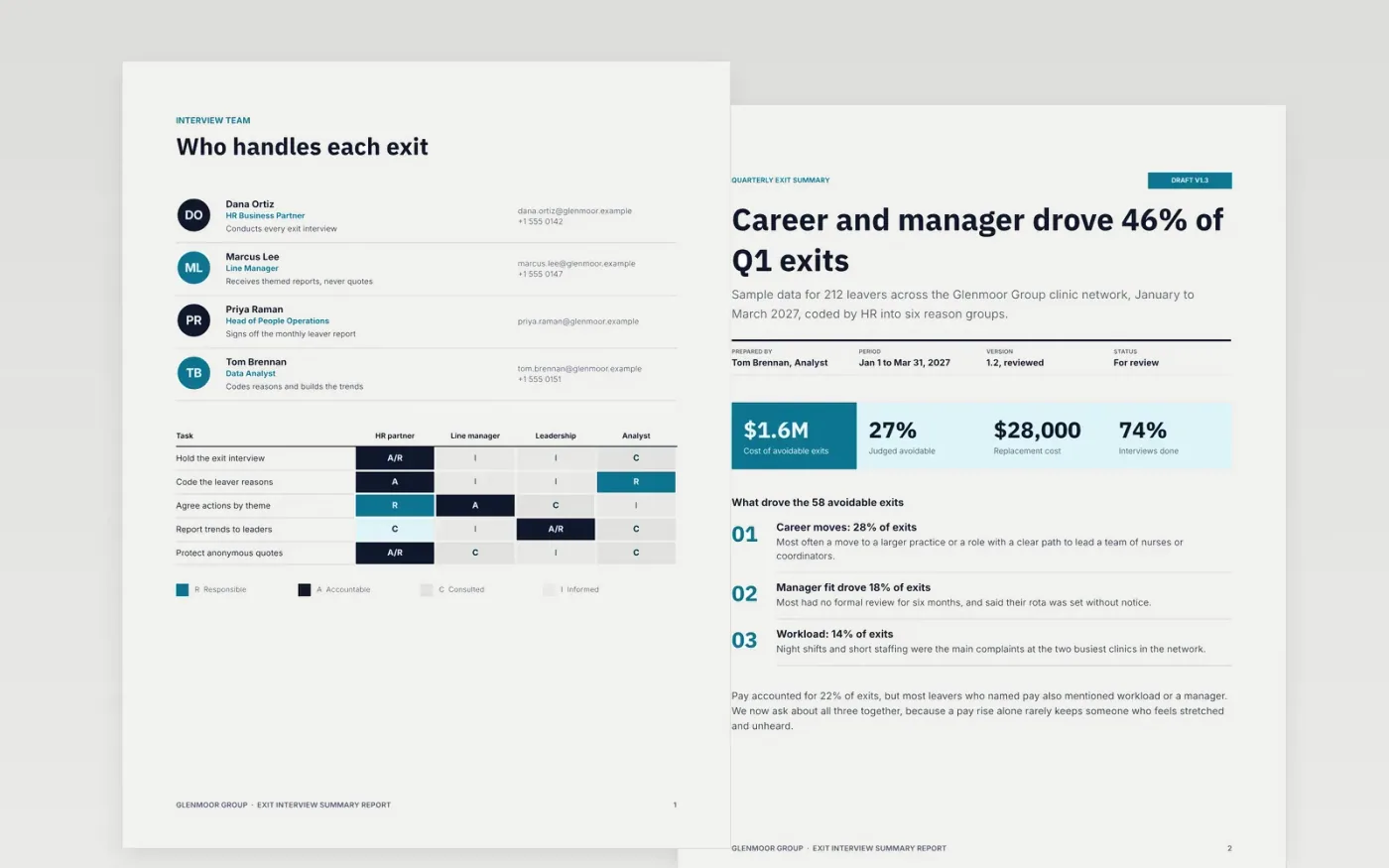
The Exit Interview Summary Report template helps HR teams see why people leave and what would have kept them. It runs as a short sequence: who is involved, the quarter's reasons with key figures in a title block, the main themes, and a list of owned actions with due dates. Each page is built so that a leader can read it in a few minutes, not only the HR team.
The sample uses 212 fictional leavers from the Glenmoor Group clinic network in Q1 2027, with 58 exits judged avoidable and the reasons coded into six groups. Replace the figures and names with your own leaver data, set the interviewer and the reporting rhythm, and adjust the sector questions for your workforce. Delete the stay interview section if you are not running those yet.
Click Make a copy in Google Docs, then confirm on the Google page. The copy is saved to your own Google Drive.
Replace the Glenmoor Group name, the title block details and the reporting period with your own.
Work through the leavers, reasons, themes and actions pages, replacing the sample figures with your own data.
Check that every count and percentage still adds up, delete the guide page, then share or present the report.
Yes. Click Make a copy in Google Docs and the file is saved to your own Google Drive, with no sign-up and no charge.
Yes. The template uses standard Google Docs styles, so you can change fonts, colors and page layout the same way you would in any document.
No. Glenmoor Group, every person, email address and figure in the template are fictional sample data. Replace them with your own before you share the report.
Docs + Word7 pages
Free
Docs + Word7 pages
Free
Docs + Word21 pages
Free









