
Employee Recognition Programme
Docs + Word7 pages
Free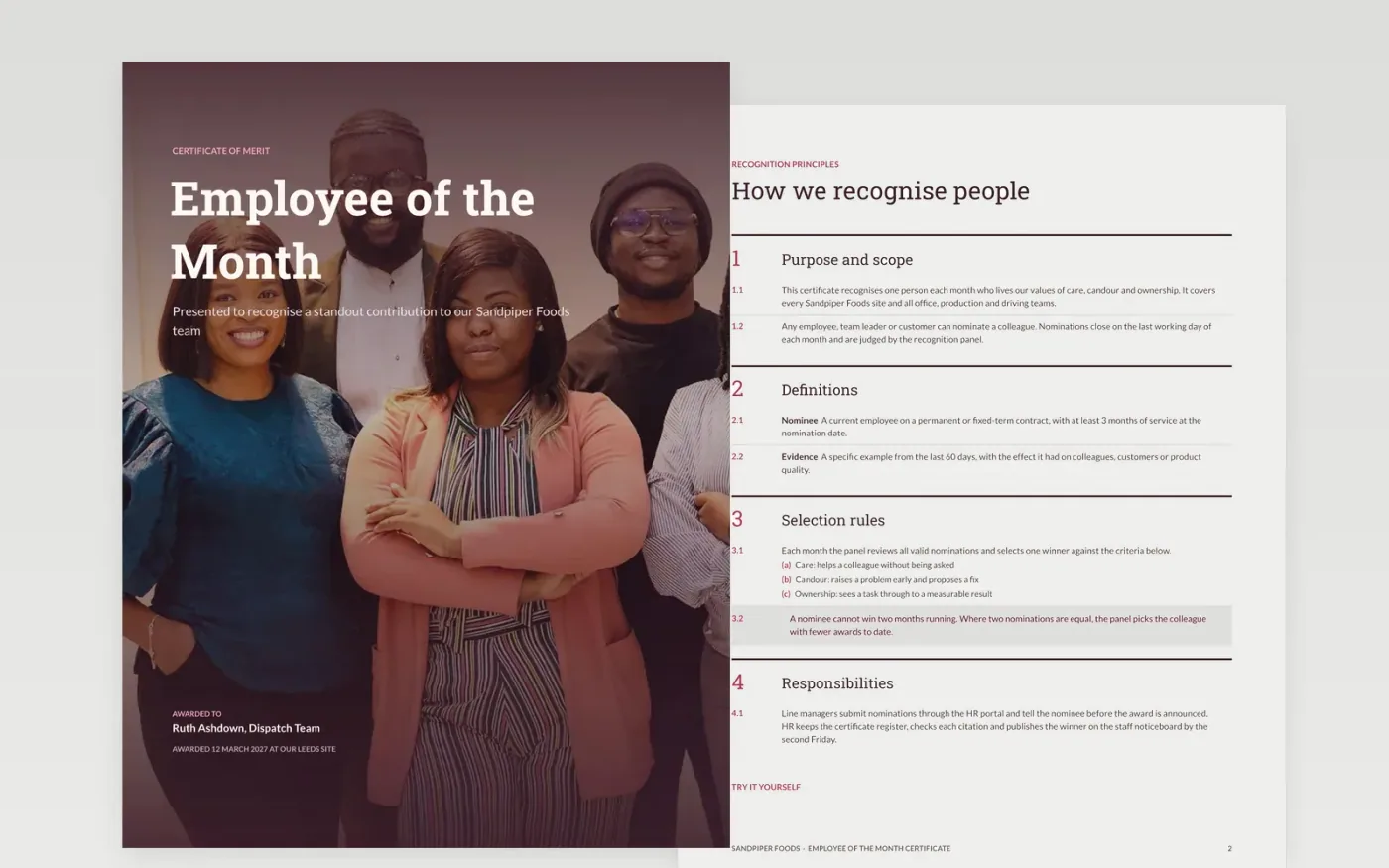
Recognition only works when people can see how awards are made. This template gives small businesses a printable certificate and a short policy page that sets out who can be nominated, what counts as evidence and how a winner is chosen. The first page is the certificate, with space for the recipient, the citation and the date. The later pages cover the rules, nomination tips and a guide to making it yours.
The sample follows a fictional business, Sandpiper Foods, and its dispatch team. The recipient, citation, criteria and budget are all invented, so you can see what a good citation looks like. To adapt it, replace the names, set your own criteria, insert your budget and check local tax rules for gift cards before you print.
Click Make a copy in Google Docs, then confirm on the Google page. The copy is saved to your own Google Drive.
Replace the sample names, team, site and date on the cover and in the citation.
Set your criteria, nomination deadline and panel on the policy page, then insert your budget.
Delete the guide page, then share the file with managers or print the certificate and present it.
Yes. Print at A4 on 300gsm card, then check the margins on your printer before the award day so the citation fits inside the frame.
No. Sandpiper Foods, its people, the recipient, the budget and all figures are fictional sample data. Replace them with your own before you use the certificate.
Often yes. Check with your accountant how gift cards, vouchers and cash awards are treated locally before you set the budget, because the rules differ by award type.
Docs + Word7 pages
Free
Docs + Word7 pages
Free
Docs + Word21 pages
Free









