
Engineering Onboarding Guide
Docs + Word9 pages
Free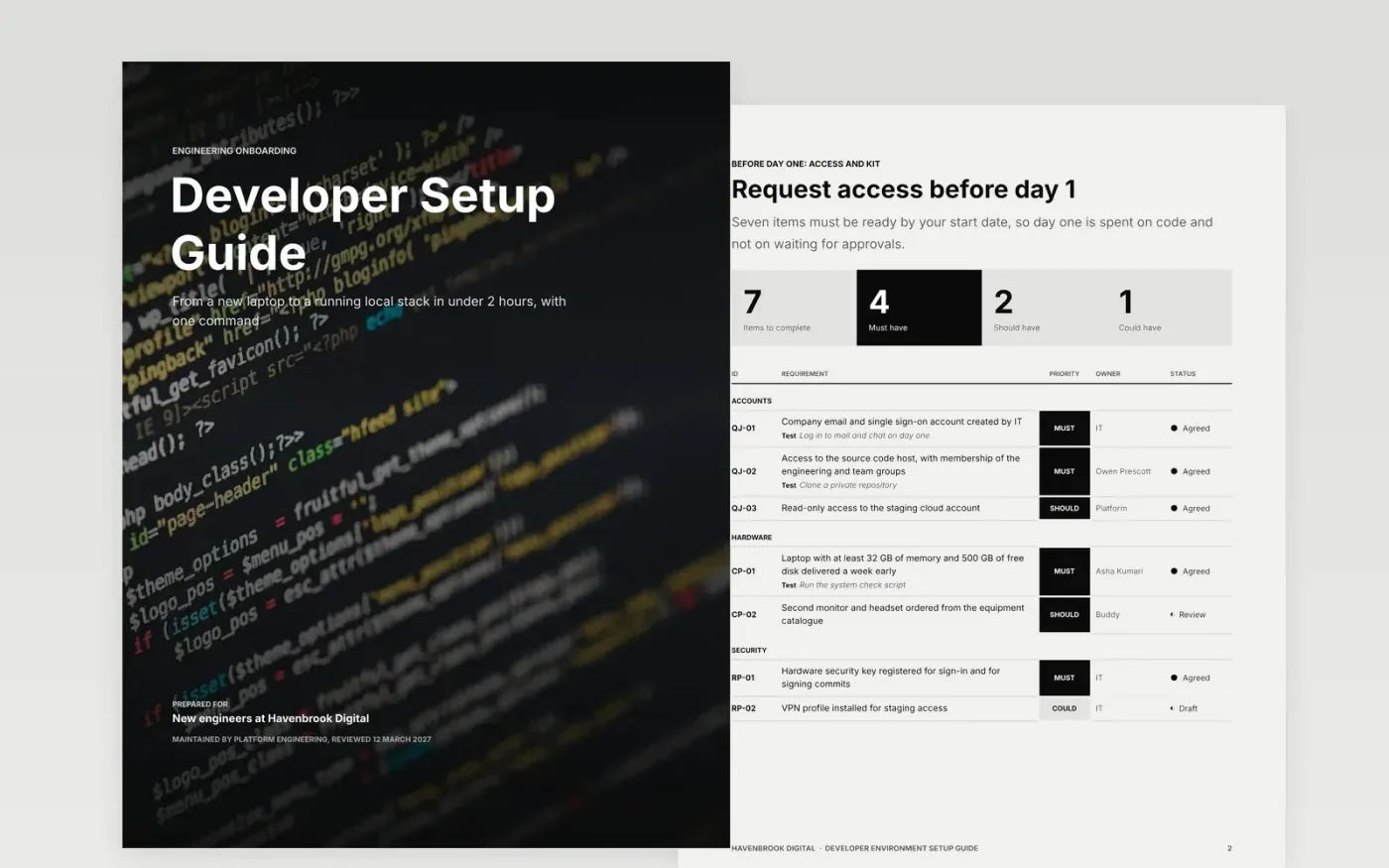
New engineers lose their first days to missing access, outdated instructions and set-up steps nobody has run on a clean laptop for a year. This guide puts the whole route in order: prerequisites to request before day one, the tools to install, the repositories to clone, the local stack to start and the failures most likely to happen.
The sample follows Havenbrook Digital, a fictional software company with a one-command set-up, a seven-line requirements list, a request-flow diagram and a risk grid of five common failures. Replace the commands, versions, owners and fixes with the ones you have just tested on a clean machine.
Click Make a copy in Google Docs, then confirm on the Google page. The copy is saved to your own Google Drive.
Run your own set-up on a clean laptop, then replace the commands, versions and time targets with what worked.
Swap the repository list and local stack diagram for your own services, ports and data stores.
Rewrite the troubleshooting register from your last ten support requests, with one named owner for each fix.
Delete the guide page, then share the guide with your next new hire and their buddy.
Run them on a fresh machine at least once a quarter, and whenever a tool version changes. Record the date on the tools page so readers know the steps are current.
No. Havenbrook Digital, the named people, the email addresses and the hbd commands are fictional sample content. Replace them with your own tools and contacts.
Yes. Delete the layers and requirements you do not need. A short guide that has been tested last week is more useful than a long one nobody has run.
More Google Docs templatesMore developer workflows templates
Docs + Word9 pages
Free
Docs + Word7 pages
Free
Slides + PowerPoint11 slides
Free









